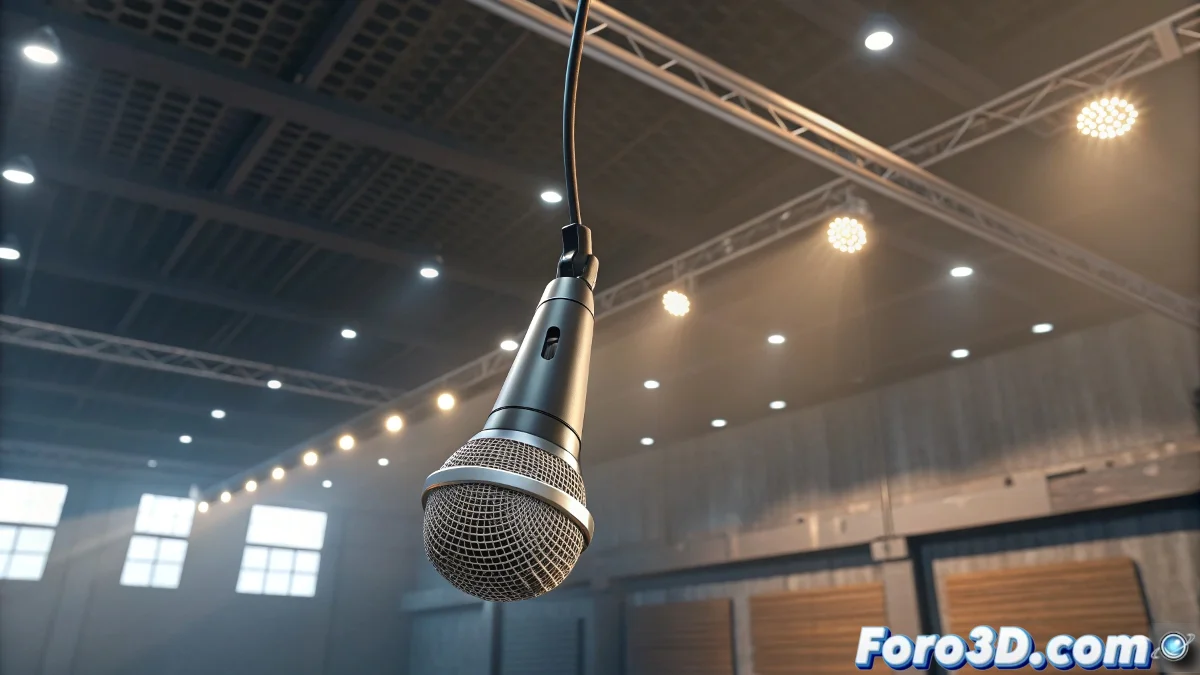
Techniques for Animating a Hanging Microphone That Is Then Grabbed
Do you need your microphone to go from swinging like a drunk to moving elegantly in your character's hands? 🎤✨ This classic "object changes owner" effect is simpler than it seems, even if your software has a small existential short-circuit. Here's how to master it without turning your timeline into a battlefield. 💥
Phase 1: Convincing Swing
For natural hanging movement:
- Use Spline IK in 3ds Max or IK Spline Tag in Cinema 4D
- Add a Spring Controller for automatic oscillations
- The microphone must be a child of the last bone/link
This way you'll get that organic swing needed for virtual concert backstages. 🎸
Phase 2: Power Transfer
When the microphone is grabbed:
- In 3ds Max: Use Link Constraint to change the parent (from bone to dummy)
- In Cinema 4D: Switch between Constraint Tags with dynamics on/off
- Adjust the transition with influence keyframes
A good parent control change is like passing the baton in a race: if you do it wrong, everyone notices; if you do it right, it seems like magic.
Tricks to Avoid Chaos
When the animation rebels:
- Freeze transformations before the parent change
- Use intermediate dummies to smooth transitions
- Try control morphing instead of abrupt changes
With these methods, your microphone will go from hanging innocently to being the center of attention without anyone noticing the trick. And when someone asks "how did you do it?", you can respond mysteriously: "An artist never reveals their secrets". 🎩✨
Bonus animator: If when rendering the microphone seems to have a life of its own, remember: it's not a bug, it's "animated personality". 3D objects also have the right to existential crises between keyframes. 😂