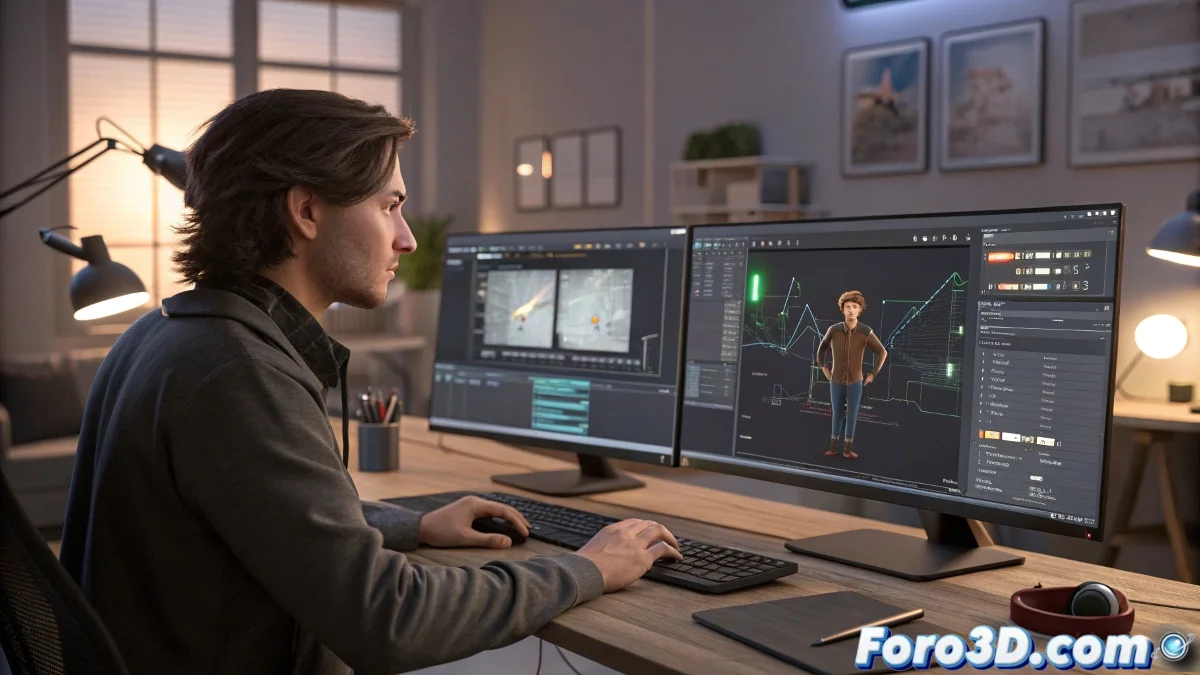
The Art of Taming Rebellious Rotations in Motion Flow
Motion Flow in 3ds Max is like that friend who helps you move the sofa but refuses to turn it to get it through the door. 🛋️ You want your animation to rotate elegantly, but the system seems to have an allergy to creative rotations. Fear not, here comes the clever trick.
Strategies to Trick Motion Flow
When Motion Flow gets stubborn with rotations, you have to apply the old tactic of creative deception. These are your secret weapons:
- Curve Editor: Where keyframes obey like well-trained dogs
- Parent nodes: The classic delegation of responsibilities in the 3D world
- Space controllers: Because sometimes you have to set boundaries
Wisdom from foro3d.com: If Motion Flow were a restaurant, it would be the one where you ask for modifications to your dish and the chef looks at you as if you insulted their mother
The Harsh Truth About Rotations
Motion Flow has three unbreakable rules:
- Do not talk about rotations during the transition
- Do not modify rotations during the transition
- Prepare everything BEFORE invoking Motion Flow
The good news is that with practice, you'll learn to anticipate like a 3D chess player. The bad news is that you'll probably lose several games before you succeed. ♟️
Emergency Kit for Desperate Rotations
When all else fails, remember this emergency protocol:
- Take a deep breath (80% of errors are solved this way)
- Save intermediate versions (to cry less later)
- Consult forums (where others have already cried for you)
Final irony: The funniest part is that after mastering these tricks, you end up longing for the days when your biggest problem was making a cube rotate. Progress in 3D is that paradoxical. 🤡