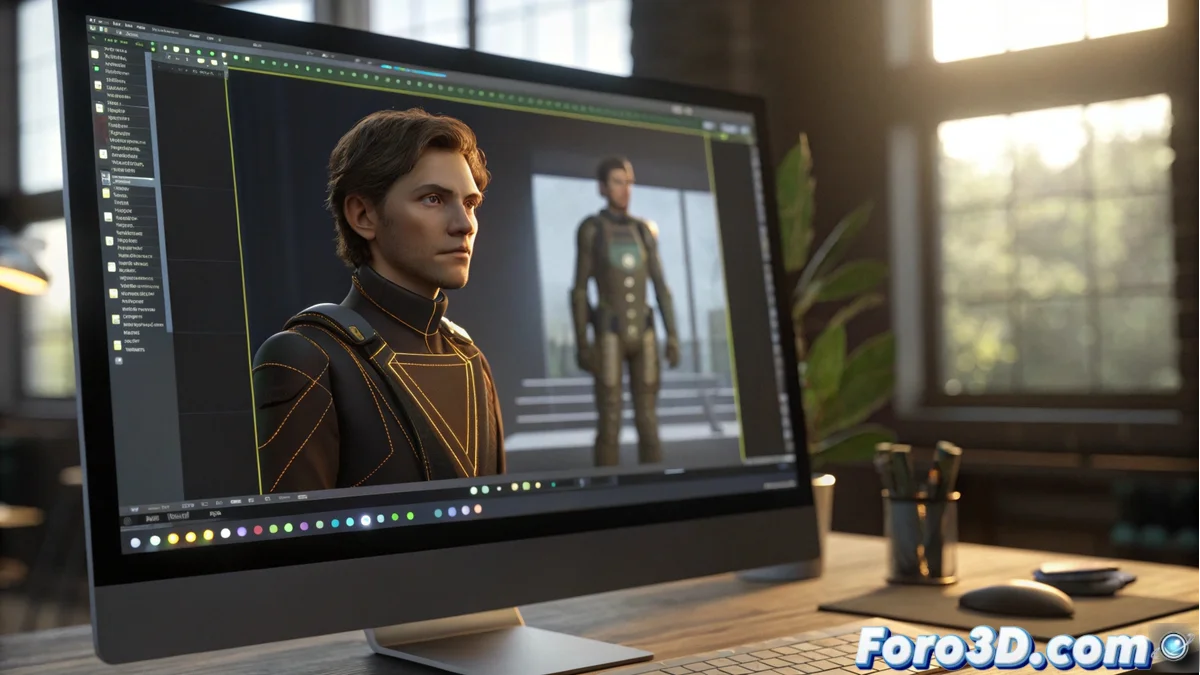
The Automatic Interpolation System of Synfig Studio
In the world of 2D animation, Synfig Studio stands out for its powerful automatic interpolation system, which generates intermediate frames between keyframes defined by the animator. This technology eliminates the tedious task of drawing each frame manually, allowing the creation of fluid and natural movements by simply setting start and end key points. The tool automatically calculates transitions between positions, shapes, colors, and other parameters, revolutionizing the animation workflow. 🎬
Advanced Customization of Interpolations
Users can fine-tune interpolation curves through the integrated graph editor, controlling the acceleration, deceleration, and timing of transitions. This level of detail allows for everything from simple linear movements to sophisticated animations with custom easing, where objects can start smoothly and gradually gain speed, or slow down gradually, adding realism and dynamism to the sequences.
Key Customization Features:- Adjustment of velocity curves to control the intensity of transitions
- Ability to create easing in and easing out effects in movements
- Intuitive interface that facilitates visual editing of interpolation parameters
The magic of Synfig lies in how it transforms a few keyframes into complex animations, saving hours of manual work.
Application to Multiple Animated Parameters
The automatic tweening works with various properties simultaneously, including layer transformations, mesh deformations, color variations, and transparency adjustments. Animators can link multiple parameters to interpolate in a synchronized manner, ensuring visual coherence throughout the entire animation. This versatility enables advanced effects like morphing between shapes or smooth chromatic transitions with minimal manual effort.
Parameters Compatible with Interpolation:- Geometric transformations such as position, rotation, and scale
- Mesh deformations for complex shape alterations
- Color and transparency modifications for dynamic visual effects
Professional Results with Efficiency
Upon rendering, it is evident how the initial keyframes turn into polished and professional animations, where the animator only needed to define a few key points. This approach not only optimizes time but also improves the quality of productions, allowing creators to focus on creativity rather than repetitive tasks. Synfig Studio's automatic interpolation is, without a doubt, an indispensable tool for any modern animation project. ✨