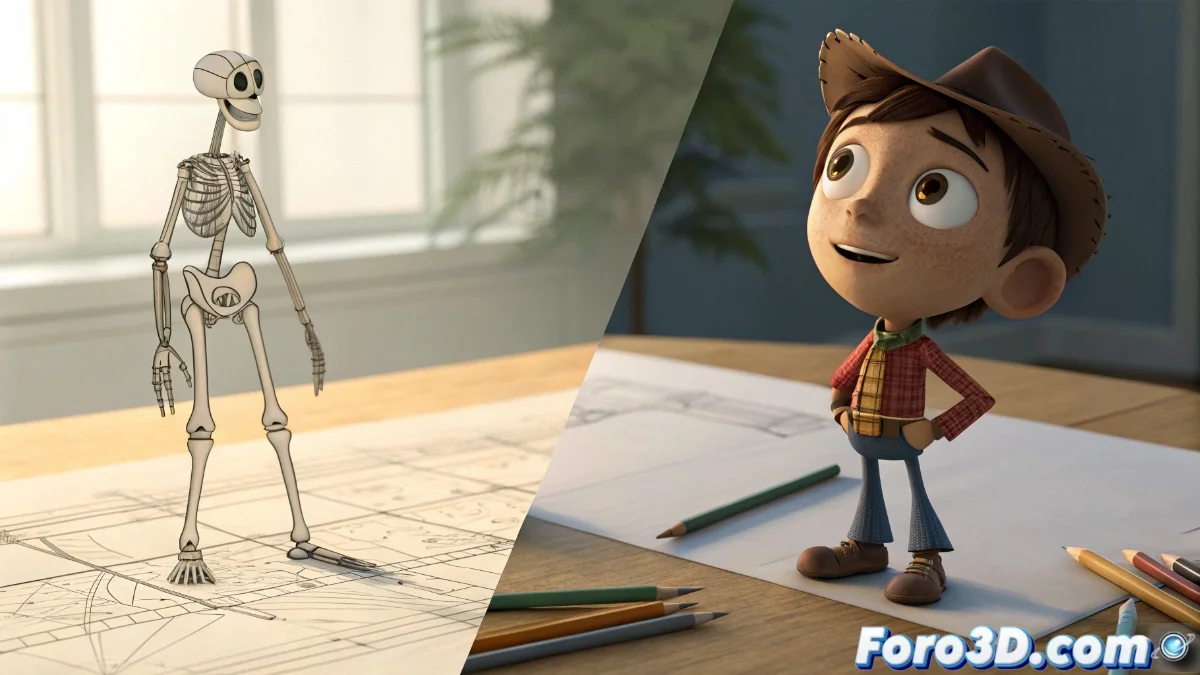
Synfig Studio vs Pencil2D: Clash of Philosophies in 2D Animation
In the universe of 2D animation, these two tools represent radically different paths. While Synfig Studio bets on automation and technical precision, Pencil2D defends the artisanal spontaneity of hand-drawn art. 🎨
Divergent Technical Approaches
Synfig Studio operates with a node and bone system that allows manipulating elements through automatic interpolations, ideal for complex and repetitive movements. In contrast, Pencil2D uses the frame-by-frame method where each frame is drawn manually, preserving the essence of classical animation. ✏️
Main Features of Synfig Studio:- Vector animation with advanced deformations using bones
- Automatic interpolation that eliminates constant redrawing
- Layer and node system for millimeter control of each element
"Choosing between these tools is like deciding between a surgical scalpel and a Japanese brush: both create art, but with opposing philosophies"
Differentiated Target Audiences
The choice depends entirely on the level of experience and type of project. Synfig is aimed at professionals who need to produce technical animations for short films or educational content, while Pencil2D connects better with beginners and traditional artists. 🎭
Ideal Uses for Each Software:- Synfig: Complex projects with multiple elements in simultaneous motion
- Pencil2D: Quick storyboards, experimental animation, and personal projects
- Synfig: When efficiency in repetitive animations is valued
Conclusion: Which One to Choose?
Both tools demonstrate that in 2D animation there are multiple paths to achieve professional results. Synfig Studio offers technical power for elaborate projects, while Pencil2D provides a creative immediacy that many artists prefer. The final decision depends on whether you seek the precision of an engineer or the freedom of a painter. 🖌️