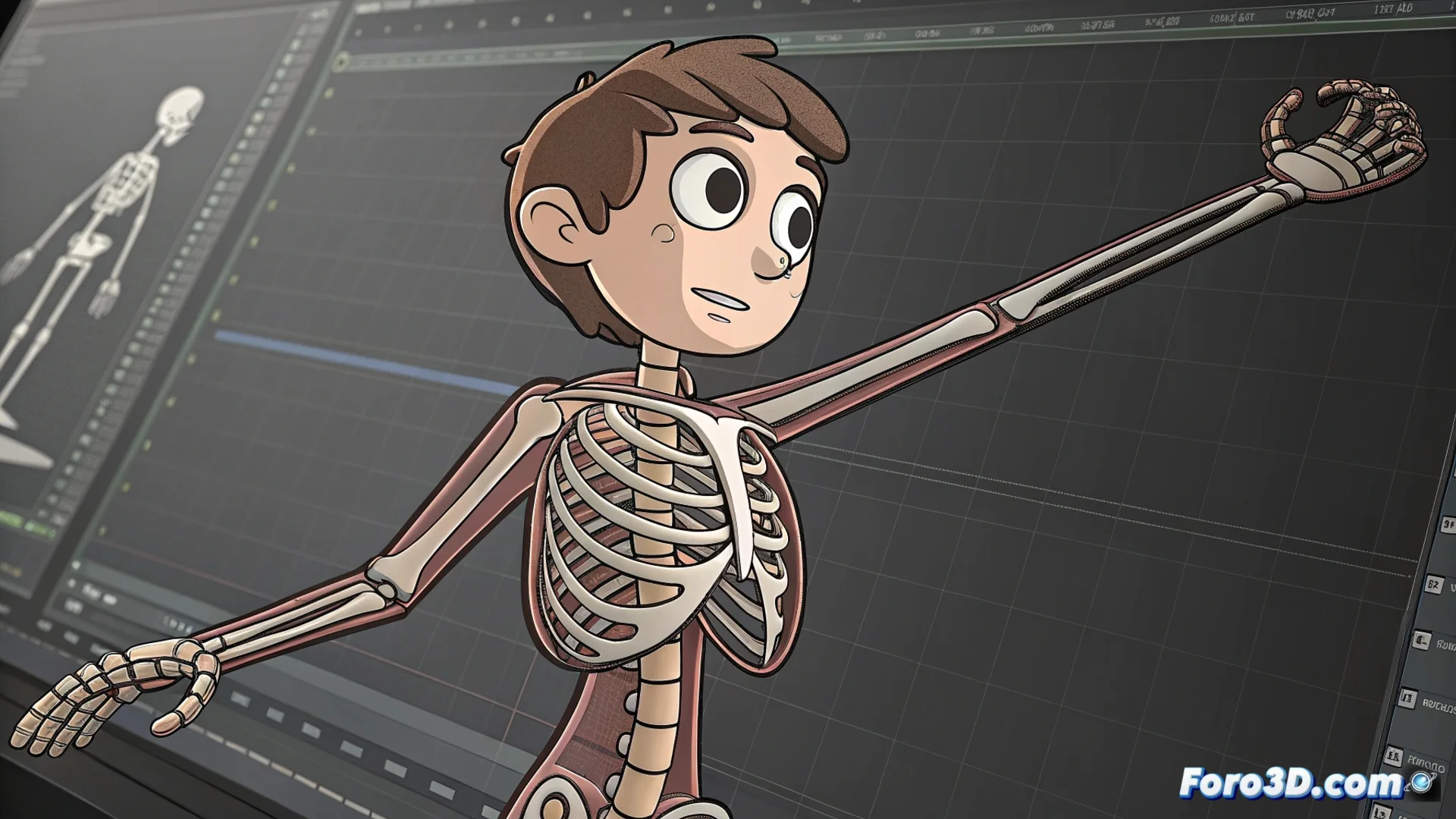
Synfig Studio Implements a Bone System for Animation
Traditional 2D animation can be a laborious process. Synfig Studio solves this by integrating a robust bone system that allows rigging and animating vector characters or objects efficiently. This approach eliminates the need to manipulate each layer separately, replacing it with a centralized control structure. 🦴
Fundamentals of Rigging with Vector Layers
To use this system, you must first prepare your illustration. Separate the character's parts into distinct vector layers. Then, build the skeleton: start with a root bone and add child bones to form the complete hierarchy. The crucial step is linking the geometry to the bones using the Link tool, which connects the points of a layer to a specific bone. Thus, when manipulating the bone, the vector shape deforms and follows the movement in a natural and organic way.
Key advantages of the process:- Avoids manually animating every element of the illustration, saving considerable time.
- The vector mesh deformation is automatic and smooth, maintaining quality.
- Allows creating complex control structures for articulated characters.
A bone system with IK is not a luxury, but a necessity to maintain sanity when animating multiple limbs.
The Power of Inverse Kinematics (IK)
True efficiency arises when activating inverse kinematics (IK). This functionality allows intuitive manipulation of a bone chain: you just drag an end limb, like a hand, and the entire chain up to the root adjusts automatically. This greatly simplifies the process of posing, without having to rotate each joint individually.
IK functionalities in Synfig:- Define custom IK chains for different body parts.
- Set rotation limits for bones and control their influence.
- Precisely adjust how the vector mesh responds to the skeleton's movement.
Optimizing the Animation Workflow
Implementing this system transforms complex projects. Animating something with many moving parts, like an octopus with its tentacles, becomes manageable. The use of bones and IK prevents your timeline from becoming a tangle of uneditable keyframes, organizing the animation in a logical and non-destructive way. In short, it is a powerful tool for any 2D animator looking to optimize their workflow and produce smoother animations with less effort. ✨