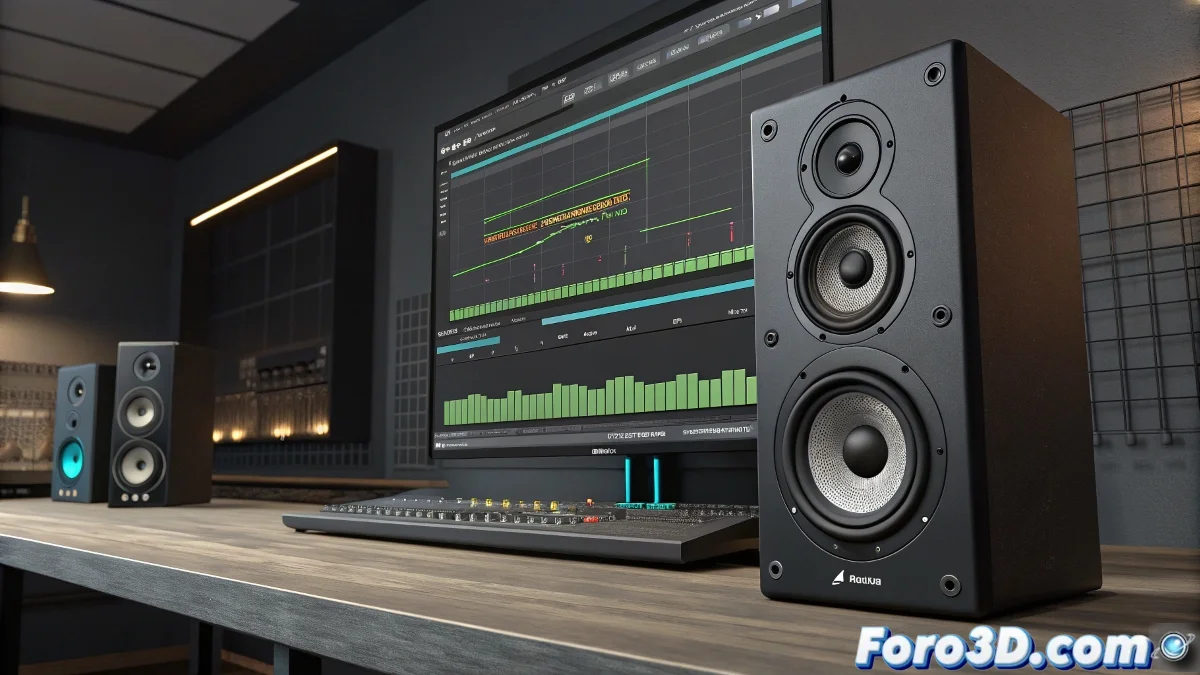
Synchronizing Animation with Music in Maya
Animating to the rhythm of music in Autodesk Maya may seem like a simple task… until you realize that your timeline looks more like an electrocardiogram than an organized audio track. The idea of moving a speaker or speaker in time with the music is very popular, especially in motion graphics or VFX projects. However, achieving precise synchronization requires more than just dragging keyframes by eye.
Methods for Animating to the Rhythm of Sound in Maya
The most direct and controlled solution is to generate an audio visualization in the form of animation curves. In Maya, this is achieved using the Import Audio command within the timeline to load the sound file. Although Maya does not generate automatic keyframes from audio like other programs such as After Effects, you can work manually or rely on external tools.
A very common technique is to create a visual reference of the audio using sound editing software like Adobe Audition or Audacity, where you can export a data file in the form of an amplitude envelope or even a CSV with volume values over time. Then, you can import that data into Maya and link it to the attribute you want to animate, such as the scale or rotation of the speaker.
Options for Automating Synchronization
If you prefer not to do everything by hand, there are several scripts and plugins developed by the community that allow converting audio information into animation curves within Maya. Some of the most well-known include:
- AnimCurve Tools
- Audio2Anim Script
- External processing in Houdini or Blender and then export the animation as Alembic
You can also use expressions or even a script node to interpret the audio frame by frame if you have some experience in MEL scripting or Python within Maya.
A Little Trick for Those Who Struggle with the Timeline
A quick, though less precise, solution is simply to place manual markers on the timeline while listening to the music, using the method of marking key frames every time you detect an important beat. It's not the most technical system… but sometimes the artisanal approach saves the day.
Because of course… who needs logic when you can move the speaker by hand following the rhythm with headphones on and your pulse trembling like after a failed render? But with these tips, you'll achieve perfect synchronization! 🎵