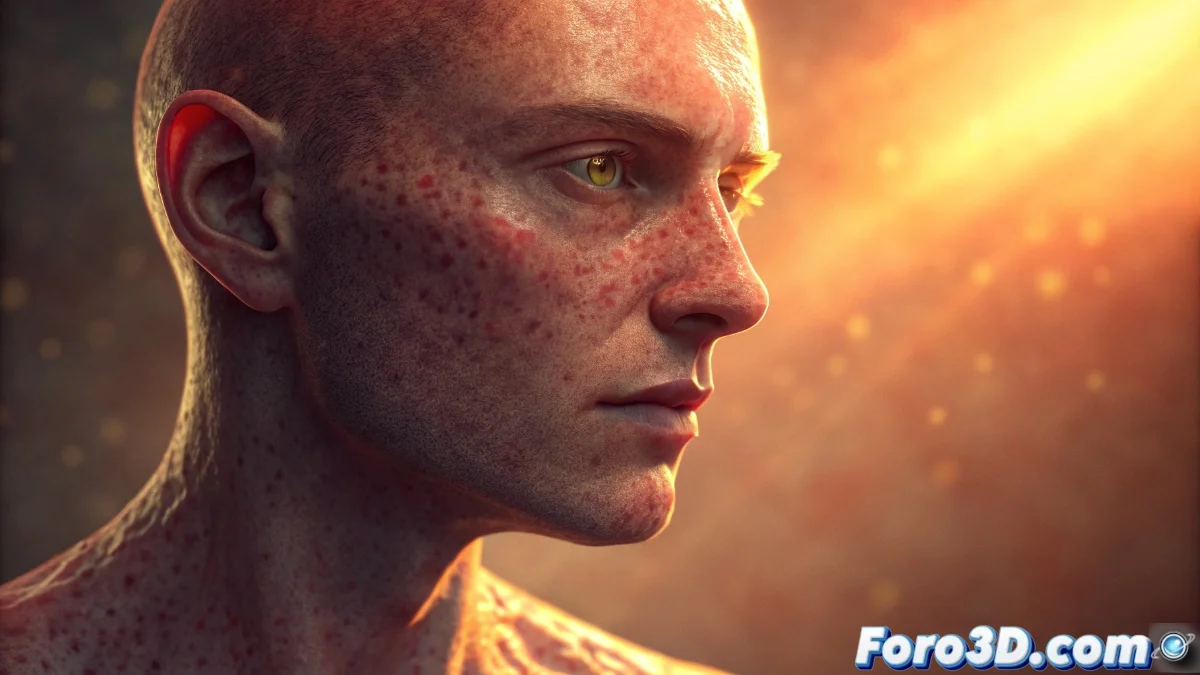
Subsurface Scattering Profile in Unreal Engine: Complete Guide
The Subsurface Scattering Profile is an essential technology in Unreal Engine for replicating the physical behavior of light as it passes through semi-transparent materials. This simulation enables the creation of believable organic surfaces such as human skin, wax, or natural stones, where photons scatter internally, generating that characteristic internal glow effect 🎨.
Subsurface Scattering Profile Setup
Implementing this system requires activating the Shading Model Subsurface Profile in the material editor. Developers must define or select a specific profile from the Content Browser, where critical parameters such as the light scattering radius and subsurface tones are controlled. These settings determine how light is absorbed and redistributed within the material volume 💡.
Key parameters to customize:- Scattering Radius: Defines the distance light travels within the material before emerging
- Subsurface Color: Sets the tones that light acquires when scattering internally
- Effect Intensity: Controls the overall strength of the simulation to avoid overexposed results
The proper balance between these parameters avoids the dreaded "ghost effect" and produces visually convincing organic materials.
Practical Applications in Real Projects
This technology finds its maximum expression in realistic characters, fantastical creatures, and natural elements like foliage or fruits. Subsurface Scattering provides a level of realism impossible to achieve with conventional shaders, especially in close-ups where light-matter interaction is crucial 🌟.
Optimization Strategies:- Shared Profiles: Reuse configurations across multiple materials to reduce computational load
- Platform Adjustment: Reduce quality on mobile devices or consoles while maintaining visual essence
- Distance Control: Limit the effect to short distances where it truly adds visual value
Tips for Perfect Balance
Mastering Subsurface Scattering requires meticulous experimentation. Avoiding artificial results involves progressively adjusting values until finding the point where the material looks alive without becoming an unnatural light source. Patience in this process translates directly into more immersive scenes and characters with authentic physical presence ✨.