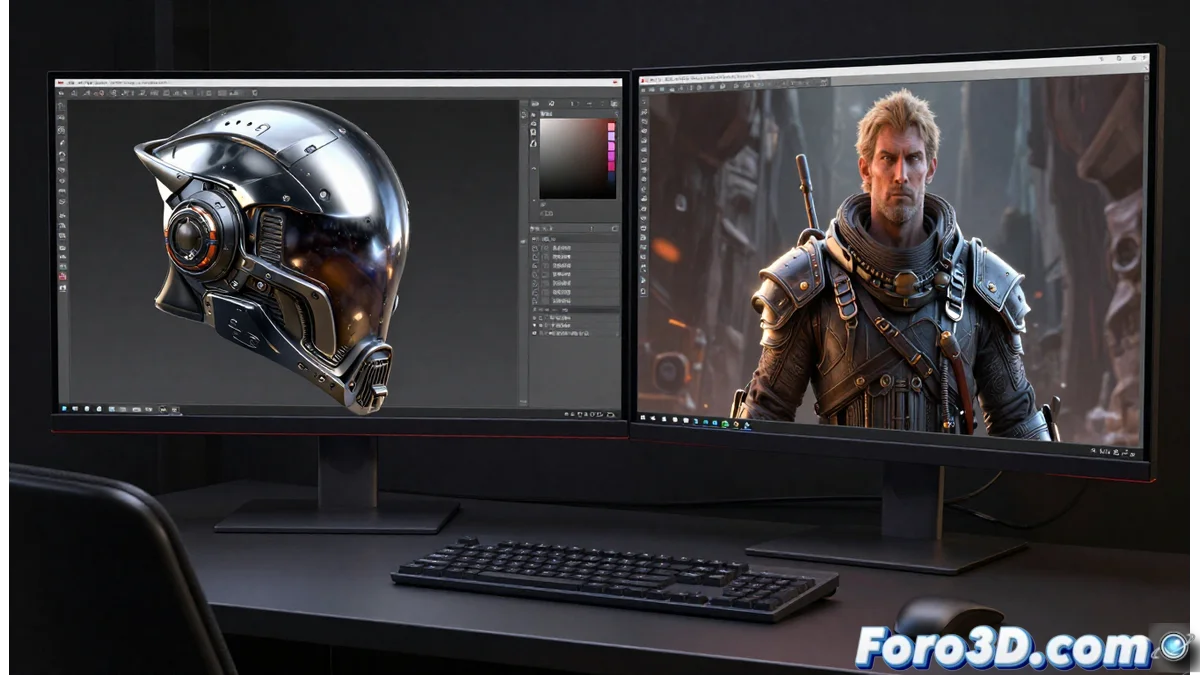
Substance Painter with Iray and Mari's Viewport: Two Approaches to Previewing
In the texturing workflow, previewing how materials behave is essential. Two leading tools, Substance Painter and Mari, adopt opposing philosophies for this purpose. Substance Painter integrates the powerful NVIDIA Iray engine, while Mari's viewport focuses on agility. Understanding their differences helps you choose the right tool for each project phase. 🎨
Iray: Luminous Fidelity for Accurate Decisions
The Iray engine in Substance Painter works with ray tracing algorithms. This allows simulating with great accuracy how light interacts with surfaces. The artist can set up HDRI lights to evaluate in real time how maps like metalness, roughness, and normal respond. This precision is crucial for making decisions on how to paint, ensuring materials work in the context of the final rendered scene.
Key Features of Iray in Substance Painter:- Physical Simulation: Calculates effects like reflections, refractions, and shadows accurately.
- Contextual Evaluation: Allows adjusting lighting direction, intensity, and color to test materials.
- Photorealistic Preview: Generates a view very close to the result of a final rendering engine.
An artist can spend hours painting in Mari under flat lighting, only to discover in Iray that their beautiful wear is invisible under the scene's real lighting.
Mari's Viewport: Speed and Responsiveness Above All
Mari is designed to handle extremely high-resolution textures on complex geometries. Its viewport uses a more basic lighting representation, employing approximate shaders. The main goal is not to simulate light physics, but to maintain a high frame rate and immediate response while the artist paints minute details. It's a tool for checking color information and painting details, not for previewing the final render.
Advantages of Mari's Viewport Approach:- Optimal Performance: Prioritizes fluidity when painting high-resolution textures, even on dense meshes.
- Configurable Lighting: Uses simple lights to reveal surface details without overloading the system.
- Practical Focus: Offers a useful and quick visual approximation for direct painting processes.
Integrating Both Approaches in Your Pipeline
The choice between previewing with Iray or working in Mari's viewport is not exclusive. A robust workflow often uses both. You can paint and detail in Mari leveraging its speed, then export the assets to Substance Painter to evaluate and adjust under realistic physical lighting with Iray. This synergy avoids surprises at the end of the process and ensures materials not only look good when painting, but also when rendering. Understanding the purpose of each tool is key to optimizing your time and the quality of your results. ⚙️