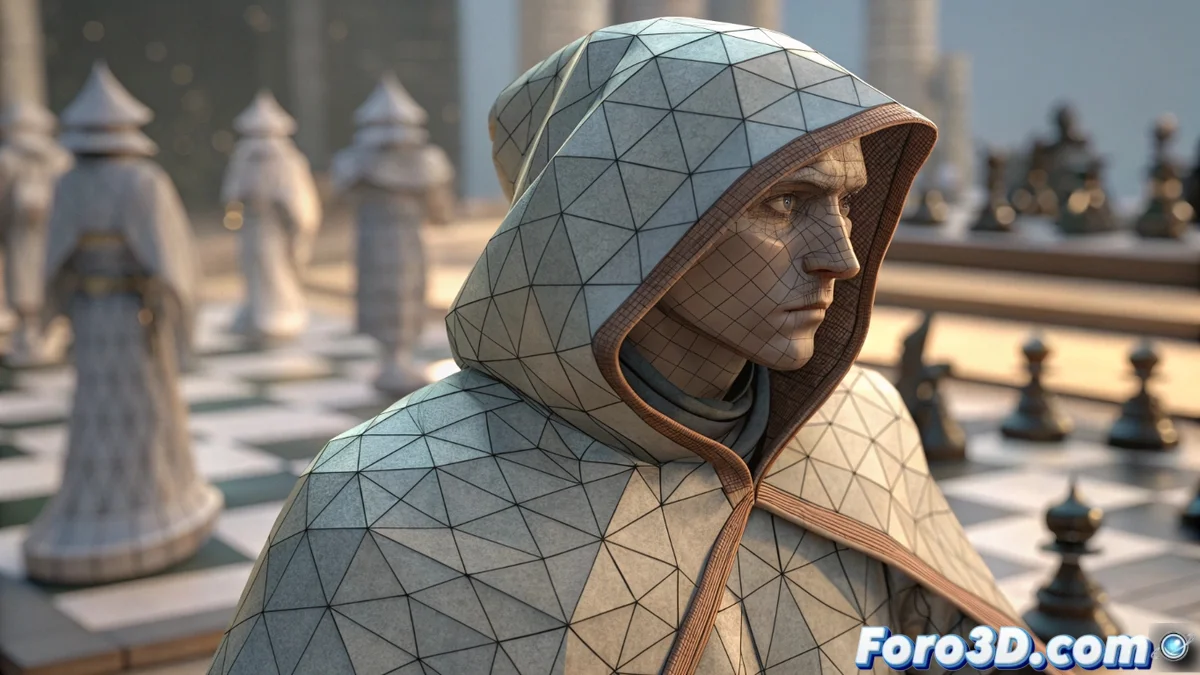
Stylistic Dithering Defines a Visual Aesthetic
In contrast to techniques that seek to smooth, stylistic dithering aims to create a deliberate and visible texture. It does not try to hide the lack of colors, but rather turns it into the central element of the style. It is a cornerstone in classic pixel art and low-fidelity 3D graphics, where a technical restriction is transformed into a powerful artistic decision. 🎨
A Visual Principle Opposed to the Traditional One
Conventional dithering mixes pixels subtly so that the eye perceives an intermediate color and avoids color banding. Its stylistic version uses clearly visible patterns, such as a checkerboard or crossed lines, to achieve transitions using a very reduced palette. This technique does not smooth, but rather structures the limitation.
Where this technique shines:- Classic pixel art: Forms the foundation of its aesthetic and handling of shadows and gradients.
- Lo-fi 3D graphics: Defines the visual style of many indie games seeking a retro feel.
- Digital art with restrictions: Used as a creative resource to emulate old hardware or create organic textures.
The technical restriction is not a limit, it is the palette. Stylistic dithering is the brush that defines it.
Applying the Effect in Digital Projects
The process places pixels of two available colors in an ordered pattern. From a distance, our eye mixes these dots and perceives a third tone. In video game development and 3D graphics, artists implement this effect mainly through screen shaders or using precalculated dithering textures. Its most common use is to simulate shading and gradients when the palette is intentionally small, providing a retro feel and texture that perfect gradients cannot achieve. 🕹️
Key tools for working with dithering:- Pixel art: Programs like Aseprite or GraphicsGale have native functions to apply these patterns.
- 3D graphics: Engines like Unity or Unreal Engine allow programming specific shaders that process the final image with dithering.
- Manual control: Many artists prefer to place the pixels or adjust the patterns by hand for total control over the result.
Technical Considerations for Optimal Results
The key to using this technique well lies in controlling the pattern and its scale. A very fine pattern may get lost and not fulfill its function, while a very coarse one may dominate the image and generate unwanted visual noise. The effect depends greatly on the final resolution. Choosing the right pattern—such as a Bayer matrix, checkerboard, or lines—is what defines the final character of the piece. Some purists argue that using an automatic filter detracts from authenticity, but in contexts with tight deadlines, it can be an effective solution. ⚙️