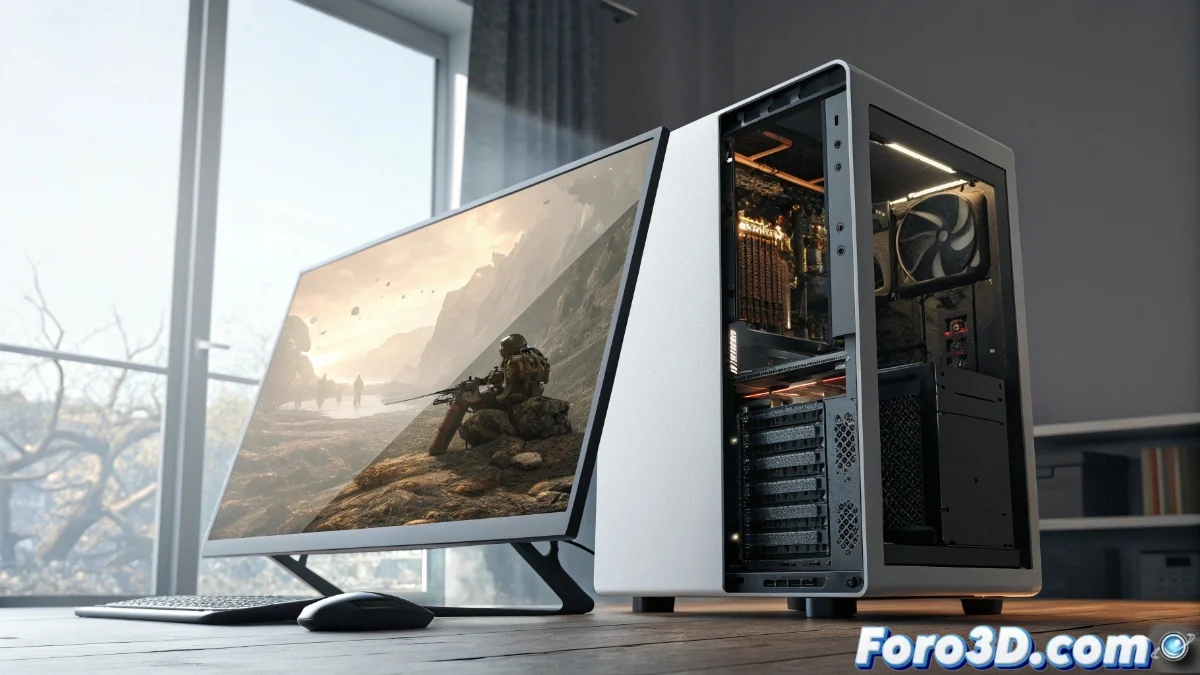
Stuttering and Micro-Freezing in Video Games: Causes and Solutions
Micro-freezes or stuttering in video games represent one of the most frustrating problems for players. These momentary interruptions in visual smoothness occur when there is a desynchronization in the data flow between system components. The result is perceptible pauses that break immersion and affect the gaming experience. 🎮
Hardware-Related Origins of the Problem
The physical limitations of the equipment are often directly responsible for stuttering. An insufficient processor creates bottlenecks by being unable to handle the game's computational load. Inadequate RAM and VRAM forces the system to constantly swap with slower storage units. Traditional hard drives, with their limited read speeds, cause evident pauses during the loading of graphical resources. Even components like the power supply can contribute if they fail to maintain stability during intense power demands.
Critically Affected Components:- Processor (CPU) with insufficient capacity for the workload
- RAM/VRAM memories with capacity and speed limitations
- Slow storage units in read operations
- Unstable power supply during consumption peaks
Stuttering does not always indicate obsolete hardware; sometimes it reflects imbalances between components or inadequate configurations.
Software Factors and Configuration Settings
In the software realm, multiple elements can trigger micro-freezes. Outdated drivers frequently introduce incompatibilities that affect performance. Games with poor optimization, especially in initial releases, present resource management issues. Graphical settings that are too ambitious for the hardware's capabilities push the system beyond its stable limits. Background processes, operating system updates, and security software compete for resources at critical moments. Overlays from applications like Discord, OBS, or monitoring tools can also interfere with rendering when not properly configured.
Problematic Software Elements:- Outdated or corrupted graphics drivers and BIOS
- Games with poor optimization in resource management
- Graphical settings that exceed hardware capabilities
- Background applications that consume critical resources
Solution Strategies and Optimization
Resolving stuttering requires a methodical and patient approach. Start by monitoring usage of CPU, GPU, and RAM during gaming sessions to identify specific bottlenecks. Update graphics drivers and BIOS, preferably through clean installations. Adjust critical graphical settings like shadows, reflections, and render distance, prioritizing stability over maximum visual quality. Limiting the frame rate slightly below the maximum your system can consistently maintain helps prevent fluctuations. For persistent cases, try temporarily disabling background applications and non-essential services. And remember: sometimes the problem is not your high-end equipment but that optimization program you downloaded that actually consumes more resources than the game itself. ⚙️