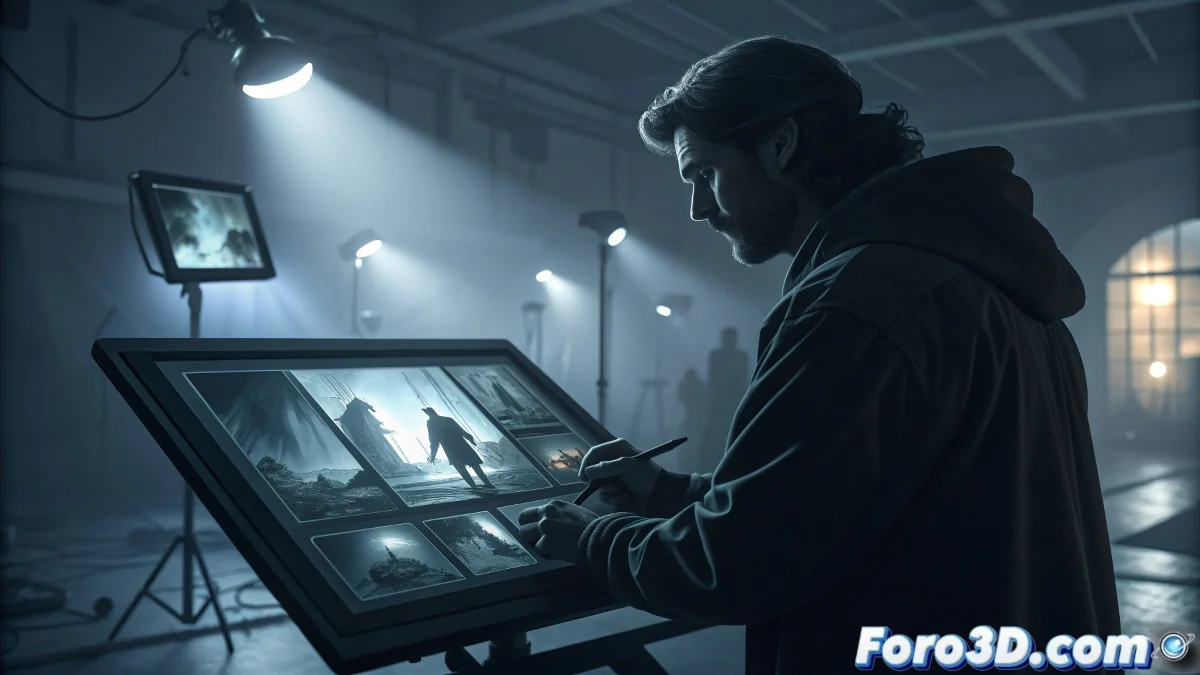
Storyboard and Cinematic Previsualization: The Visual Language of Cinema
In film production, the storyboard is that universal language that translates words into images and emotions into shots. The Wacom One 13 Touch becomes the essential tool for this process, combining the immediacy of direct drawing with the precision demanded by technical planning. For directors, cinematographers, and storyboard artists, this tablet is not a luxury but a necessity: it is the canvas where scenes come to life for the first time, where camera angles are tested, and where visual narrative is built shot by shot. 🎬
Quick and Gestural Drawing: Capturing the Essence of the Shot
The magic of the Wacom One 13 Touch for storyboarding lies in its immediate response and natural surface. The Wacom Pro Pen 2 pencil with 4096 levels of pressure allows smooth transitions between quick gestural strokes (for general compositions) and precise lines (for technical annotations). This versatility is crucial when you need to improvise and refine in the same workflow. The ability to draw directly on the screen eliminates the abstraction of the mouse, allowing you to focus on what matters: telling the story visually. ✍️
Advantages for storyboard artists:- direct drawing that speeds up the sketching process
- tactile response for intuitive navigation between panels
- precision for technical annotations and camera marks
- portability for on-set meetings or locations
Touch Functionality: Intuitive Navigation Between Sequences
The integrated Multi-Touch technology completely transforms the workflow. You can zoom and pan with natural gestures while keeping the pen in hand, seamlessly alternating between drawing and navigation. This is invaluable when working on long sequences of 50+ panels, where you constantly need to review previous and next shots to maintain continuity. Touch gestures also allow quickly reorganizing panels, experimenting with different narrative structures without interrupting the creative rhythm. 👆
A good storyboard isn't read, it's seen - and the Wacom One makes seeing as natural as thinking
Technical Previsualization: Beyond Drawing
Where the Wacom One 13 Touch truly shines is in the advanced previsualization phase. With software like Storyboard Pro or even Photoshop with basic animations, you can create animatics that show timing, camera movement, and transitions. The tablet allows drawing over reference video, tracing over real location photos, or even sketching over basic 3D models. This ability to integrate different media dramatically accelerates the pre-production process and improves communication with the entire technical team. 🎥 Essential technical annotations:
- camera movement: pan, tilt, dolly, zoom
- dialogue and specific timing for each shot
- lighting and atmosphere indications
- notes for actors on movement and emotion
Real-Time Collaboration: The Portable Studio
The combination of high-quality screen and simple connectivity (USB-C and HDMI) turns the Wacom One 13 Touch into the perfect collaboration hub. You can work directly with the director, showing changes in real time during pre-production meetings. The ability to annotate over existing images or make immediate adjustments while discussing a scene significantly shortens feedback cycles. For freelancers working remotely, this immediacy keeps the creative connection with distributed teams. 🤝
Ergonomics for Pre-Production Marathons
Storyboard sessions can extend into hours of intense concentration, especially near production dates. The lightweight (1.1kg) and thin design of the Wacom One 13 Touch allows comfortable use in different angles and positions. The included adjustable stand finds the perfect angle for each user, while the anti-glare technology protects the eyes during long sessions. This attention to comfort directly translates into better productivity and sustained creativity. ⏱️
Optimized workflow:- quick thumbnail sketches for scene structure
- refinement of key panels with precise composition
- addition of technical and direction annotations
- export for sharing with departments
The Wacom One 13 Touch proves that in the world of storyboarding and cinematic previsualization, the perfect tool is the one that disappears into the creative process. It's not about having the most advanced tablet, but the one that best understands the specific needs of visual storytelling: speed to capture ideas, precision to communicate technical details, and versatility to adapt to different styles and projects. Because in the end, the best pre-production gear is the one that allows the director's vision to flow directly from thought to screen, without technical barriers interfering with the magic of cinematic creation. 🌟