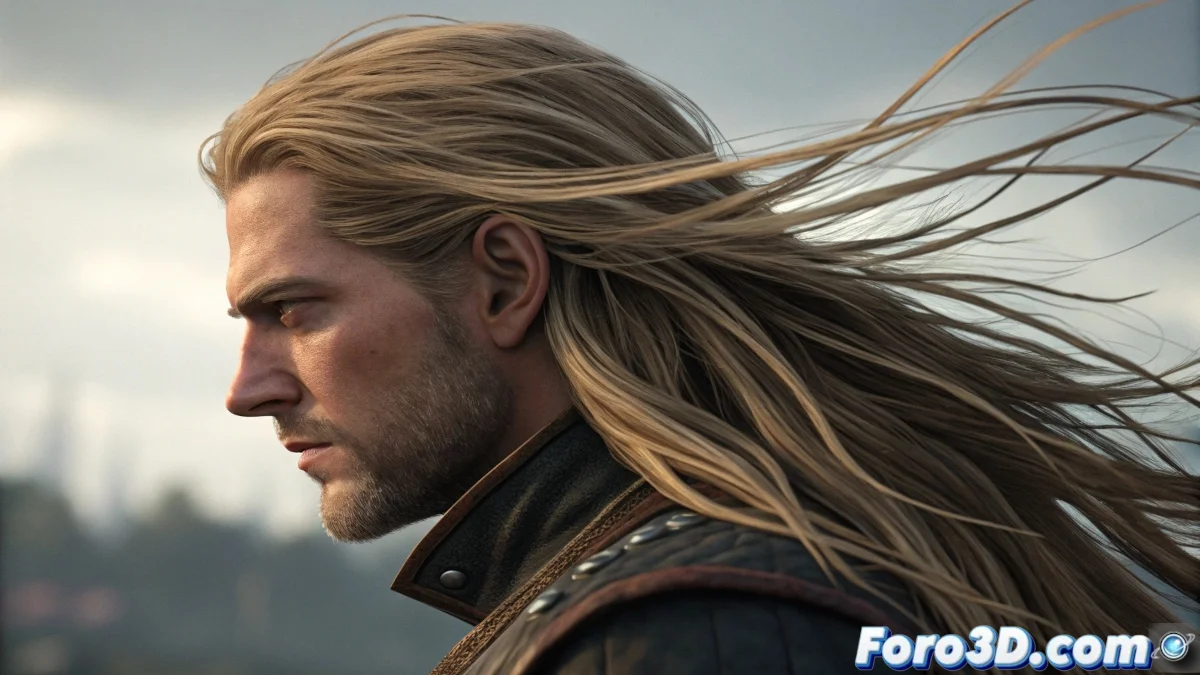
When Hair Tips Decide Not to Follow the Movement
The challenge of applying constraints to hair tips in Softimage XSI is one of those elegant problems that seems simple until you discover that the hair system has its own logic for handling this type of restrictions. The frustration is understandable when you want to create effects like wet hair stuck to the skin or ponytails where the tips remain fixed, but the system seems to resist your attempts. Softimage XSI handles this situation in a particular way, different from other 3D software.
You've identified a very specific but powerful animation scenario: the ability to have differential control between the hair base and tips. This technique is essential for creating complex hairstyles and believable dynamic effects.
ICE Method for Tip Control
The most effective solution in Softimage XSI is to use ICE (Interactive Creative Environment). Create an ICE tree on the hair object and use the Set Hair Goal Positions node combined with a custom Constraint at Tips. The key is to affect only the end points of each hair strand.
To specifically identify the tips, use the Hair Get Strand Info node and filter by Point Index equal to the last point of each strand. Then apply a Constraint to Object only to these points, keeping the rest of the hair with normal dynamics.
- ICE tree for granular hair control
- Hair Get Strand Info to identify tips
- Filter by Point Index equal to last point
- Constraint to Object applied selectively
A perfect constraint on hair is like a good anchor: it holds firmly without restricting natural movement
Dynamics Setup with Constraints
In the Hair Dynamics properties, go to the Constraints tab and enable Point Constraints. Here you can paint weights specifically on the hair tips using the Paint Constraints tool. Values of 1.0 on the tips will keep them completely fixed, while values of 0.0 allow free movement.
For more precise control, use Propagation with low values (0.1-0.3) to create a smooth transition between the fixed tips and the rest of the hair that moves freely. This avoids that unnatural "rigid stick" effect on the tips.
- Point Constraints enabled in dynamics
- Paint Constraints with weights on tips
- Low Propagation for smooth transition
- High Stiffness for strong constraints
Technique with Guides and Deformers
Another approach is to use the Hair Guides system with specific deformers. Create guides where the tips are constrained to null objects or control points. Then generate the full hair from these guides, inheriting the constrained behavior of the tips.
Use Shape Animation on the guides to create the effect of the base moving while the tips remain fixed. This technique is particularly useful for complex hairstyles where you need manual control over the specific behavior of different hair sections.
- Hair Guides with tips constrained to nulls
- Shape Animation for differential movement
- Interpolated guides for smooth transition
- Manual control per individual guide
Forces and Resistance Setup
To make the effect more believable, adjust the Stiffness and Damping parameters in the dynamics properties. High stiffness (0.8-1.0) on the tips combined with low stiffness (0.2-0.4) on the base creates that "stuck tips" effect you're looking for.
External forces like gravity and wind should affect differentially. Use Force Maps to reduce the influence of these forces on constrained tips, allowing them to stay in position while the rest of the hair reacts naturally.
- High Stiffness on tips, low on base
- Moderate Damping to avoid oscillation
- Force Maps for differential influence
- Increased Friction in constrained areas
Solution for Complex Animation
For animations where the constraint needs to be activated/deactivated, use Animation Mixer with clips of different constraint configurations. You can blend between a fully constrained state and a completely free one, or even create complex transitions between multiple constrained states.
Another advanced technique is to use Expressions to control the constraint strength based on the distance to the target object or specific animation parameters. This allows creating effects like "tips that gradually loosen" with absolute control.
- Animation Mixer for blended states
- Expressions for procedural control
- Distance-based constraints
- Time-activated constraint changes
Mastering this technique will open the doors to advanced hair effects that few artists achieve. Because in Softimage XSI, even the most rebellious tips can learn to stay still when they know the right constraints 😏
Quick Setup to Get Started
Recommended method for tip constraints:
Method: ICE with Hair Get Strand Info
Filter: Point Index = last point
Constraint: To Object or To Point
Stiffness: 0.9 on tips
Propagation: 0.2 for smooth transition