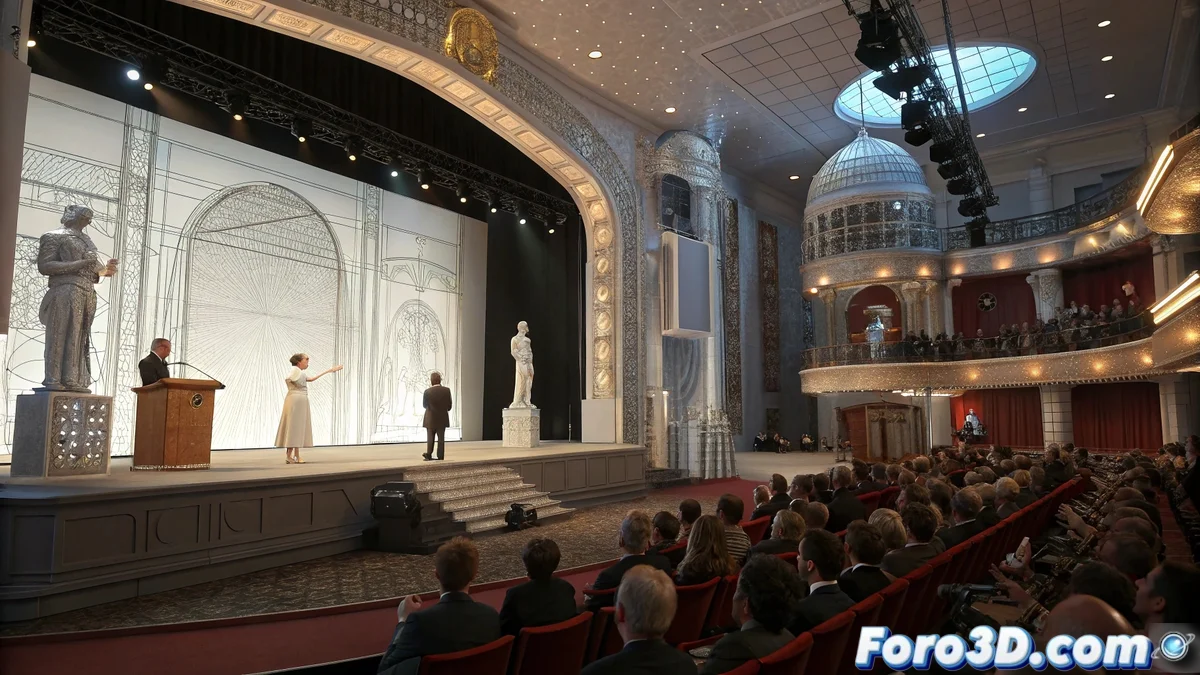
Recreating the Miyazaki Tribute with Digital Precision 🎭
The announcement of the Donostia Award for Hayao Miyazaki at the San Sebastián Film Festival inspires recreating this historic moment through digital animation. MotionBuilder stands out as the ideal tool to capture the essence of the ceremony, from the emotion of recognition to the audience's applause. This tutorial guides the process step by step, ensuring every detail—from the walk to the podium to the expression of gratitude—is captured with authenticity and fluidity.
Initial Project Setup
The first step is to open MotionBuilder and create a new project with a standard resolution of 1920x1080 pixels at 30 fps. Setting up the virtual stage is fundamental: model a main stage with a red carpet, a central podium for the award presentation, and demarcated areas for the audience. Establishing the correct dimensions from the start ensures that characters and scenic elements interact naturally without disproportions. 🎬
Importing Characters and Rigs
Predefined human rigs are added to represent Miyazaki, jury members, and the audience. It is crucial to organize these elements into separate layers or groups within the software, facilitating individual control of animations and movements. Assigning descriptive names to each rig and grouping them by roles (e.g., "jury", "audience", "honoree") streamlines the editing process and avoids confusion during synchronization.
Motion Capture Application
The magic begins by assigning motion capture (MoCap) animations to the characters. These base animations include natural gestures like walking to the stage, applause, formal greetings, and head nods. Adjusting the timing of each animation is essential to synchronize interactions—for example, ensuring the audience's applause coincides with the moment Miyazaki receives the award. MotionBuilder allows fine-tuning speed and transitions between movements for naturalness. 👏
Synchronization between MoCap animations and character interactions defines the credibility of the virtual ceremony.
Pose and Facial Expression Adjustments
Using the rig controls, facial expressions and body postures of each character are refined. For Miyazaki, convey emotion and humility; for the jury, respect and solemnity; and for the audience, enthusiasm and attention. Small details like a slight smile, a forward gaze, or a posture adjustment elevate the scene's realism, transforming generic characters into believable participants.
Wireframe Mode Previsualization
Before proceeding with final materials and lights, activating the wireframe or preview view allows structurally reviewing the scene. This technical perspective helps identify issues such as:
- Collisions between characters and objects
- Erroneous trajectories in movements
- Desynchronizations in group animations
Adjusting these aspects early saves time and ensures the virtual ceremony unfolds without digital mishaps.
Final Organization and Synchronization
Organizing characters and objects into layers facilitates fine-tuning synchronization. MotionBuilder allows visualizing the timeline of each animation, modifying speeds, and aligning key events—like the award presentation and applause—with frame precision. Once the scene is reviewed in wireframe, materials, lights, and renders are applied to bring the tribute to life.
While Miyazaki receives awards for moving the world with his stories, we get excited when a character's rig doesn't turn into digital spaghetti during the ceremony. In the end, the real prize is making everything move without breaking. 😅