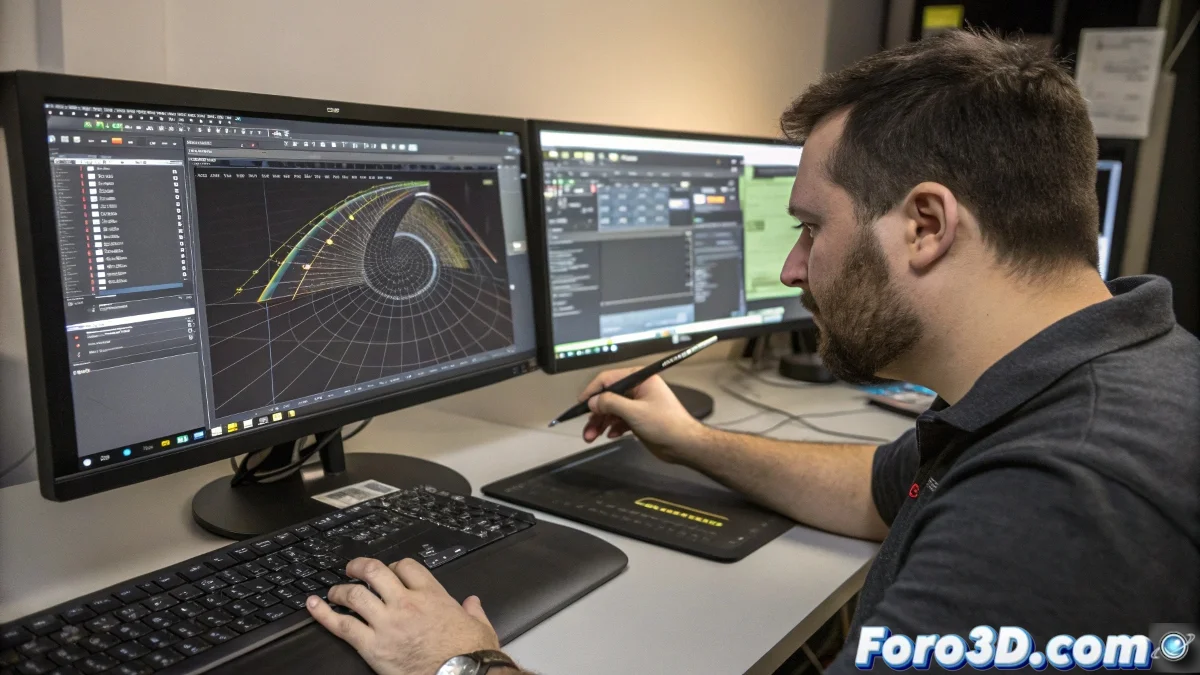
Spline Brush: When Curves Stop Being Your Worst Enemy
3ds Max users know well the pain of working with splines: those capricious vector paths that seem to have a life of their own. But now comes Spline Brush, a plugin that turns torment into pleasure, like when you discover that Ctrl+Z works after making a catastrophic mistake. This tool allows you to create and edit curves directly in the graphics window, without having to navigate menus more complex than the X-Men family tree. ✏️
Drawing in 3D Like on Paper (But with Infinite Undo)
Spline Brush transforms the spline creation process into something as intuitive as drawing on a bar napkin, but without getting ink on your fingers. With simple mouse movements, you can create smooth curves, adjust rebellious vertices, and shape trajectories like digital clay. It's like having vector design superpowers, but without needing to wear a cape (though no one would judge you if you decide to).
"Finally I can make splines do what I want, not what they want" - commented a relieved anonymous 3D modeler.
Features That Will Make Your Splines Cry with Emotion
This plugin is not just a simple brush, it's a whole toolbox for taming curves:
- Sculpt mode: comb, stretch, and relax your splines like a galactic hairdresser
- Simulated gravity: make your curves fall with style (collisions included)
- Smart snapping: because sometimes you need precision, not just a good eye
And all this happens in real time, without having to wait for 3ds Max to finish "thinking". 🚀
Keyboard Shortcuts That Will Save Your Sanity
The Spline Brush developers clearly know what suffering is:
- Mouse wheel: adjusts the brush size instantly
- Ctrl + Alt: controls the intensity of your "brush stroke"
- Shift: switches between attracting and repelling points like a digital magnet
With these shortcuts, you'll work faster than Flash writing a tweet (if Flash had fingers to type).
Who Is This Miraculous Tool For?
Spline Brush is a dream come true for:
- Motion graphics artists who need to create fluid trajectories
- Video game designers who work with cables and pipes
- Architects who want to quickly prototype curved structures
In summary, for anyone who has cursed at least once while working with splines in 3ds Max (which basically includes all users).
So if you're ready for your curves to stop being your worst nightmare and become your best ally, Spline Brush is waiting for you. Just remember: with great spline editing powers comes great responsibility... or at least better renders. 😉