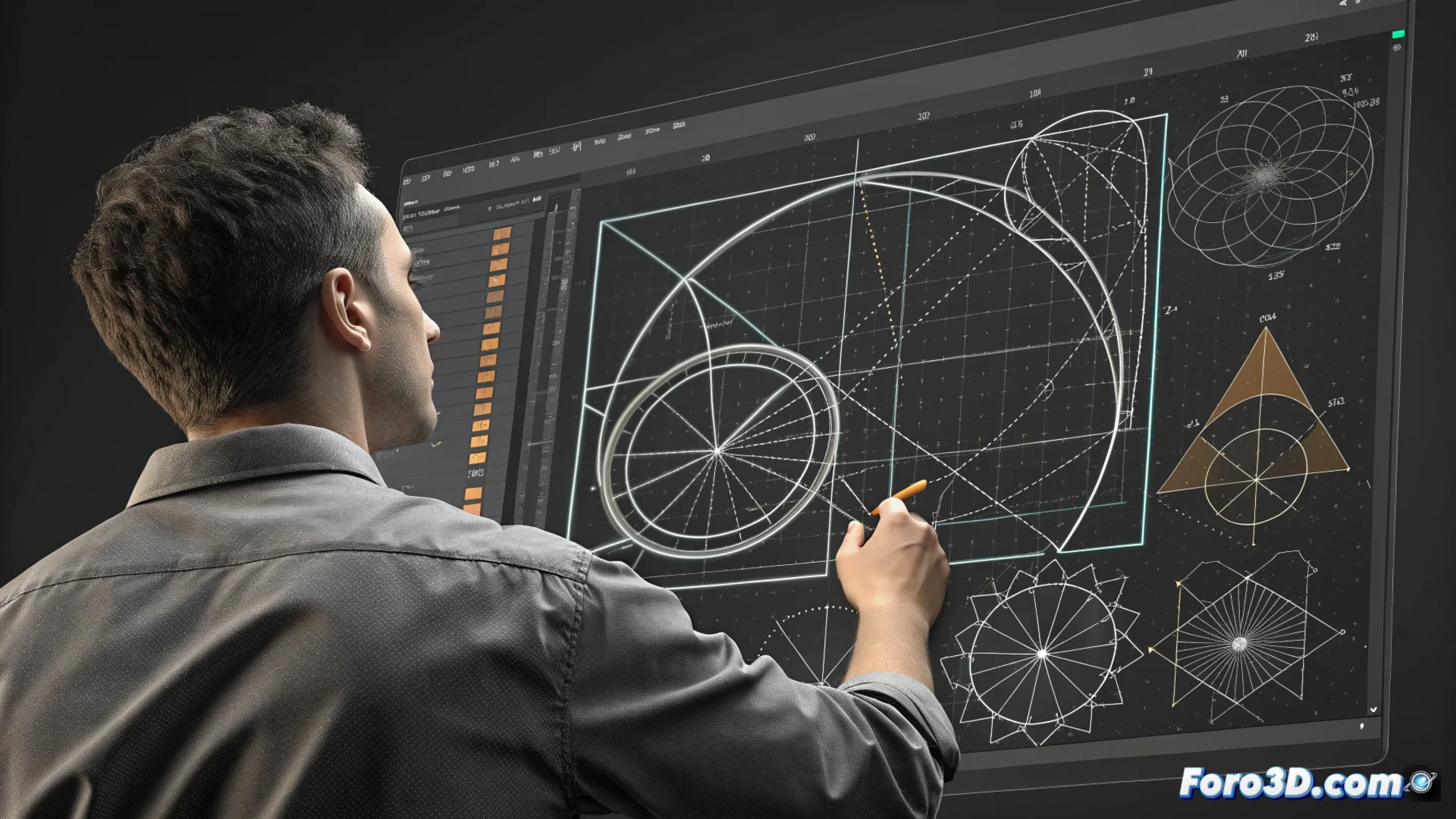
SolveSpace's Constraint Solver for Parametric Design
The power of SolveSpace lies in its constraint solver, a system that operates automatically. This core takes two-dimensional sketches and imposes precise geometric rules on them, such as defining that two lines are parallel or that a curve is tangent to another, along with exact measurements. This process is the foundation for generating fully parametric designs, where the final geometry is governed by editable dimensions. 🛠️
From Approximation to Automatic Precision
The workflow begins when the user draws shapes approximately. The solver comes into play to adjust each stroke and meet all specified conditions. This provides inherent precision to the model and, more importantly, greatly simplifies the process of modifying it later. By changing a single numerical value, all geometry linked to that parameter is recalculated and updated instantly.
Key advantages of the parametric approach:- Dimensional control: The shape derives from measurements, not the other way around.
- Design flexibility: Changing a complex model is as quick as editing a number in a table.
- Geometric coherence: The system ensures that all constraints are satisfied simultaneously.
An overconstrained sketch is like a trio that wants to dance tango, be parallel and perpendicular at the same time: the solver alerts that there are too many instructions and the geometry cannot be solved.
Thinking in Relationships, Not Fixed Coordinates
This method transforms the way a design is conceived. Instead of placing each point with absolute coordinates, the user establishes relationships between elements. It can be dictated that a line must be horizontal, that two circles share a center, or that a segment has a specific length. The program processes this set of conditions and calculates the exact position of each entity. If the rules are contradictory or insufficient to define the sketch, the system notifies the user to correct the scheme. This approach is fundamental for parametric modeling and mechanical design.
How the solver handles constraints:- Analyzes all geometric and dimensional rules simultaneously.
- Calculates the mathematical solution that satisfies all imposed conditions.
- Reports errors due to under-constraint (under-defined geometry) or over-constraint (conflicting constraints).
Accelerating Iteration with Parameters and Equations
Using named parameters and equations turns modifying a design into a systematic and fast task. The designer can, for example, name the length of a side as BaseWidth and then reference that name in other parts of the drawing or in operations. If the value of BaseWidth is later changed, all functions that depend on it adapt immediately. This eliminates the need for manual redrawing and drastically reduces errors. This capability is especially useful for creating families of parts with variations or for exploring different versions of a concept without having to start from a blank canvas. 🔄