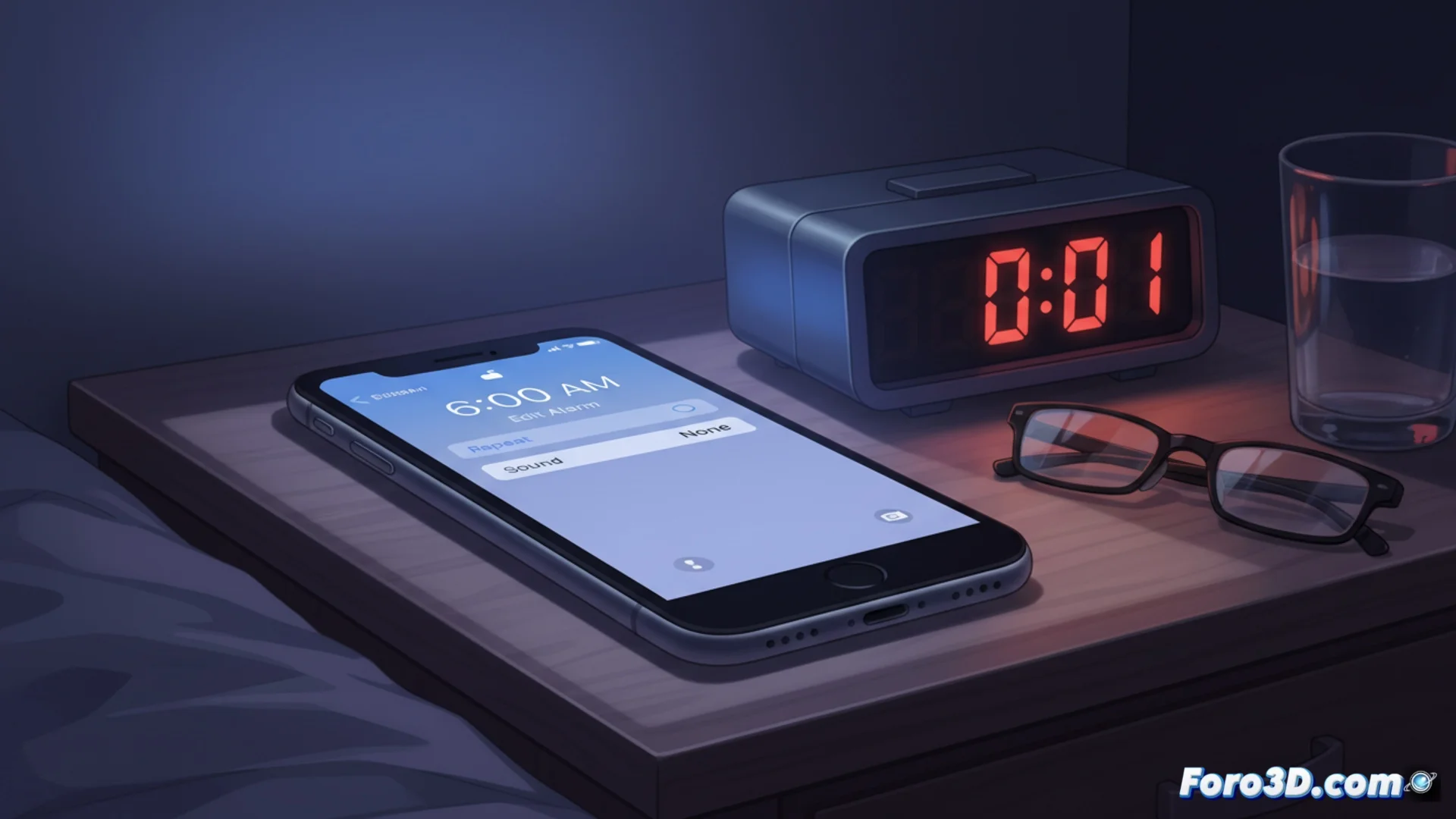
Some iPhones Change the Alarm Sound to Silent
A technical issue affects several iPhone users, causing their morning alarms to fail without warning. The main cause is that the native Clock app automatically changes the alarm tone to the None option, resulting in a completely silent alert. Investigations by specialized sites have confirmed this behavior and propose methods to fix it. 📱
Check and Correct the Tone Setting
To diagnose and resolve this issue immediately, follow these steps on your Apple device. The process is quick and usually effective on the first try.
Steps to follow:- Open the Clock app and select the Alarm tab.
- Tap on an existing alarm to edit it and then touch the Sound option.
- Check if the selected value is None; if so, change it to any tone from the available list.
- Make sure to save the changes before exiting. This simple adjustment restores the audio of your alarm clock.
An alarm that doesn't ring is the most direct way to start the day with an adrenaline rush and an improvised race to work.
Advanced Methods if the Problem Reappears
Sometimes, the failure can be persistent. If after adjusting the sound the alarm goes silent again, apply these additional solutions to address the error at its root.
Corrective actions:- Restart the iPhone: Press and hold the side button and one of the volume buttons simultaneously until the power off slider appears. Once off, turn the device back on.
- Update iOS: Go to Settings > General > Software Update. Installing the latest available version usually includes fixes for these software errors.
- Review Focus Modes: Settings like Do Not Disturb or Focus modes can silence notifications and alarms. Make sure they are not active or configured to allow alarms to sound.
Conclusion and Final Recommendation
This failure, although annoying, has accessible solutions. Start by checking the sound in the Clock app. If the problem persists, proceed with a restart of the device and an iOS update. Reviewing the Focus modes settings is also a crucial step. Keeping the software updated is the best practice to prevent these issues in the future. 🔔