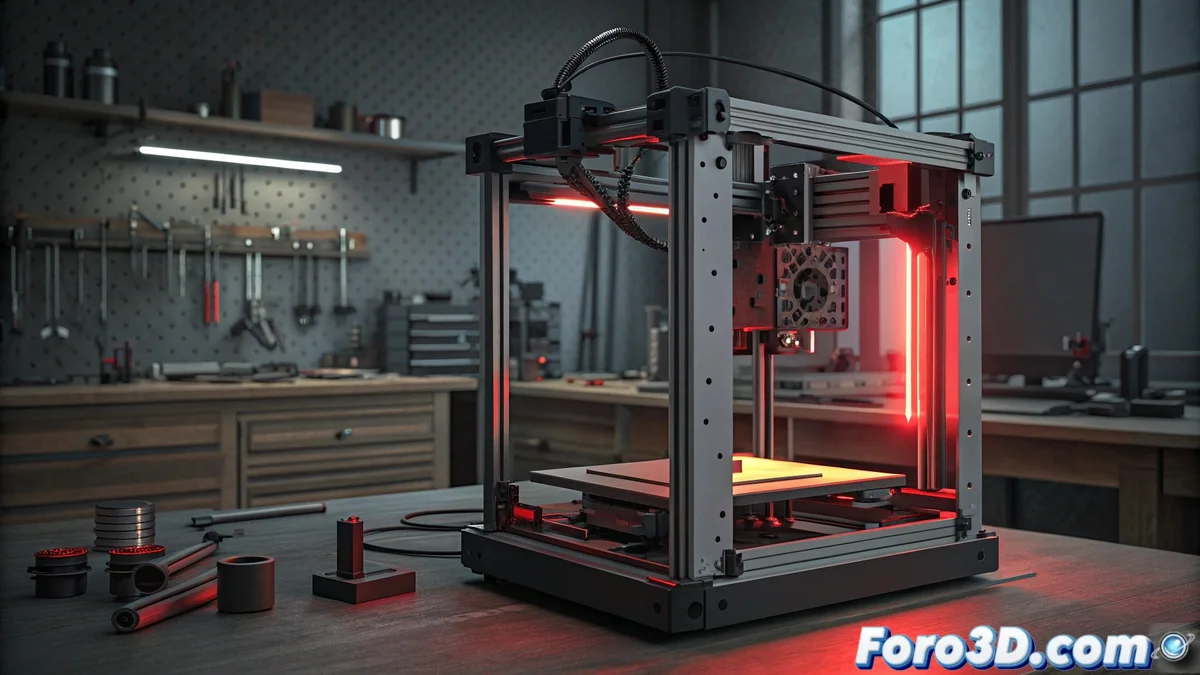
Solving the E27 Error in Bamboo Printers
When your Bamboo printer displays the E27 code, you are generally facing a problem related to position sensors or the limit switch mechanism. This failure indicator appears when the equipment cannot correctly determine the initial position of the print head or detects interferences in its normal path. The safety system interprets this anomaly as a risk situation and automatically suspends operations to avoid major damage to the components. 🚨
Physical Diagnosis of the Equipment
Start with a complete manual inspection of the path that the head travels during its operation. Meticulously check that there are no physical obstructions such as loose filaments, poorly placed electrical connections, or accumulation of particles that may alter the movement. Perform a deep cleaning on the linear guides and ensure that the optical sensors are completely free of dust or residues. It is essential to confirm that all moving elements move with natural fluidity, without presenting unusual resistances that generate incorrect readings in the sensors.
Step-by-Step Verification Procedure:- Visually examine the entire head path looking for visible obstacles
- Carefully clean rails and sensors with appropriate materials
- Check the smoothness of the manual movement of all moving components
Technology sometimes plays heavy tricks on us, especially when a simple disconnected cable can steal valuable hours from our weekend.
Recalibration and Reset Processes
If the physical review does not solve the E27 error, it is time to proceed with a complete system recalibration. Completely disconnect the printer from the power source for at least 30 seconds to allow a complete reset of the electronics. When restoring power, run the auto-calibration sequence from the device's main menu. Numerous users have reported that this basic procedure resolves temporary conflicts in position detection that generate the error code. If the situation persists, consult the technical manual of your specific model to check if it requires a firmware update that corrects this behavior.
Effective Recalibration Sequence:- Turn off and completely disconnect the equipment for at least 30 seconds
- Run auto-calibration routine from the main menu
- Check need for specific firmware update
Important Final Considerations
Solving the E27 error in Bamboo printers requires a systematic approach that combines meticulous physical verification with appropriate recalibration processes. Many times the solution turns out to be simpler than expected, demonstrating that technical problems frequently have basic origins that we overlook. Patience and methodology are your best allies when you decide to dedicate time to keeping your equipment in optimal operating conditions. 🔧