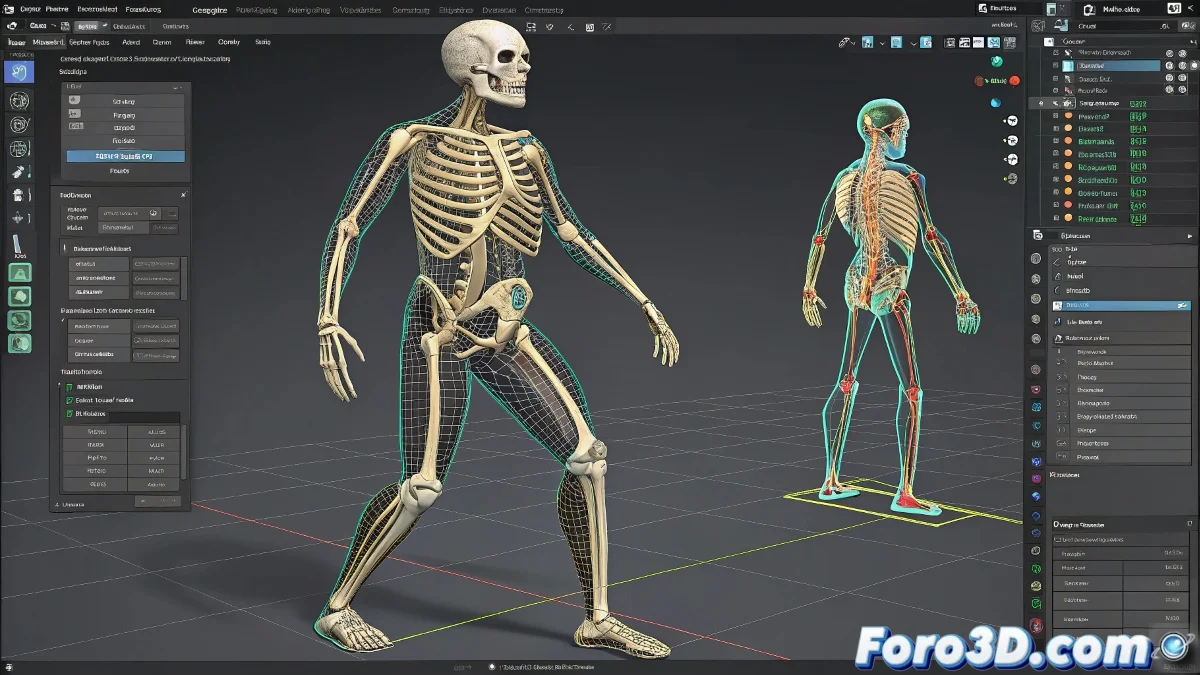
When Your Bones Decide to Rebel
Nothing more discouraging than carefully rotating your character's knee and in response it shows a deformation that defies all laws of anatomy. 🤯 This happens when we rely too much on 3ds Max's basic hierarchies, believing they are sufficient for organic animation.
Hierarchies vs. Professional Rigging: The Epic Battle
Let's understand why simple hierarchies fail:
- They don't handle deformations: They only move rigid objects
- No weight control: Vertices don't know how to deform
- Accumulated transformations: Each rotation multiplies the errors
A hierarchy without Skin is like a skeleton without joints: all the bones are connected, but they can't move naturally.
The Professional Solution: Skin and Physique
For deformations that don't cause nightmares:
- Create a Bone system following real anatomy
- Apply the Skin modifier to your mesh
- Assign weights carefully to each vertex
- Test and adjust the deformations in extreme poses
Common Mistakes That Turn Your Character into a Pretzel
Avoid these deadly sins of rigging:
- Using only parent-child without deformation modifiers
- Not testing deformations in full ranges of motion
- Forgetting that humans don't bend like door hinges
Fun fact: 90% of horrible deformations occur at elbows and knees. It's no coincidence that they are the areas where errors hurt the most to see. Anatomy is cruel like that. 💀
And remember: if after all that your character still looks like a cheap rubber doll, you can always say it's an artistic style. Who can prove you didn't want its arm to bend like an accordion? After all, abstract art exists for a reason. 🎨
Bonus tip: If your boss asks why the animation has those weird deformations, tell him it's an "experimental study of corporeality in digital space". It works 60% of the time, every time. 😉