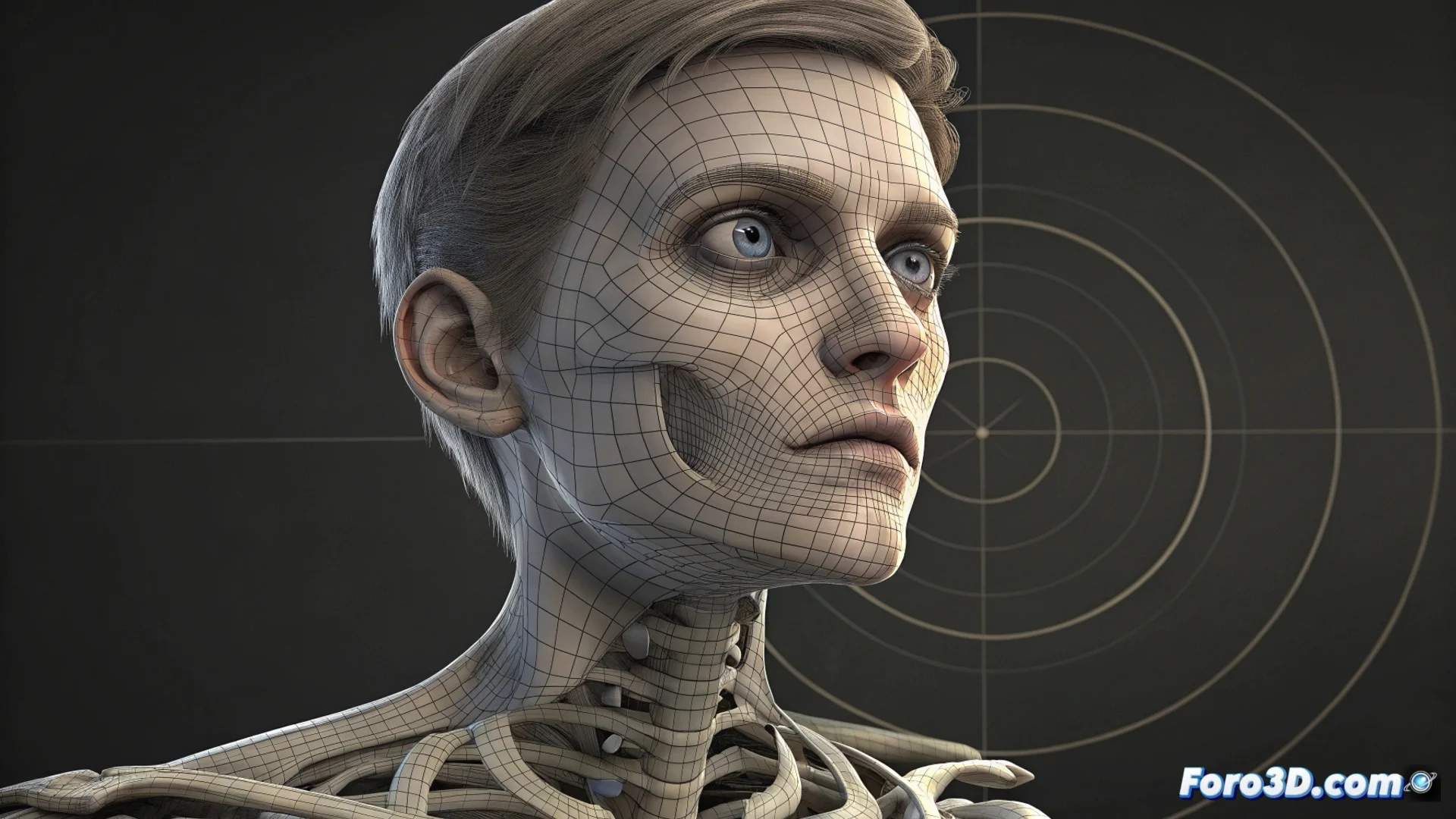
Solving Eye Animation Issues in Blender with Local Spaces
A common method for animating eyes in Blender characters involves using independent bones with a Track To constraint pointing to an Empty object. Although this foundation is solid, many artists encounter a problem: when the character turns their head, the eye gaze deviates or the control becomes confusing. This happens because, by default, the constraint operates in global space, disconnecting the eye movement from the head rotation. 😕
Changing the Transformation Space is Key
The direct solution to this misalignment issue lies in adjusting the coordinate space used by the constraint. You don't need to overhaul the entire rig, just modify two specific settings.
Steps to Set Up Local Space:- Open the properties of the Track To constraint on the eye bone.
- In the dropdown menus for Target and Owner, change the option from World Space to Local Space.
- This change makes the eye bone interpret the Empty's position within the coordinate system of its parent bone, which should be the head bone.
Setting Target and Owner to Local Space links the eye movement to the head's reference system, maintaining intuitive control in any pose.
Organizing the Rig Structure for Robust Control
Implementing the technical solution is only part of it. For the system to be reliable and easy to handle, you must structure the hierarchy well and plan the controls. Clear organization prevents errors and streamlines the animation process.
Strategies for Organizing and Controlling:- Ensure each eye bone is a child of the main head bone or a dedicated upper body controller.
- Place the target Empty object in a separate bone layer or make it a child of a master control exclusive to the eyes, so you always know where to find it.
- For greater flexibility, consider using Drivers or Shape Keys. You can connect the rotation of the eye bones to custom rig properties, such as Look_X and Look_Y, centralizing all control in one panel.
Beyond the Basic Technique
The real challenge in animating eyes is often not technical, but one of workflow. An Empty lost in the scene, hidden behind geometry, can halt your rhythm. That's why a logical hierarchy and well-named controls are as vital as understanding the difference between global and local space. Mastering these concepts allows you to create character rigs that respond naturally and predictably, regardless of the animation's complexity. 🎯