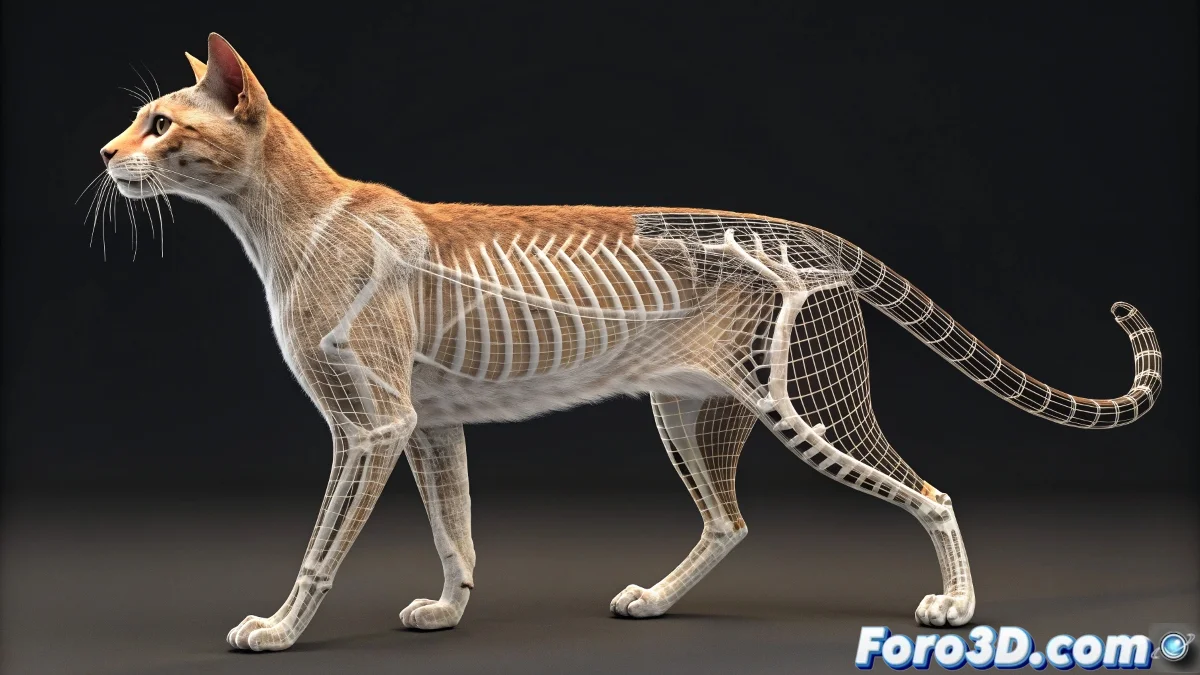
The Challenge of Integrating Skin Modifier with CAT Rigs
The combination of Skin modifier with CAT systems in 3ds Max can turn into a nightmare of unexpected deformations 😵. Although everything may seem perfectly aligned at the coordinate origin, the internal transformations of CAT bones often play tricks on the Skin modifier, resulting in meshes that stretch, compress, or displace in grotesque ways. This problem is particularly pronounced in older versions like 3ds Max 2011.
The Importance of Prior Preparation
The key to avoiding catastrophic deformations lies in meticulous preparation before applying the Skin modifier. Freezing transformations on both the model and the CAT bones establishes a clean base from which Skin can correctly calculate influences. This crucial step eliminates hidden variables that can alter the interpretation of relative positions 🧊.
A well-prepared rig is like a cooking recipe: the ingredients must be pre-measured and organized.
Application and Diagnostic Techniques
Applying the Skin modifier requires more strategy than simply adding all bones at once. A methodical approach allows identifying and solving specific problems before they turn into global deformation crises.
- Add Bones Progressively: Incorporate bones in groups to detect culprits
- Use Alignment Helpers: Create temporary references for verification
- Check Bone Orientation: Ensure axes point correctly
- Test with Basic Poses: Identify issues before weight painting
Refinement through Weight Painting
Even with perfect preparation, most rigs require manual weight adjustments. Tools like Weight Tool and Vertex Weight Tool become your best allies for correcting those persistent deformations that seem to resist all logic 🎨.
- Weight Tool: Precise adjustment of influences per vertex
- Paint Weights: Visual and intuitive correction of deformations
- Copy/Paste Weights: Maintain symmetry and consistency
- Save/Load Weight Maps: Preserve work and reuse in other projects
Workflow for Problematic Versions
Working with 3ds Max 2011 requires a special approach that anticipates and prevents the software's erratic behaviors. Following a strict protocol can save hours of frustration and rework.
- Freeze transformations of all involved elements
- Reset XForm on both the model and CAT bones
- Create test snapshots before committing to changes
- Save incremental versions during the process
Creative Solutions for Persistent Problems
When conventional solutions fail, sometimes thinking outside the box is required. Alternative approaches can provide effective workarounds for the most stubborn integration issues between CAT and Skin modifier.
And when all else fails and your character looks like it came from a Lovecraftian dimension, you can always argue it's an experimental special effect 🐙. After all, in the 3D world, sometimes the most terrifying bugs become the most memorable features.