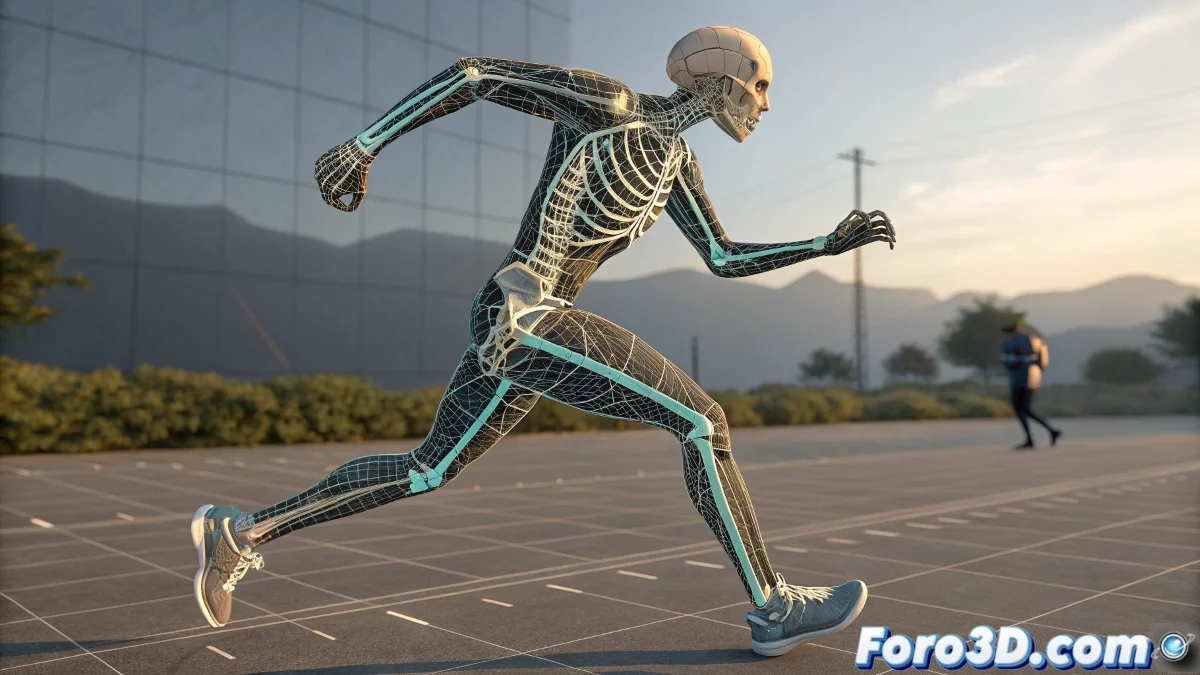
The Challenge of Dressing Foreign Animations
Applying motion capture animation to a rig with a different structure is like trying to put on an elegant suit designed for someone else 👔. Grotesque deformations and unnatural movements occur when the "digital fit" of the destination rig doesn't match that of the source rig. This technical problem requires systematic solutions rather than creative forcing.
The Importance of Structural Compatibility
Successful animation transfer between rigs critically depends on compatibility in three key dimensions: hierarchy, proportion, and orientation. Any discrepancy in these elements is amplified exponentially during animation.
- Identical Hierarchy: Same parental structure between bones
- Consistent Proportions: Equivalent bone lengths and scales
- Aligned Orientation: Consistent rotation axes between systems
- Compatible Nomenclature: Bone names that allow automatic mapping
Successful retargeting is like a perfect translator: it preserves the meaning while adapting the form.
Professional Retargeting Techniques
Blender offers several approaches to bridge the differences between mocap rigs and character rigs. Each method has its strengths ideal for different scenarios.
- Add-on Animation Retargeting: Native solution for bone mapping
- Auto-Rig Pro: Advanced retargeting and mapping tools
- Rigify + Retarget: Combination of the rig system with transfer tools
- Custom Python scripts: Custom solutions for specific pipelines
Fine-Tuning Skinning Weights
Even with perfect retargeting, inadequate skinning weights can ruin the illusion. Precise weight painting is essential for clean deformations.
- Influence Verification: Ensure each vertex follows the correct bones
- Strategic Weight Painting: Refine problematic areas like shoulders and hips
- Mirror Weights: Maintain symmetry in bilateral characters
- Test with Extreme Poses: Identify issues before retargeting
Step-by-Step Process for Clean Retargeting
Following a logical sequence of operations maximizes the chances of success while minimizing deformation issues.
- Import mocap animation and destination rig into a separate scene
- Analyze differences in hierarchy, scale, and orientation
- Establish bone mapping using retargeting add-on
- Adjust rotation and position offsets
- Apply animation and verify with key poses
- Refine skinning weights based on results
Diagnostic and Debugging Tools
When deformations appear, specific tools help identify and correct issues quickly.
- Influence Visualization: Weight paint mode to see weight distribution
- Animation Baking: Convert constraints to keyframes for analysis
- Component Isolation: Isolate body parts for focused debugging
- Reference Overlays: Overlay original rig as visual reference
Prevention for Future Projects
The best solution is always to design rigs with retargeting compatibility in mind from the start.
And when your character still moves like a stranger in a borrowed body, you can always argue that it's a feature of dimensionally unstable personality 🪐. After all, in the world of animation, sometimes technical artifacts become memorable character traits.