The Challenge of Combining Blendshapes and Skinning
Integrating blendshapes with skinning systems in Maya can feel like mediating a fight between two technological divas 🎭. When you activate a facial expression and suddenly the joint influence disappears, you're experiencing the classic deformer hierarchy conflict. This problem occurs because Maya processes deformation inputs in a specific order, and if blendshapes are above the skinCluster, they can completely overwrite the skeletal deformation.
Understanding the Deformation Kitchen
Every mesh in Maya has a shape node that contains a list of inputs – a chain of deformers applied in sequential order. The skinCluster must be applied before blendshapes so that the joint deformation serves as the base upon which facial expressions are applied. When this order is reversed, blendshapes essentially reset the mesh to its base shape before skinning can act, resulting in that frustrating loss of skeletal influence 🦴.
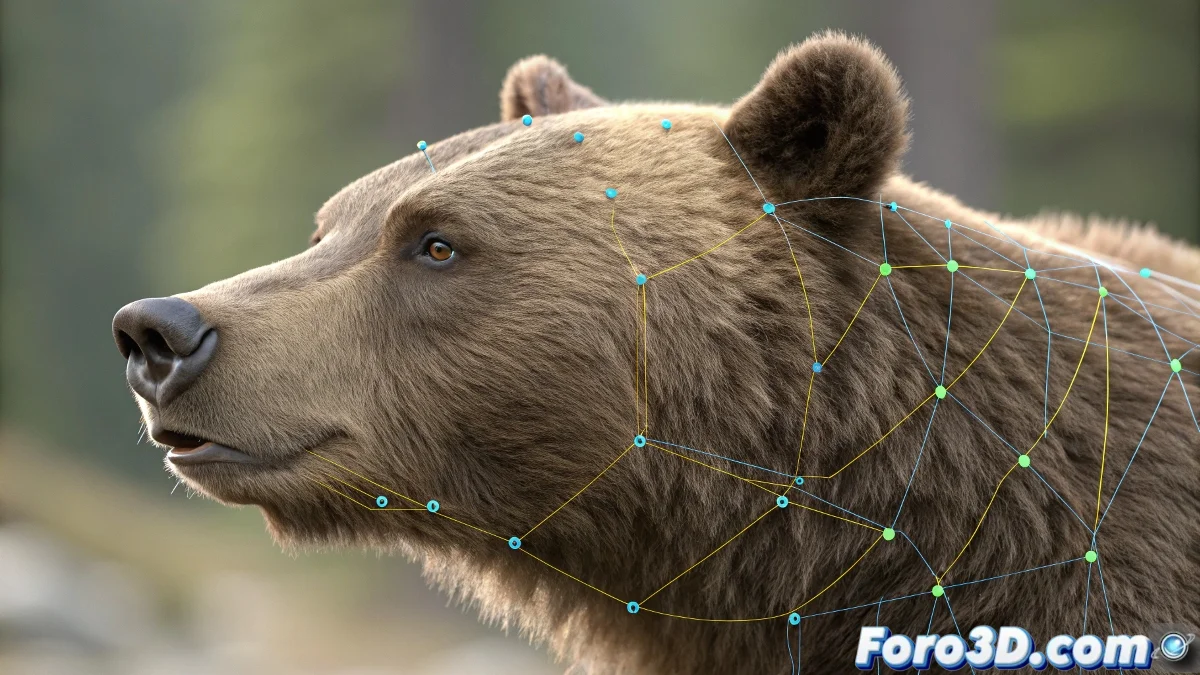
The order of deformers alters the final product: skin first, blendshapes after.
Technical Solutions with reorderDeformers
The most elegant and professional solution involves using the reorderDeformers command through MEL or Python. This command allows programmatically reorganizing the deformer hierarchy without needing to recreate nodes or break existing connections.
- Access via Script Editor: Execute MEL commands directly
- Python scripting: Greater control and automation possibilities
- Specific order: SkinCluster first, then blendshapes
- Preservation of connections: Keeps all existing relationships intact
Alternative Organization Methods
For those who prefer more visual approaches or work in established pipelines, there are alternative strategies for handling deformer hierarchies.
- Conscious sequential creation: Create skinCluster before blendshapes
- Intermediate blendshapes: Use intermediate deformer groups
- Strategic referencing: Separate blendshapes and skinning into different files
- Custom scripts: Develop custom tools for the pipeline
Workflow to Prevent Issues
The best solution is always prevention. Establishing an organized workflow from the start of rigging avoids having to fix hierarchy issues later.
- Prior planning: Decide the deformer order before creating them
- Internal documentation: Keep records of the node hierarchy
- Standardized templates: Develop templates with pre-established orders
- Early verification: Test interactions from the early stages
Debugging and Troubleshooting
When conflicts arise, a systematic debugging approach helps identify and resolve hierarchy issues quickly.
- Hypergraph Hierarchy: Visualize the current deformer order
- Isolated tests: Test each deformer separately
- Incremental reordering: Reorganize in small verifiable steps
- Frequent backups: Save versions before making major changes
The Artistic Finishing Touch
Once the technical conflict is resolved, the real magic happens when balancing the influence between skinning and blendshapes to achieve believable and lifelike facial expressions.
And when your character ends up with an expression that looks like it came straight out of a Lovecraftian nightmare, you can always argue it's an advanced emotional feature 😵. After all, in the world of facial rigging, sometimes deformation accidents turn into memorable expressions.