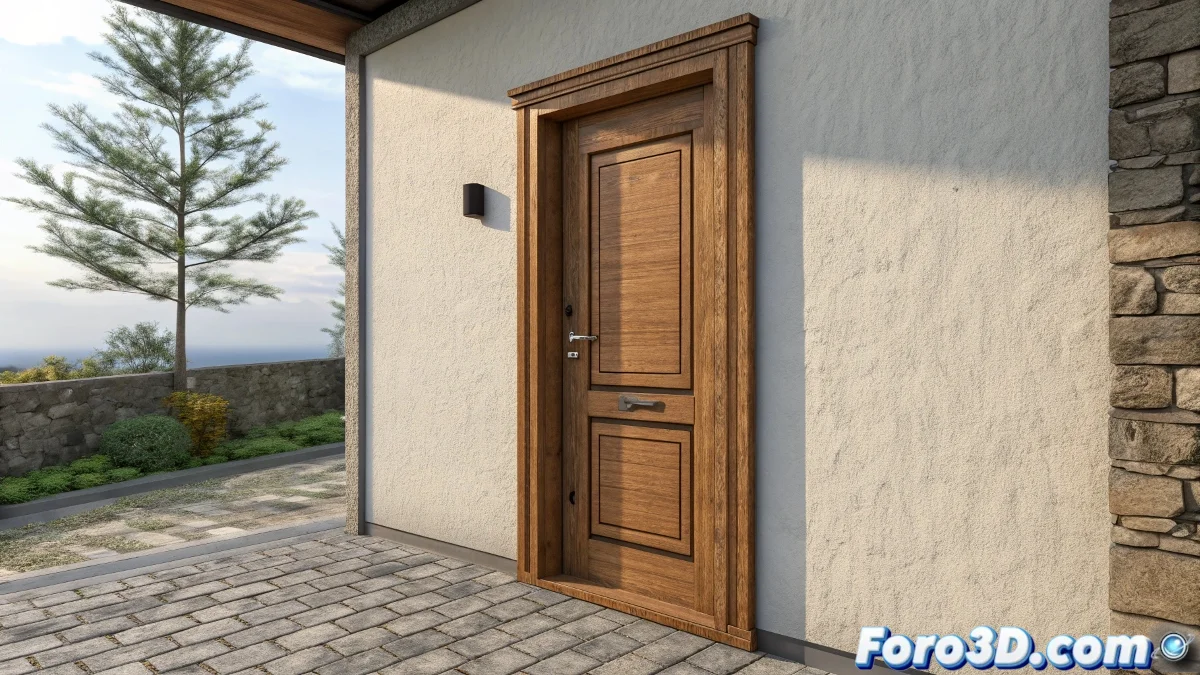
The Challenge of Texturing Your First Door in 3ds Max
When you're starting out in 3ds Max and facing problems with door textures, you're experiencing a completely normal situation in the software learning process. Doors present particular challenges because they combine large flat surfaces with small details like handles, panels, and frames, each requiring different texturing approaches. It's completely true that learning 3ds Max without help can be overwhelming, but the good news is that there is a huge community willing to help and fantastic resources to guide you through the process.
Diagnosis of Common Problems on Doors
Without knowing your specific problem, we can cover the most frequent mistakes beginners make when texturing doors. Identifying which of these describes your situation is the first step toward the solution.
- Stretched or distorted textures on the door panels
- Visible pattern repetition on the main surface
- Scale issues that make the texture look unrealistic
- White or untextured edges on the sides of the door
Immediate Solutions You Can Try Today
While you find specific tutorials, here are some quick solutions that resolve most basic texturing problems on doors.
Learning 3ds Max is like building a house: you start with the foundations and gradually add walls, doors, and windows
- Apply the UVW Map modifier in Box mode to the entire door
- Use the Real-World Map Size parameter for realistic scales
- Separate complex elements like handles into distinct objects
- Check that the UV coordinates are unwrapped correctly
The Best Resources for Learning Texturing in 3ds Max
To progress quickly, I recommend tutorials specifically designed for beginners that cover the fundamentals in a clear and practical way.
Learning 3ds Max is a fascinating journey where every problem solved brings you closer to mastering this powerful tool 🚪. The most important thing is not to get discouraged - all the experts you admire started exactly where you are now, facing the same challenges and learning to overcome them one step at a time.