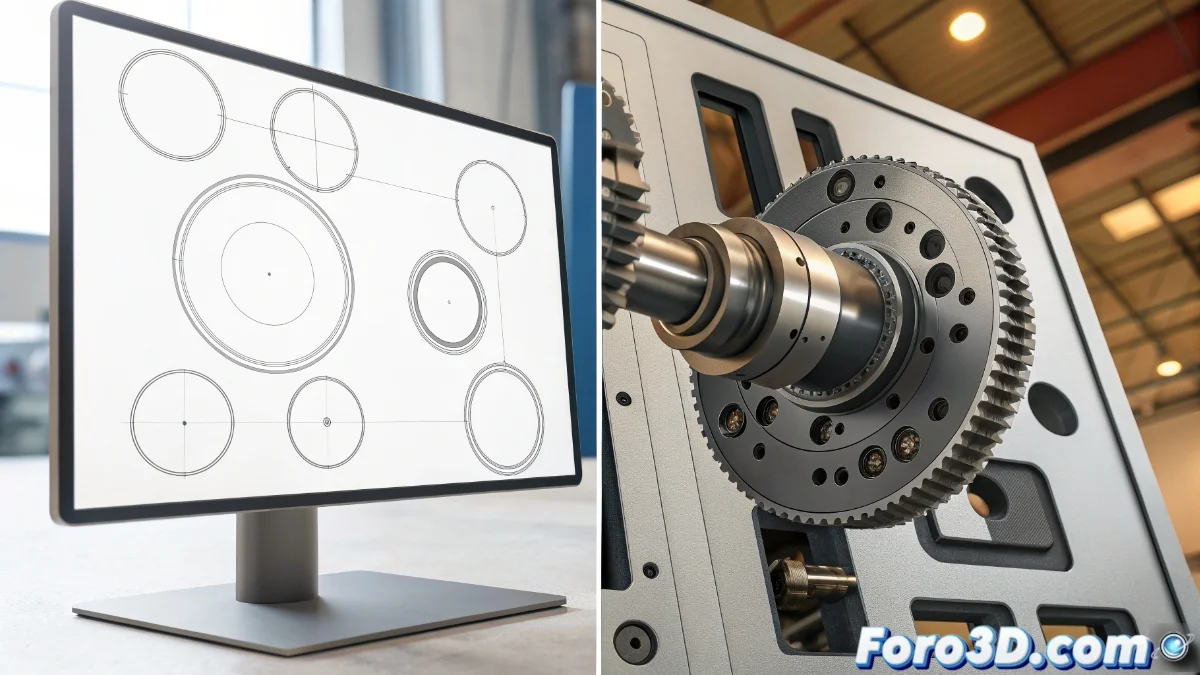
SolveSpace vs Fusion 360 and SolidWorks: comparative analysis of parametric modeling
In the universe of computer-aided design, the choice between tools can define the success of a project. While SolveSpace emerges as a lightweight and free option, Fusion 360 and SolidWorks represent comprehensive professional solutions. This comparison explores their fundamental differences to help you select the right tool according to your specific needs 🛠️.
Modeling approaches and technical capabilities
SolveSpace specializes in basic parametric modeling with emphasis on geometric constraints both in 2D and 3D, ideal for educational projects and simple designs. In contrast, Fusion 360 and SolidWorks integrate multiple methodologies including direct modeling, complex surfaces, and advanced assemblies with multi-component management. These professional platforms incorporate simulation and analysis modules that SolveSpace does not offer natively.
Distinctive modeling features:- SolveSpace: Focus on constraint-based geometry with essential tools for basic projects
- Fusion 360: Combination of parametric, direct, and organic with cloud-integrated tools
- SolidWorks: Complete ecosystem with FEA simulation, assembly management, and advanced technical documentation
In the world of design, using SolveSpace is like bringing a bicycle to an F1 race: fun and economical, but don't expect to win without professional power.
System requirements and user experience
Resource efficiency is SolveSpace's hallmark, running smoothly even on teams with modest hardware thanks to its minimalist interface. Fusion 360 and SolidWorks demand robust configurations for optimal performance, especially when working with complex models or intensive renderings. However, they compensate for this requirement with highly customizable interfaces and optimized workflows for professional productivity.
Usability and performance aspects:- SolveSpace: Clean and simple interface with a gentle learning curve and minimal RAM usage
- Fusion 360: Adaptable and collaborative panels with native cloud integration and contextual tools
- SolidWorks: Industry-specialized environment with workflows optimized for mechanical engineering
Collaboration and development ecosystem
The realm of professional collaboration shows significant differences between these platforms. Fusion 360 and SolidWorks offer cloud-based version management, integrated CAM tools, and advanced structural analysis capabilities. SolveSpace, being open-source and independent, lacks native collaborative features but allows unlimited customizations through its development community. The final choice depends on whether you prioritize enterprise integration or customization flexibility 🎯.