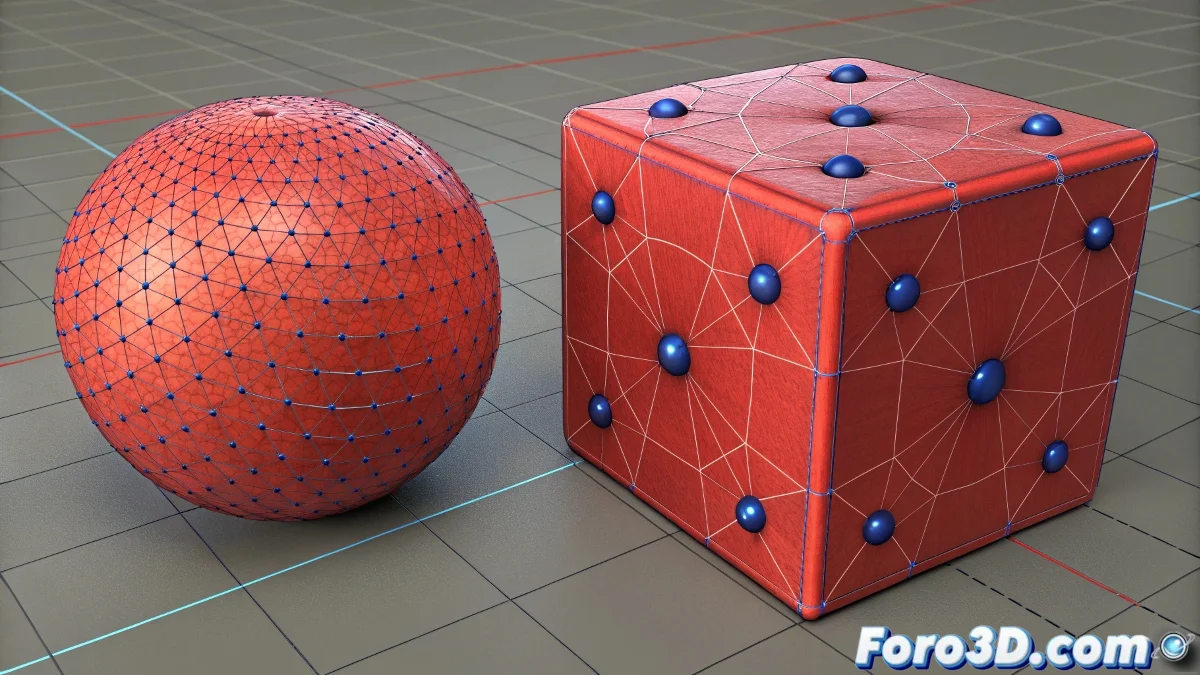
The Mystery of Red Mesh Objects in Moray
When working with Moray and you discover that all your objects converted to Mesh systematically appear in red color regardless of what material you assign to them, you're facing one of those technical peculiarities that make old software a territory full of surprises. This behavior is characteristic of Moray and originates from the particular way this software handles the visualization of different types of geometry. The fact that non-Mesh objects display materials correctly while Mesh objects remain stubbornly red suggests that there is a specific display setting or mesh state that is forcing this color, possibly as an indicator of some type of error or special object state.
Diagnosis of the Red Color Problem
In Moray, the persistent red color on Mesh objects generally indicates a specific geometry state or configuration problem rather than a material error itself. Since Moray is software from a previous era with paradigms different from modern 3D programs, the solution requires understanding its particular logic.
- Specific display mode for Mesh objects
- Mesh properties that override materials
- Layer or group render settings
- Error states in Mesh conversion
Solutions to Regain Material Control
To solve this problem in Moray, you need to explore different configuration areas that may be forcing the red color. Since it is legacy software, some solutions may seem counterintuitive from the perspective of modern 3D programs.
A Mesh object always red in Moray is like a traffic light stuck on red: it indicates that something needs attention before you can proceed
- Check the display mode in visualization preferences
- Review object properties after Mesh conversion
- Test different methods of Mesh geometry conversion
- Explore layer settings that may be overriding materials
Alternative Work Strategies
If the problem persists after trying all configurations, there are alternative methods to achieve the desired results without relying on standard Mesh conversion.
Working with legacy software like Moray is like learning a forgotten dialect of 3D: it requires digital archaeological patience but connects you with the historical foundations of computer graphics 💾. Every problem you solve not only allows you to advance in your current project but also provides a deeper understanding of the evolution of 3D software through the decades.