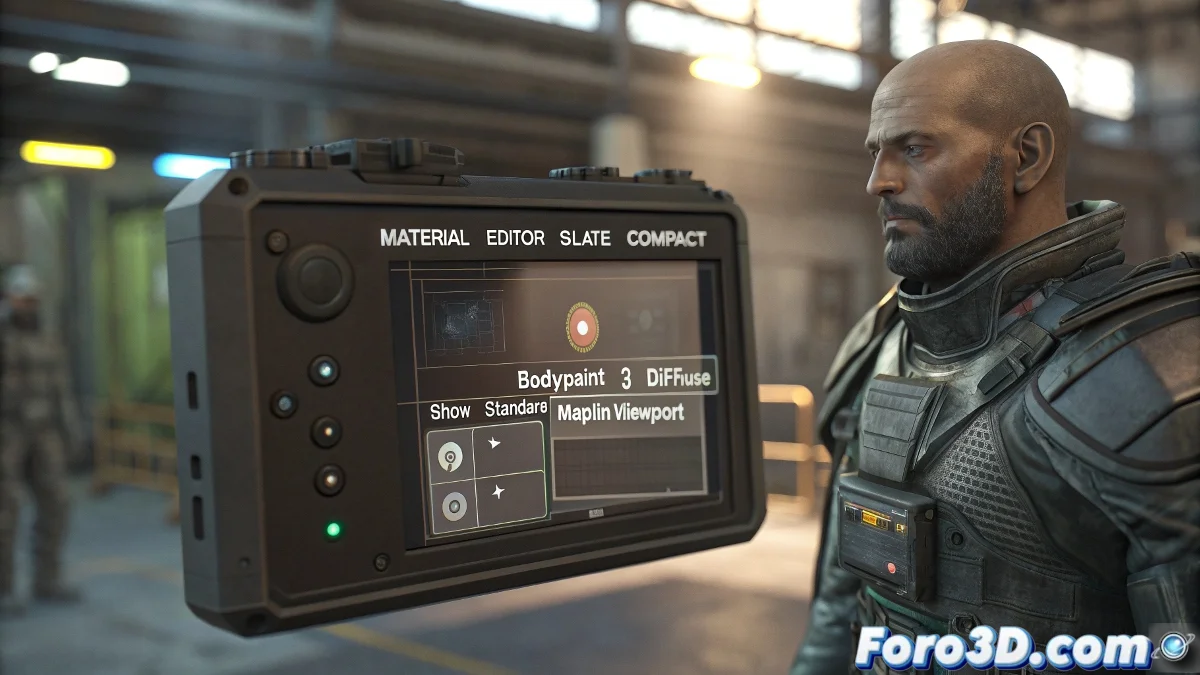
The Mystery of Ghost Textures in the Viewport
When working with BodyPaint 3D and exporting your models to 3ds Max, it's frustrating to discover that the textures render perfectly but are invisible in the viewport. This situation is more common than it seems and has a specific technical explanation. The fact that the render works correctly demonstrates that the textures are properly applied and the UV coordinates are correct, but something in the real-time display configuration is failing. That gray color you mention is the key clue - it indicates that 3ds Max recognizes the material but cannot load or display the textures in the preview.
Diagnosis of the Display Problem
The discrepancy between viewport and render suggests that there is a conflict in the way 3ds Max handles real-time visualization versus the final render calculation. BodyPaint 3D may be applying the textures in a way that the 3ds Max viewport does not interpret correctly, although the render engine processes them adequately.
- Broken texture paths or not found by the viewport
- Material settings not compatible with real-time visualization
- Issues with the diffuse channel in the 3ds Max material
- Incompatibility in the texture file format
Step-by-Step Solutions to Restore Visualization
Fortunately, there are several proven solutions that can make your textures reappear in the viewport without affecting the final render quality.
A viewport without textures is like a car without windows: it works but you can't appreciate the scenery during the trip
- Manually reassign textures in the Material Editor
- Enable the Show Shaded Material option in the viewport
- Verify and correct texture paths in Asset Tracking
- Convert materials to Standard type if they come as specialized
Optimal Configuration for BodyPaint-3ds Max Workflow
To prevent this problem from recurring in future projects, we recommend establishing a specific export protocol when working between BodyPaint 3D and 3ds Max.
Solving visualization issues between different 3D software is part of developing a robust professional workflow 🎨. Every incompatibility you overcome makes you a more versatile artist ready for the technical challenges of digital production.