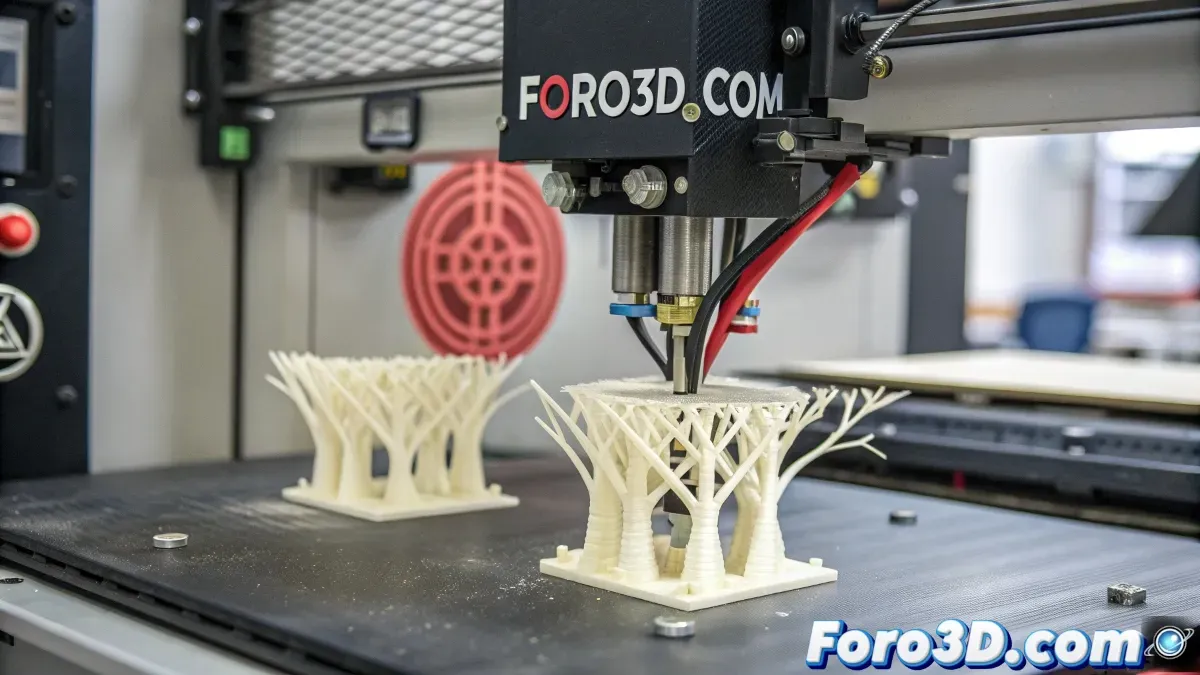
Solutions for Support Issues in 3D Printing
The world of 3D printing offers infinite possibilities for creating parts and objects, but it is not without challenges. One of the most common problems users face is the nozzle scraping against the supports, especially when printing tall objects. This issue can result in failed and frustrating prints, leading to the search for solutions to prevent the nozzle from touching and dragging the supports. Below, some possible causes and solutions to this inconvenience are explored.
Possible Causes of the Problem
The problem of the nozzle scraping against the supports can be due to several factors. One of the most common is a poor adjustment in the Z-hop. This adjustment controls the distance between the nozzle and the printed part, and if it is too high, the nozzle could come into contact with the supports, causing it to drag them and damage the print. However, other factors such as print speed or support quality can also influence it.
Solutions to Improve Z-Hop
The first step to solving this problem is to adjust the Z-hop. This value determines how much the nozzle rises or lowers between each layer. If the hop is too large, the nozzle could touch the supports. Adjusting it to a value between 0.2 and 0.5 millimeters is usually a good option. Some users recommend setting this value to a range of 0.3 to 0.4 millimeters for better results.
Improve Part Adhesion
Another factor that can help reduce the problem is improving the adhesion of the part to the print bed. One way to do this is by using additional brim on the supports. This provides a more stable base and prevents the supports from moving during printing. Additionally, some users opt to use hairspray or adhesive spray to increase the adhesion of the part to the bed. However, it is important to ensure that the print bed is well leveled and clean before applying any adhesive solution.
Considerations on the Printer and Software
It is also essential to take into account the characteristics of the printer and the software used. For those using the Ender 3 Pro printer, as mentioned in some experiences, tree-type supports can be useful but require special care. It is recommended to use a slicer program like Cura, which allows configuring the supports appropriately to avoid nozzle rubbing issues. However, other programs like Orca Slicer can also be tried, which offer different settings to improve printing.
Adjust Print Speed
In addition to Z-hop, print speed can also affect the support problem. If printed at too high a speed, vibrations and rapid movements can cause the nozzle to rub against the supports. Reducing the print speed can be an effective way to minimize this problem, allowing the printer to work with more precision and without the nozzle damaging the supports.
Conclusion
The problem of the nozzle scraping the supports in 3D printers can be frustrating, but with some adjustments in the printer and software settings, it is possible to solve it. Adjusting the Z-hop, improving part adhesion, and reducing print speed are some of the most effective solutions. Additionally, it doesn't hurt to ensure that all parts of the printer are in good condition and well adjusted to obtain more precise and stable results.