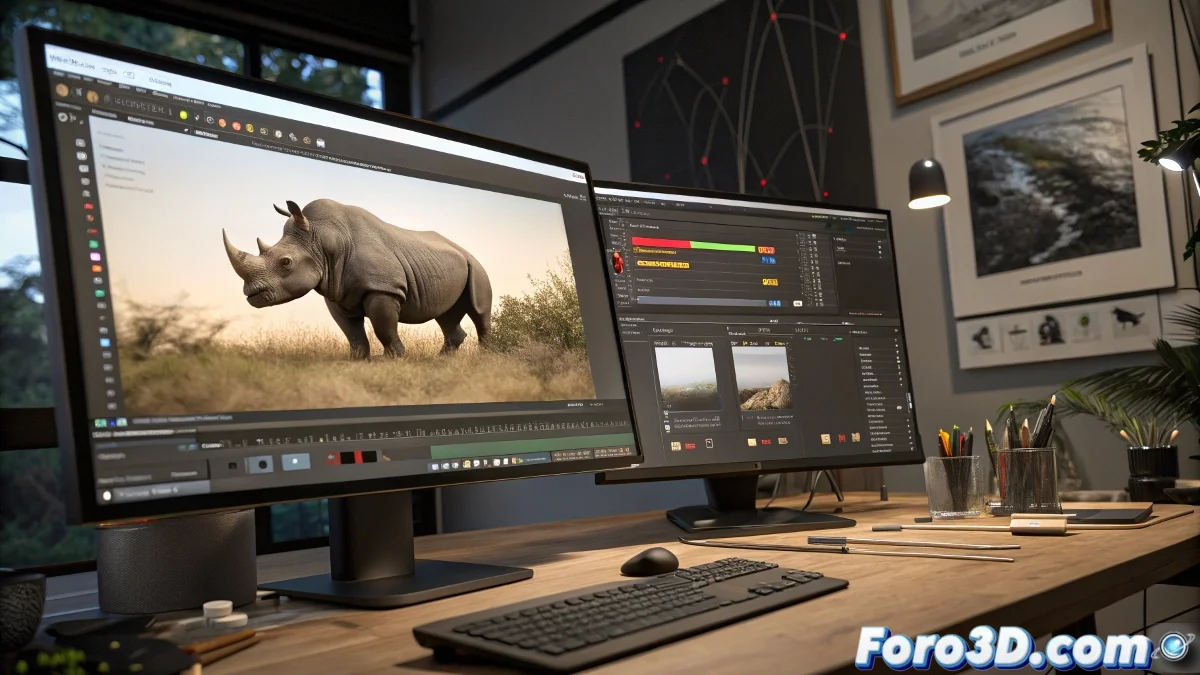
When Your 3D Camera Dances Salsa Without Your Permission 💃
Camera tracking is that magical art where you try to convince software that your digital rhinoceros really exists in the physical world. The problem arises when the virtual camera decides to take on a life of its own and move as if it's in an 80s disco. Tracking errors are more common than poorly focused selfies, but with these tips, you'll be able to tame your rebellious camera.
The Classic Mistakes We All Make (and Deny)
The panic moment arrives when the software shows you that terrifying message: excessive errors in frames 35, 36, and 37. It's as if your camera had an epileptic seizure right in those frames. It usually happens because:
- Tracking points disappear like ghosts
- Shadows or reflections fool the software like a mirage
- Insufficient contrast makes the markers invisible
The Survival Kit for Disastrous Tracking
To save your scene from digital disaster, follow these steps as if they were instructions for shutting down a nuclear reactor:
- Point-by-point review: Like a detective looking for false clues
- Purge of traitor points: Eliminate the problematic ones mercilessly
- Marker reinforcement: Add extra points as reinforcements
- Manual smoothing: Because sometimes auto doesn't know what it's doing
Foro3D veterans say: A good track is like good makeup, if you can tell it's there, it's poorly done. The key is patience and not giving up when everything seems lost.
Tricks Nobody Tells You But Should
To prevent your tracking from turning into a horror movie:
- Use high-contrast tracking patterns from the start
- Mark additional points in stable areas of the scene
- Try different tracking algorithms
- Divide the problematic sequence into smaller segments
At the end of the day, perfect tracking doesn't exist, just like unicorns or on-time package deliveries don't. But with these tips, at least you can prevent your digital rhinoceros from looking like it's having an existential crisis in the middle of your scene. 🦏 And if all else fails, you can always say it's a vanguard artistic effect... Who would dare question it? 😎