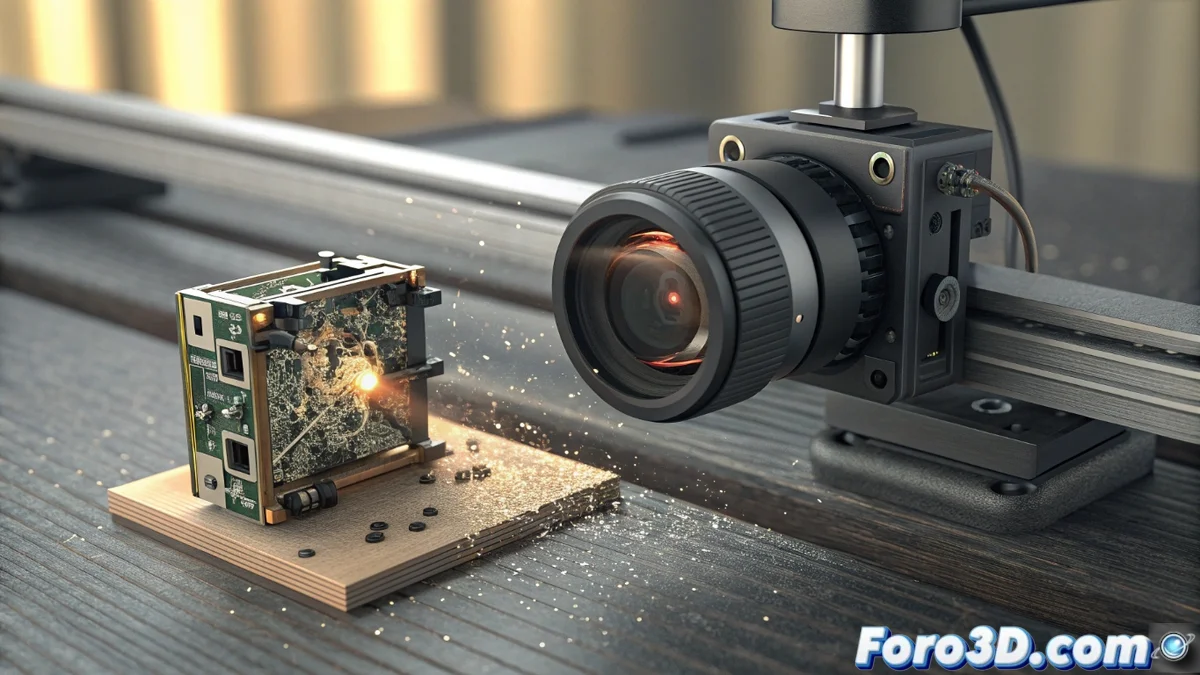
Solution to the HMS_0C00-0500-0001-000D Error on Bamboo Lab Printers
Encountering the code HMS_0C00-0500-0001-000D on your Bamboo Lab printer can be frustrating, as it completely stops the initial calibration process. Contrary to what one might think, this error is not related to the laser, but points directly to a malfunction of the camera integrated into the Micro Lidar system. This component is the eye that captures the pattern projected by the laser to calculate the perfect leveling of the print bed. 🔍
Initial Diagnosis and Quick Checks
Before panicking or contacting support, it is crucial to perform a series of basic checks that, in many cases, resolve the issue. The precision of the Micro Lidar is extreme, making it sensitive to even the smallest obstacle in its field of view.
List of Essential Checks:- Lens Cleaning: Locate the small camera on the print head, near the extruder. Use a dry, lint-free microfiber cloth to gently clean the lens, removing dust, grease, or filament residues.
- Full Restart: Turn off the printer from the menu and unplug it from the power source for at least 30 seconds. This allows a deep restart of all electronic systems.
- Connection Inspection: Visually inspect (and carefully) the cables on the print head, paying special attention to the thin flat cable connected to the Lidar module. Ensure it is firmly inserted at both ends.
The irony of high technology: a system designed to detect millimeter variations can fail due to a simple speck of dust invisible to the human eye.
Corrective Actions and Definitive Solution
If the error persists after the checks, it is time for a deeper diagnosis. Access the printer's calibration menu and run the specific test for the Lidar system. Observe if the laser point or line projects correctly onto the bed. If the laser works but the error does not disappear, the confirmation is clear: the Micro Lidar camera is faulty.
Procedure to Resolve the Failure:- Contact Technical Support: Communicate with Bamboo Lab's customer service. Provide the exact error code and the serial number of your printer. If the equipment is under warranty, request a replacement unit for the complete Micro Lidar module.
- Module Replacement: This is usually the most effective solution. The installation process is accessible: it involves carefully unclipping the print head cover, disconnecting the flat cable from the old module, and connecting the one from the new one. Always follow the official guides.
- Post-Installation: Once the new module is installed, perform a full calibration from the printer's menu to ensure all systems work in harmony.
Conclusion and Final Recommendation
The HMS_0C00-0500-0001-000D error, although specific, has a well-defined solution path. Always start with cleaning and basic checks, as they are simple but powerful steps. If it is a hardware failure, the Micro Lidar module replacement is the way to go. Stay calm and follow an orderly diagnostic process to get back to printing with the precision for which you chose your Bamboo Lab. 🛠️✅