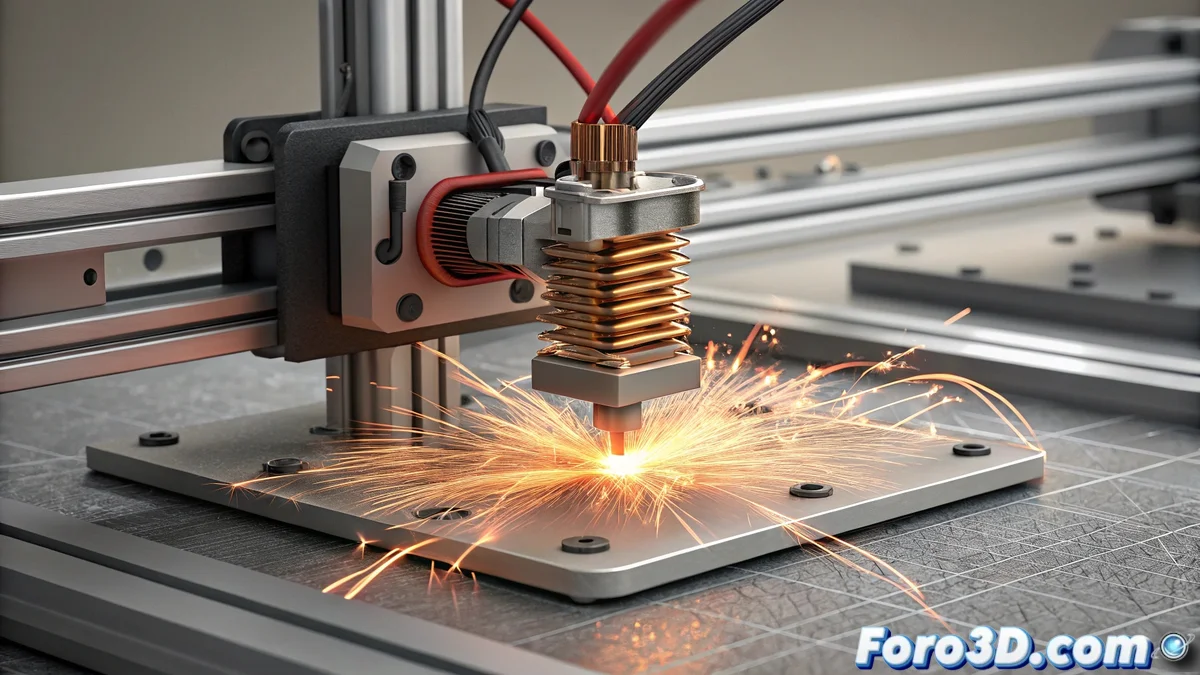
Solution to HMS_0300-0200-0001-0001 Error in Bamboo Printers
When your Bamboo printer displays the code HMS_0300-0200-0001-0001, it is indicating a critical situation where the system has detected a temperature outside normal parameters in the nozzle along with a possible short circuit in the heating element. This issue usually manifests during the preheating phase or in the middle of print jobs, causing an immediate interruption of the process. The machine automatically activates its built-in protection mechanisms to prevent extensive damage to the electronics and mechanical components. 🔧
Initial Safety Diagnosis and Components
The first crucial step involves completely disconnecting the printer from the power supply to ensure safe working conditions. Perform a thorough visual inspection of the hotend wiring, looking for signs of deterioration such as damaged insulation, exposed conductors, or unstable connections that may cause short circuits. Use a digital multimeter to measure the heater resistance, where values deviating from the standard range of 8-15 ohms will confirm the malfunction. Simultaneously, evaluate the temperature sensor by verifying that its readings match the ambient temperature when the equipment is at thermal rest.
Essential Checks:- Total electrical disconnection as the primary safety measure
- Visual examination of wiring for physical damage and loose connections
- Heater resistance measurement with multimeter (normal range: 8-15 ohms)
Prevention is always smarter than repair: accurate diagnosis avoids collateral damage to your equipment.
Detailed Repair Process
If you confirm a faulty heater, proceed with its replacement using a new component specifically compatible with your Bamboo model, ensuring that the wires are properly insulated and connected. For the temperature sensor, check that the terminals are clean and firmly seated before considering complete replacement. It is essential to update the printer firmware to the latest available version, as previous revisions have corrected false positives in thermal anomaly detection. Run a progressive heating test monitoring the behavior through the interface, where a stable thermal curve without abrupt fluctuations will indicate successful resolution of the problem. 📈
Repair Steps:- Replacement of the damaged heater with a compatible unit with proper insulation
- Cleaning and verification of temperature sensor terminals
- Firmware update to the latest version
Final Considerations and Prevention
Resolving the HMS_0300-0200-0001-0001 error requires a methodical and patient approach that combines safety checks, precise diagnosis, and appropriate repair procedures. Early detection of issues in the thermal system not only restores the functionality of your Bamboo printer but also extends its lifespan by preventing major damage. Remember that even the most advanced equipment can exhibit unexpected behaviors when thermal components operate outside their designated parameters, but with the right knowledge, you can turn these challenges into technical learning opportunities. 💡