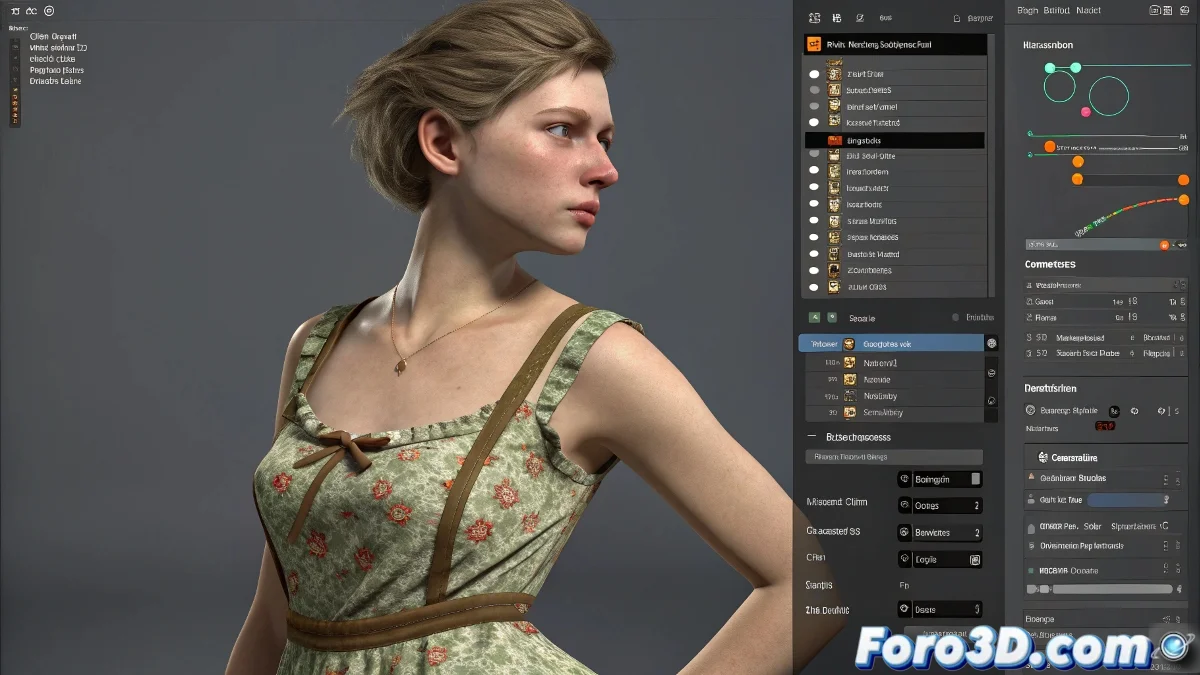
Solution to Problems with the Cloth Modifier on DAZ Character Clothing
When you import a DAZ character in FBX format into Blender and apply the Cloth modifier so that the clothing reacts, the simulation may not work if any detail fails. Even if you have the character set up as a collision object and the clothing as Cloth, the simulation won't activate if the meshes have issues like inverted normals, unapplied scale, or duplicate vertices. And no, you don't need to be a physics expert to solve it! 👗
Review of Key Details
For the simulation to work correctly, it's important to check the following points:
- The clothing has the Cloth modifier properly active and configured.
- The character has the Collision modifier.
- The scale of both objects is applied and uniform.
- The normals of the meshes are oriented outward.
- There are no repeated vertices or topology issues.
- Parameters like mass and friction are in reasonable ranges.
Simulation Setup
If everything is in order, restart the simulation and make sure the timeline is set for the time you want to simulate. In Blender, these details may seem magical, but behind them there is a lot of physics and technical details that, if they fail, can make the fabric stiffer than your coffee maker. ☕
Remember, the key to a successful simulation lies in the proper preparation and setup of your objects. If the clothing doesn't behave as expected, you can always review these points and adjust the parameters. And if everything fails, you can always blame gravity! 😉
With these tips, you can effectively solve problems with the Cloth modifier on DAZ character clothing in Blender. And remember, if the simulation doesn't work, you can always check your settings! 🔍