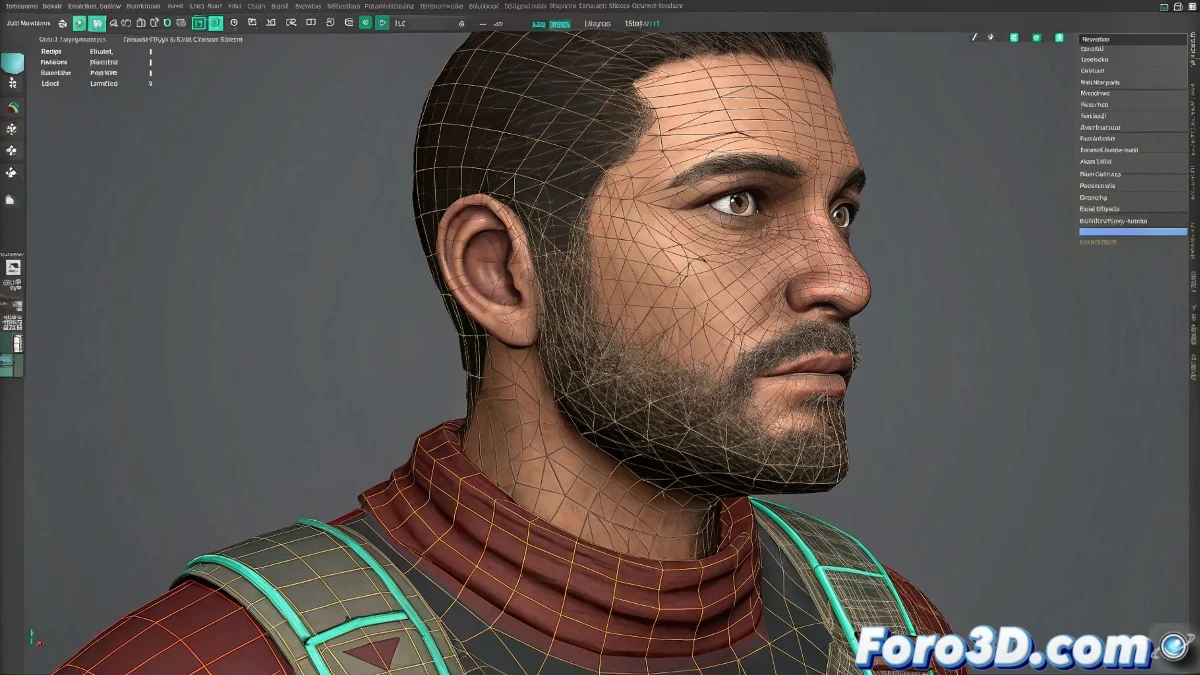
Solution to Texture and UV Mapping Issues in Animation with Maya
When applying a texture with UV Mapping in Maya and animating a character's skeleton, ideally the texture should move along with the mesh, as if it were adhered to the skin. If when moving the neck the texture remains static and does not follow the movements, as if it were not linked, it is likely that the texture is not correctly associated with the deformed geometry. And no, you don't need to be a texturing expert to solve it! 🎨
Common Causes and Solution
This problem usually occurs when the texture is assigned to a mesh that is not correctly influenced by the rig or skinning. It is crucial that the mesh has good skin weight painted and that the UV Mapping is applied to the geometry that deforms with the skeleton. Also, check that you are not using static UV maps in separate layers or projected without relation to the animated model.
To solve it, make sure the skin cluster is well configured and that the UV map remains constant with the mesh. If you use projected maps, you may need to convert them to standard UV or adjust the shader so that the texture follows the deformations. In some cases, using UV sets or texture corrections in shader nodes helps the texture behave correctly.
Final Tips
Remember that UV Mapping is a static projection, but skinning and animation make the mesh move. If the texture seems separated, there is a mismatch between those processes. The solution lies in a good rig, well-painted skin weights, and correct application of the UV map.
And if all else fails, you can always make the mustache stay still, after all, it could be a very original character! 😄
With these tips, you will be able to solve texture and UV Mapping issues in animations with Maya effectively. And remember, if the textures don't behave as expected, you can always blame the skinning! 😉