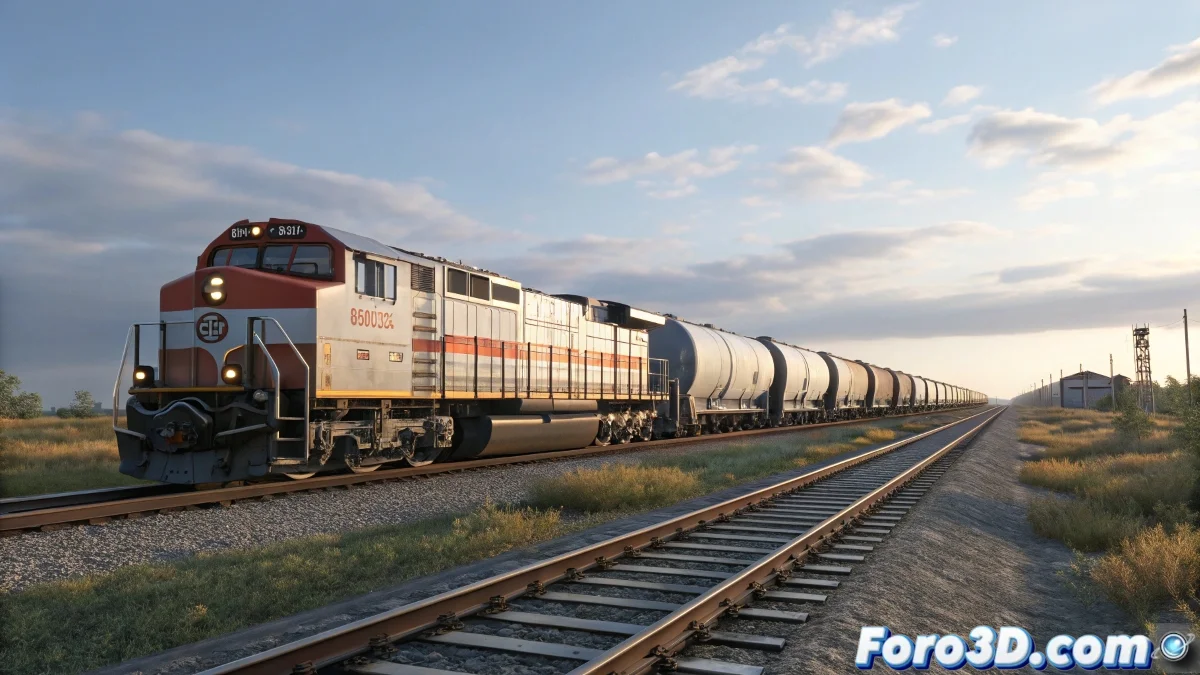
Solution to problems with the train rig and wagon paths in 3ds Max
Working with trains and their wagons in 3ds Max can be a challenge, especially when it comes to animating multiple objects following the same Path. This problem is common when using bone systems or Spline IK, and it usually occurs when the Path is not properly configured or is insufficient to handle all the wagons. And no, you don't need to be a train engineer to solve it! 🚂
Why does this failure occur?
When you have few wagons, the system can distribute them well along the Path. However, when increasing the number of wagons, the Path may run short or the Solver cannot correctly calculate the position of all of them. This causes some wagons to not follow the curve well or to displace incorrectly.
Another frequent cause is that the Spline IK Solver has a limit on the number of bones or controllers it can handle precisely, or that the tracking parameter settings are not adjusted for so many segments.
How to solve it
Here are some solutions to resolve this problem:
- Make sure the Path spline is long enough and has sufficient subdivision to support all the wagons. You can edit the spline to lengthen it or smooth it.
- In the Spline IK Solver, check if there are options to adjust the maximum number of bones or tracking precision. In current versions of 3ds Max, you can try adjusting the Follow Percent parameter to correctly distribute all the wagons.
- Consider creating a system where each wagon has its own controller with an offset on the Path, instead of relying on a single system for all, this way you avoid saturating a single solver.
If the problem persists, consider using a plugin or script that better manages animations with many objects on a Path, such as the Path Deform Modifier combined with custom controllers.
This type of rigs with many elements following a Path can be complicated and sometimes the solution involves dividing the animation into smaller groups or using procedural animation techniques.
Remember, patience and experimentation are key in animation. Don't give up and keep trying new techniques!
So now you know, check the length and subdivision of the Path, adjust the Spline IK, and try separating the wagon controls so they all follow the trajectory well. And remember, if the train derails, you can always blame the Path! 😉