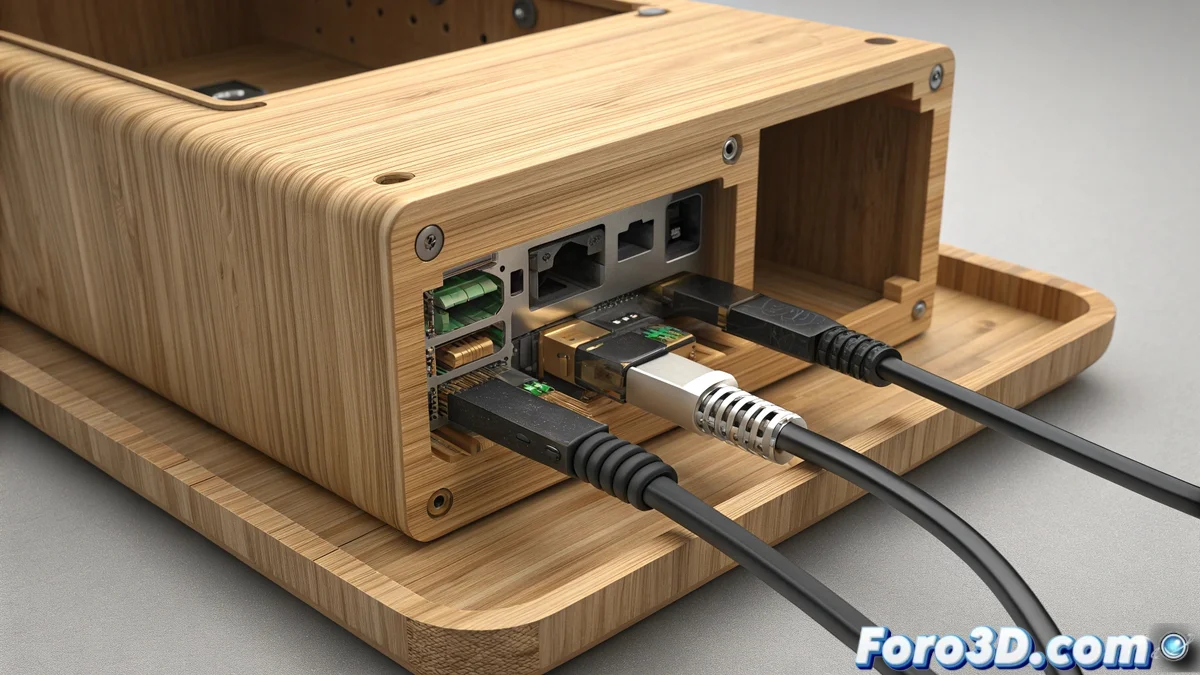
Solution to HMS_0700-0300-0001-0001 Error on Bamboo Lab Printers
When your Bamboo Lab printer displays the HMS_0700-0300-0001-0001 code, it is alerting about communication problems with one of the slots in the automatic filament feeding system (AMS). This failure interrupts proper material identification and requires methodical intervention 🔧.
Initial Connection Verification
The first step is to examine all physical connections between the AMS unit and the main printer. Flat cables are usually the main suspects when these communication errors appear. It is essential to ensure that all connectors are correctly inserted into their corresponding ports.
Verification Procedure:- Check that each flat cable connector is firmly seated at both ends
- Restart both the printer and the AMS module to rule out temporary firmware failures
- Check for bent or damaged pins in the connectors
A full restart can resolve up to 40% of communication errors without the need for physical intervention.
Deep Cleaning and Maintenance
If the problem persists after basic checks, it is time to perform a thorough cleaning of the components. Accumulation of particles on electrical contacts is a common cause of these failures, especially in dusty environments.
Specialized Cleaning Process:- Use isopropyl alcohol and a lint-free cloth to clean the gold contacts
- Visually inspect the filament sensors for obstructions
- Verify that the AMS slots are free of filament residue
Advanced Diagnostics and Definitive Solutions
When basic solutions do not work, it is necessary to implement more advanced diagnostic strategies. The key is to determine whether the problem lies in specific hardware or requires software updates.
Structured Diagnostic Methods:- Update the firmware of both devices to the latest available version
- Swap cables between different slots to identify the source of the failure
- Document whether the error moves with the cable or remains in the same slot
Result Interpretation and Final Steps
The error behavior during testing will indicate the appropriate solution. If the problem moves with the cable, you will need to replace the defective component. If it remains in the same slot, you will likely require specialized technical assistance or even replacement of the entire AMS module. Sometimes these systems seem to ask for a break, as if they long for a vacation away from the stress of continuous printing 🏖️.