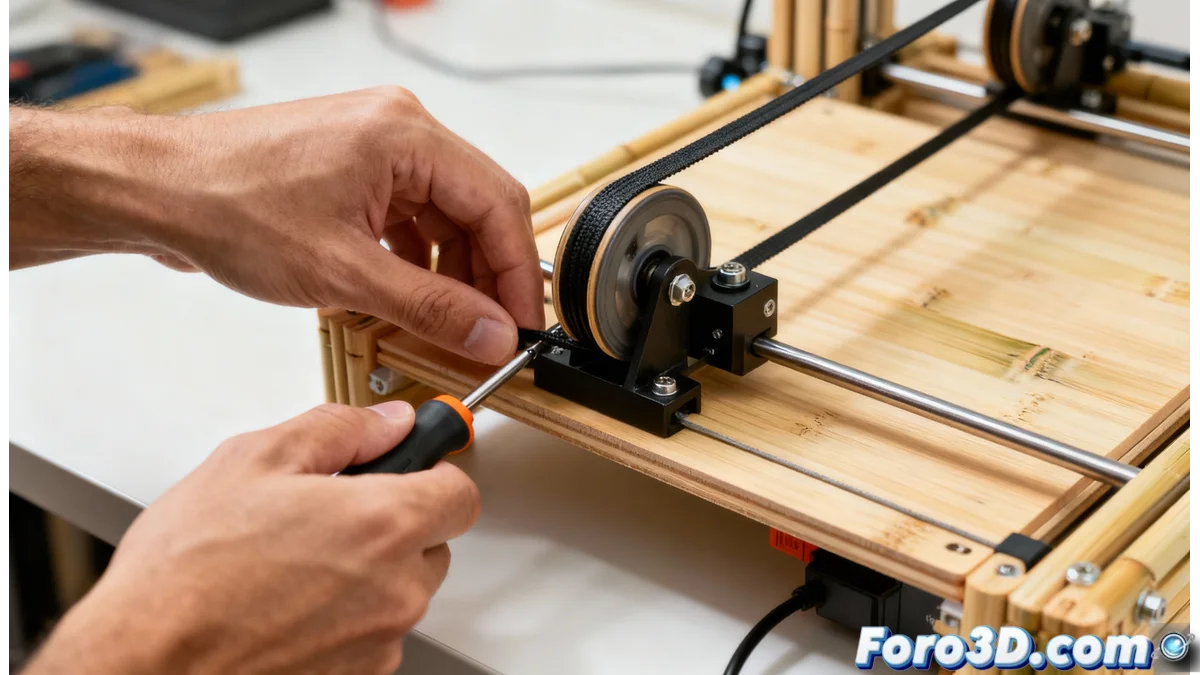
Solution to HMS_0501-0300-0001-0002 Error on Bamboo Printer Due to Y Belt Tension
The HMS_0501-0300-0001-0002 error code on Bamboo printers represents a diagnostic system alert that detects irregularities in the Y-axis belt tension. This system monitors the motor's vibration frequency to identify if the belt is too loose or excessively tight, conditions that directly affect print quality 🚨.
Diagnosis of Tension Problem
The monitoring system analyzes the stepper motor vibrations during Y-axis movement. When it detects anomalous frequencies, it generates the specific code indicating that the belt needs adjustment. Incorrect tension causes visible defects such as misaligned layers, surface artifacts, and loss of dimensional accuracy, completely compromising print results.
Step-by-Step Adjustment Procedure:- Safe Disconnection: Completely turn off the printer and unplug the power cord to avoid electrical risks during handling
- Location and Inspection: Identify the Y-axis belt on the machine base and gently press with your finger to evaluate the current resistance
- Precise Adjustment: Turn the tensioner screws clockwise to increase tension or counterclockwise to decrease it, making gradual modifications
- Practical Verification: After each adjustment, turn on the printer and run a print test to validate the problem correction
Printers seem to have perfect timing to remind us of maintenance just when we have critical projects, as if they knew they need special attention at the most inconvenient moments
Essential Preventive Maintenance
Performing periodic reviews of all printer belts, not just the Y-axis, is essential to prevent premature wear and ensure consistency in prints. Dust and residue accumulation on pulleys and belts significantly affects the motion system performance.
Recommended Maintenance Routine:- Regular Cleaning: Use a dry cloth to remove dust from pulleys and belts every 15-20 days of intensive use
- Visual Inspection: Look for signs of wear such as cracks, loose fibers, or excessive stretching in the belts
- Preventive Replacement: Replace belts at the first sign of deterioration to avoid catastrophic failures during long prints
- Documented Record: Keep a history of adjustments and maintenance to identify patterns and optimize the review schedule
Impact on Print Quality
Properly calibrated tension in the Y-axis belt is crucial for obtaining precise prints free of artifacts. The proper adjustment eliminates shifted layer issues, improves layer adhesion, and ensures models maintain their designed dimensions, thus maximizing the printer's lifespan and user satisfaction 🎯.