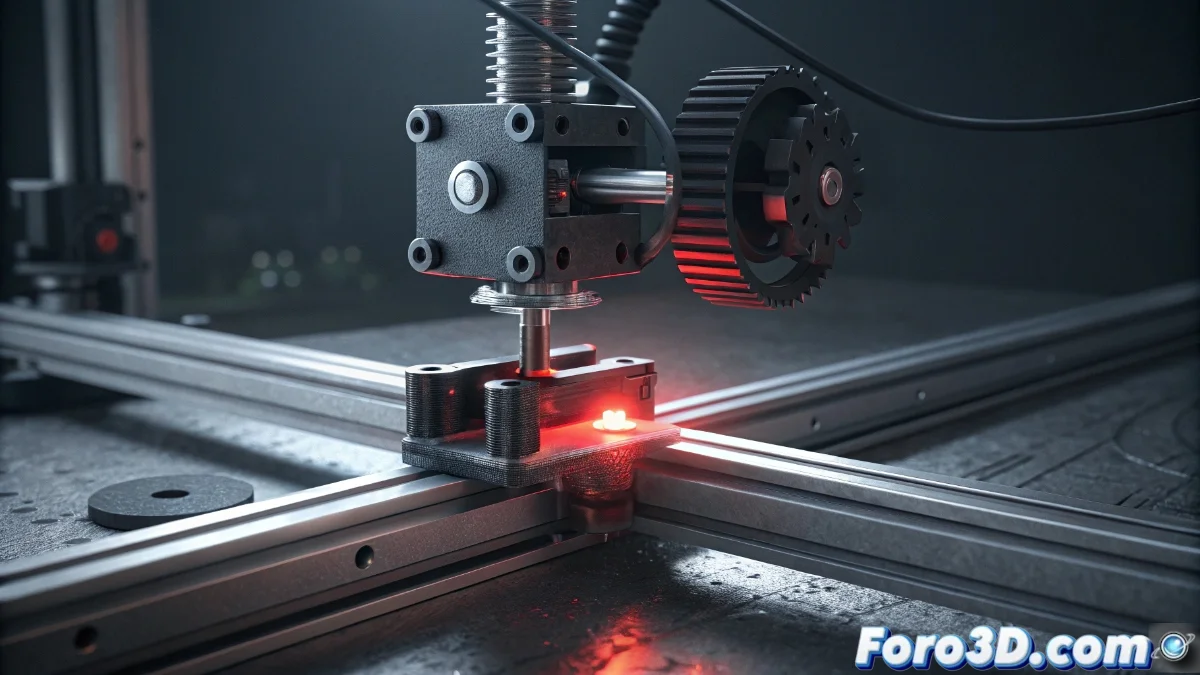
Solution to HMS_0500-0400-0001-0001 Error on Bamboo Printer During Y-Axis Homing
Numerous Bamboo Printer users are experiencing anomalous behavior during the Y-axis homing sequence, identified by the code HMS_0500-0400-0001-0001. This failure manifests with irregular movements, sudden stops, or inability to complete the initial calibration, which can cause failed prints and interruptions in 3D printing work. 🚨
Physical Diagnosis of the Y-Axis System
The first fundamental step consists of performing a thorough inspection of the Y-axis mechanical assembly. It is crucial to verify that there are no physical obstacles such as misplaced cables or filament residues that restrict the smooth movement of the carrier carriage. Additionally, we must check the condition of the transmission belts, ensuring their correct tension, and review that the linear guides or sliding rods are perfectly clean and lubricated. Any additional mechanical resistance could be the main origin of this specific error code. 🔧
Mechanical Verification Steps:- Complete visual inspection for physical obstructions
- Check for proper tension in transmission belts
- Cleaning and lubrication of linear guides and rods
Most 3D printer homing problems are resolved with proper and systematic mechanical maintenance.
Firmware Adjustments and Recalibration
If the physical examination reveals no anomalies, the next level of diagnosis focuses on the firmware configuration. A complete reset to factory parameters frequently resolves discrepancies in calibration processes. Access your Bamboo printer's settings menu and locate the option to restore default values. Then, run the automatic homing sequence again to confirm if the error persists. In situations where the problem continues, a firmware update to the latest version available on the official Bamboo website could correct known errors associated with this behavior. ⚙️
Configuration Procedure:- Complete reset to factory parameters
- Run new verification homing sequence
- Update to the latest available firmware version
Final Considerations and Best Practices
It is important to remember that occasionally the difficulty does not lie in the equipment but in the operation methodology. Some users persist in using inappropriate calibration techniques that can generate more problems than solutions. Always follow the procedures recommended by the manufacturer and maintain a preventive maintenance log to avoid recurrence of these issues. The combination of mechanical verification, software adjustments, and correct operational practices constitutes the most effective approach to permanently resolve the HMS_0500-0400-0001-0001 error. ✅