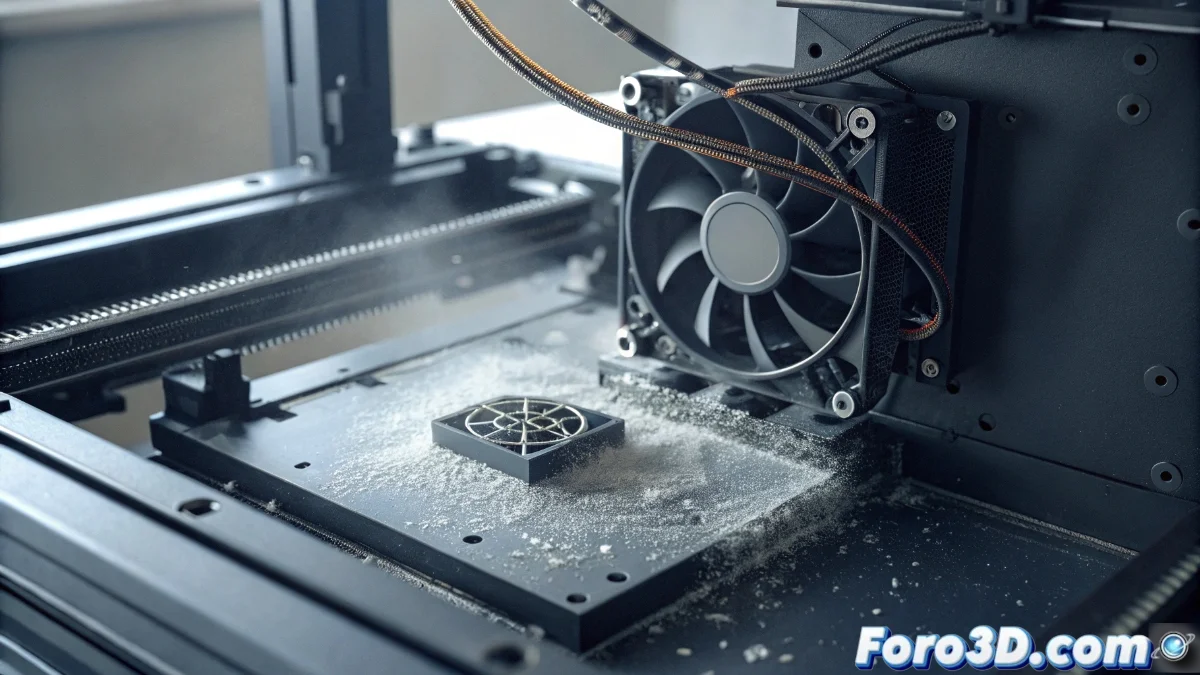
Solution to HMS_0300-0C00-0001-0003 Error on Bamboo Printer
When your Bamboo printer displays the code HMS_0300-0C00-0001-0003, it indicates an anomaly in the speed of the chamber thermal control fan. This issue can halt your creative projects if not addressed properly 🔧.
Initial Fan Diagnosis
The first step involves a complete physical inspection of the cooling system. The most common causes include dust accumulation or mechanical obstructions that restrict the normal movement of the blades.
Verification Procedure:- Disconnect the printer and open the chamber casing to access the fan
- Manually check that the blades spin without excessive resistance
- Carefully clean any dust accumulation with compressed air
An obstructed fan not only generates errors but compromises print quality by affecting thermal control
Electrical System Review
If the fan is clean but the error persists, the problem may be in the electrical connections. A loose or damaged cable interferes with speed control signals 📊.
Wiring Verification:- Visually inspect the cables for cuts or insulation wear
- Ensure the connectors are firmly inserted into the motherboard
- If you find damage, replace the complete fan assembly
Software Adjustments and Calibration
In many cases, the error is resolved through firmware updates that correct discrepancies in thermal control. Subsequent system calibration is crucial to synchronize sensors and fan 🔄.
Update Process:- Access the settings panel and look for available firmware updates
- Install the latest version following the manufacturer's instructions
- Run the full calibration from the maintenance menu
Final Considerations
Resolving the HMS_0300-0C00-0001-0003 error requires a systematic approach that combines physical cleaning, electrical verification, and software updates. This seemingly minor component demonstrates how every element is vital in the complex 3D printing ecosystem 💡.