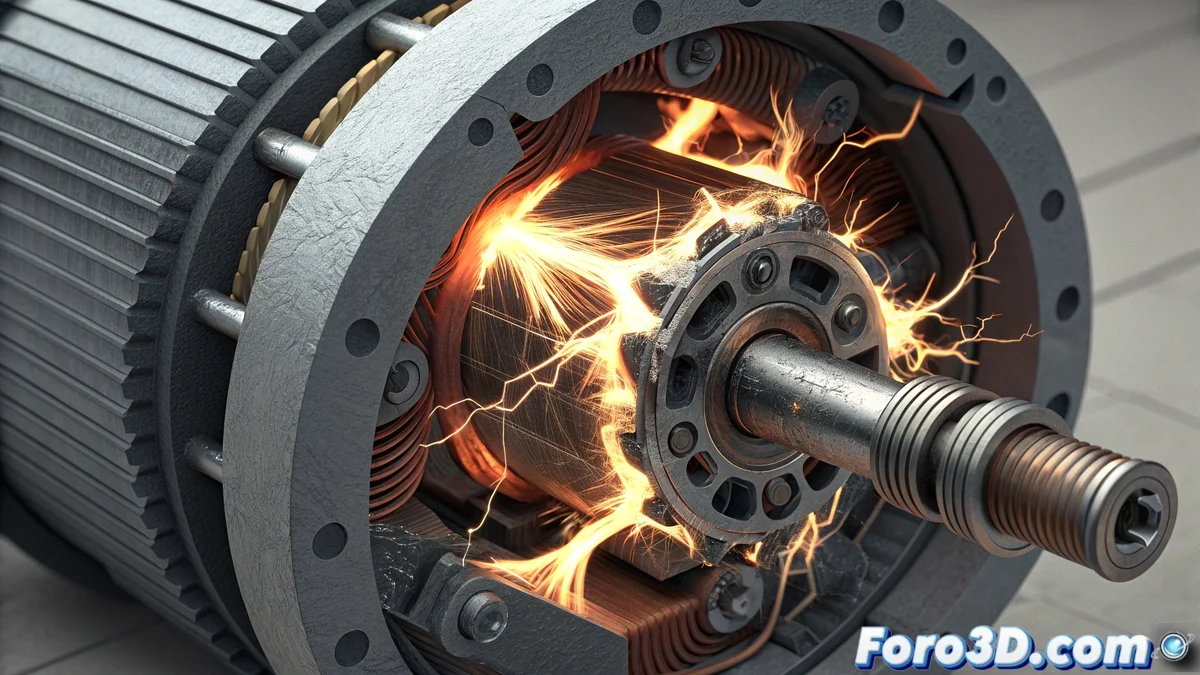
Solution to HMS_0300-0600-0001-0002 Error on Bamboo Printer
When your Bamboo printer displays the HMS_0300-0600-0001-0002 code, it is indicating an electrical short circuit in the main movement motor. This failure usually causes sudden stops during print jobs and alert notifications on the interface. The root of the problem commonly lies in deteriorated connections or damaged cables within the mechanical system. 🔧
Initial Problem Diagnosis
The first thing is to completely disconnect the equipment from the power supply to ensure safety. Carefully examine the entire wiring linked to the motor, identifying signs of overheating, insulation breaks, or poorly adjusted terminals. Use a digital multimeter to validate electrical conductivity in the motor conductors, paying special attention to areas where they rub against moving components. ⚡
Critical Inspection Points:- Visual check for stripped or burn-marked cables
- Verification of connectors firmly seated in their bases
- Continuity test on sections with constant friction history
The machine warns us repeatedly before reaching the critical failure - do not ignore its early warning signals
Functional Restoration Process
Upon detecting defective conductors, replace them with new units with identical technical characteristics. Perfectly secure all couplings in their respective slots. Before restarting, remove any melted filament particles or dirt buildup in the vicinity of the motor and its terminals. Perform a manual displacement test via the control panel to confirm that the motor operates properly without registering new errors. 🛠️
Recommended Repair Sequence:- Complete replacement of damaged cables maintaining original specifications
- Thorough cleaning of the motor area and electrical connections
- Post-repair verification via manual operation test
Important Final Considerations
Remember that sometimes the real problem is not the component itself, but having systematically ignored the preliminary alerts the device showed before reaching this limit situation. Early detection and regular preventive maintenance are your best allies to avoid costly interruptions in your 3D printing projects. 📈