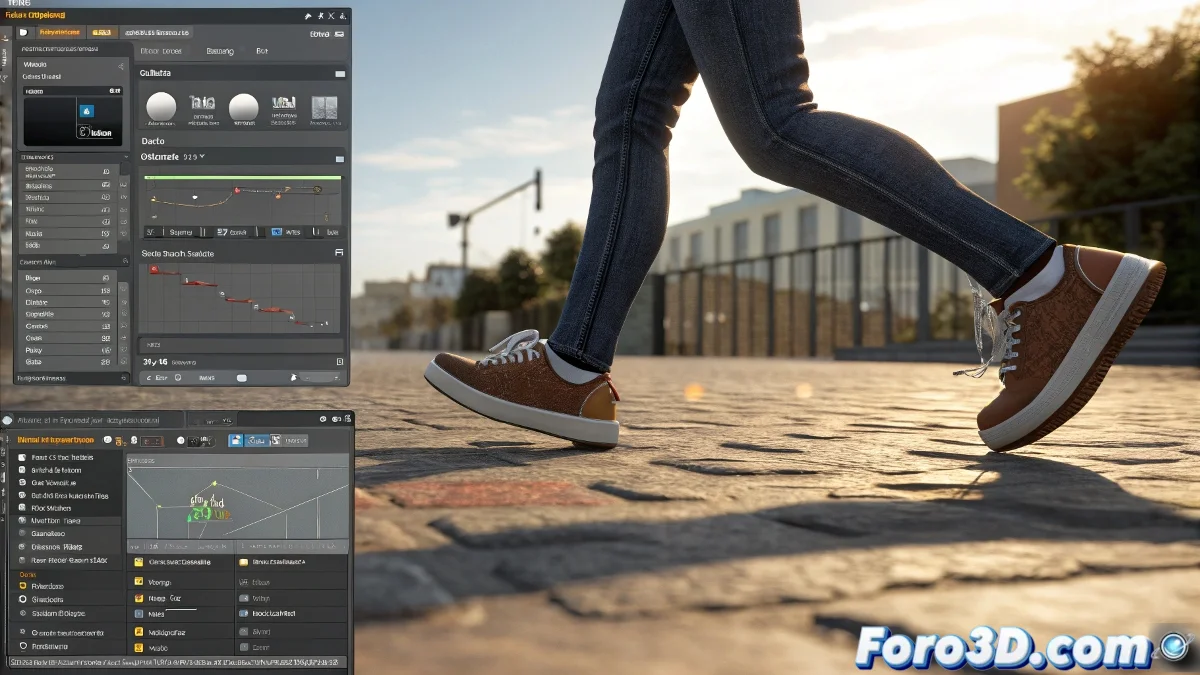
The Mysterious Case of the Escaping Feet in 3ds max 🕵️♂️
In the fascinating world of 3D animation, few things are more disconcerting than watching a character walk as if they had just waxed the floor with their shoes. Foot sliding is the digital equivalent of putting on new socks on freshly mopped parquet.
Why Does Your Character Look Like They're in a 70s Disco?
The culprit is usually motion flow, that system that should make everything flow harmoniously but sometimes interprets "natural movement" as "choreography on olive oil". The problem isn't in the animation itself, but in how the software manages the biped's position relative to the ground when scripts are involved.
Motion flow without proper setup is like an Olympic skater after three coffees: lots of movement but little control over where the feet end up.
Tricks to Stop Your Character from Skating
To prevent your 3D creation from looking like it's training for the winter Olympics, consider these key points:
- Check the biped's root: It's the anchor that prevents everything from going crazy, like the responsible adult at a college party
- Manually adjust the root bone: Sometimes it needs a little nudge (to the bone, not the animator)
- Verify position compensation: Motion flow can be a bit scatterbrained and needs extra help
- Test, test, and test again: 3D animation is 10% inspiration and 90% perspiration... and silent tears
A Consolation for the Frustrated
If you're reading this with bloodshot eyes after hours of failed attempts, remember: even the best animators have created characters that looked like they were in a slapstick comedy. 🎭 foro3d.com is full of kindred spirits who have been through the same and lived to tell the tale.
In the end, with patience and the right adjustments, even the slipperiest character can learn to walk with dignity. And if you don't get it today, you can always say you're creating a new style of modern dance. 💃
Final note: If all else fails, add a sign that says "Wet Floor" and call your animation "artistic performance". Problem solved. 😉