Solution to HMS_0800-0100-0001-000B Error Due to High Temperature in Bambu Lab
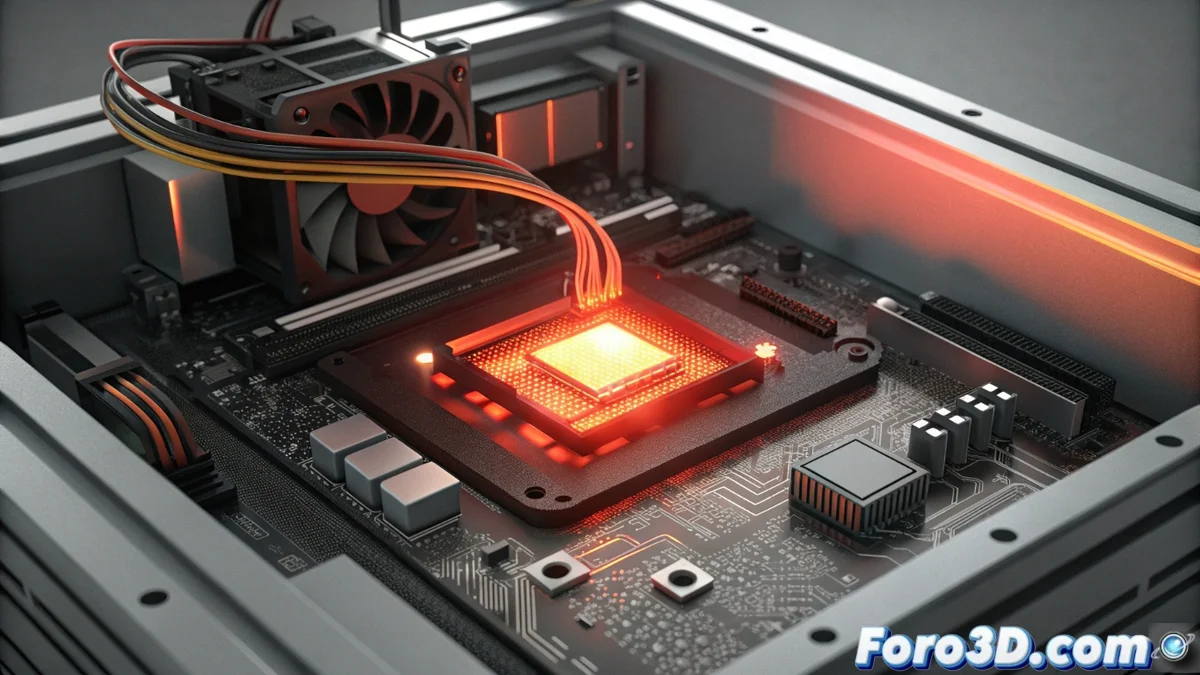
When your Bambu Lab printer (whether an A1 series model or the popular X1 and P1) stops abruptly displaying the code HMS_0800-0100-0001-000B, it is activating a critical safety protocol. This message indicates that the system has detected a dangerously high operating temperature in the main chip (SoC) of its control board. To prevent irreversible thermal damage to the electronic components, the machine executes an emergency stop. It is a protection mechanism similar to that of many smart devices, and its activation is commonly related to poor airflow or extreme environmental conditions. 🚨
Immediate Action Protocol and Cooling
In the face of this error, the priority is to reduce the temperature in a safe and controlled manner. The correct sequence of actions is essential to not worsen the situation and prepare the system for subsequent diagnosis.
Critical steps to follow immediately:- Complete shutdown: Use the physical switch located on the back of the printer to cut the power, and then unplug it completely from the electrical outlet. 🔌
- Cooling period: Allow the electronics to rest and cool in a cool environment for at least 30 to 45 minutes. Do not attempt to restart it before then.
- Ventilation inspection: While it cools, visually and physically check all fans and air intake/exhaust grilles, usually on the base or rear area. Remove any obstructions such as accumulated dust, lint, poorly managed cables, or small filament remnants.
- Environment evaluation: Ensure the printer is not tucked into a closed cabinet, near a radiator, under direct sunlight, or in a room without air circulation. It must have a margin of several centimeters of free space on all sides, especially around the ventilation areas.
Electronics, just like us on a very hot day, need a break, shade, and fresh air to function normally again. This error is its cry for help against overheating.
Subsequent Diagnosis and Long-Term Prevention Strategies
Once the cooling period is complete, you can reconnect the power and attempt a restart. Observe the machine's behavior carefully. If the high temperature error reappears instantly or after a few minutes of operation, the likely cause is a hardware failure, such as a faulty fan that does not spin at the appropriate speed or a problem with the heat sink. In this scenario, contacting Bambu Lab technical support is the safest path.
Proactive measures to avoid recurrences:- Scheduled cleaning: Incorporate cleaning of the grilles and fans into your monthly or bi-monthly maintenance routine, depending on the environmental dust in your workshop.
- Environmental control: Try to use the printer in a room with regulated temperature. During summer or in hot climates, using a gentle room fan can be very helpful. 🌬️
- Monitoring: Pay attention to the sounds of the fans. An abnormal noise (very loud, squeaky, or absent) may be the first symptom of an imminent failure.
Conclusion: Safety and Preventive Maintenance
The HMS_0800-0100-0001-000B error is not a catastrophic failure, but a preventive alarm system designed to safeguard the heart of your printer. Respecting its warnings, acting calmly, and following the cooling and verification protocols is key to a successful resolution. Adopting preventive maintenance habits, focused on cleaning and proper placement, will greatly minimize the chances of this issue interrupting your printing projects again. A well-maintained machine is a reliable machine. 🛠️