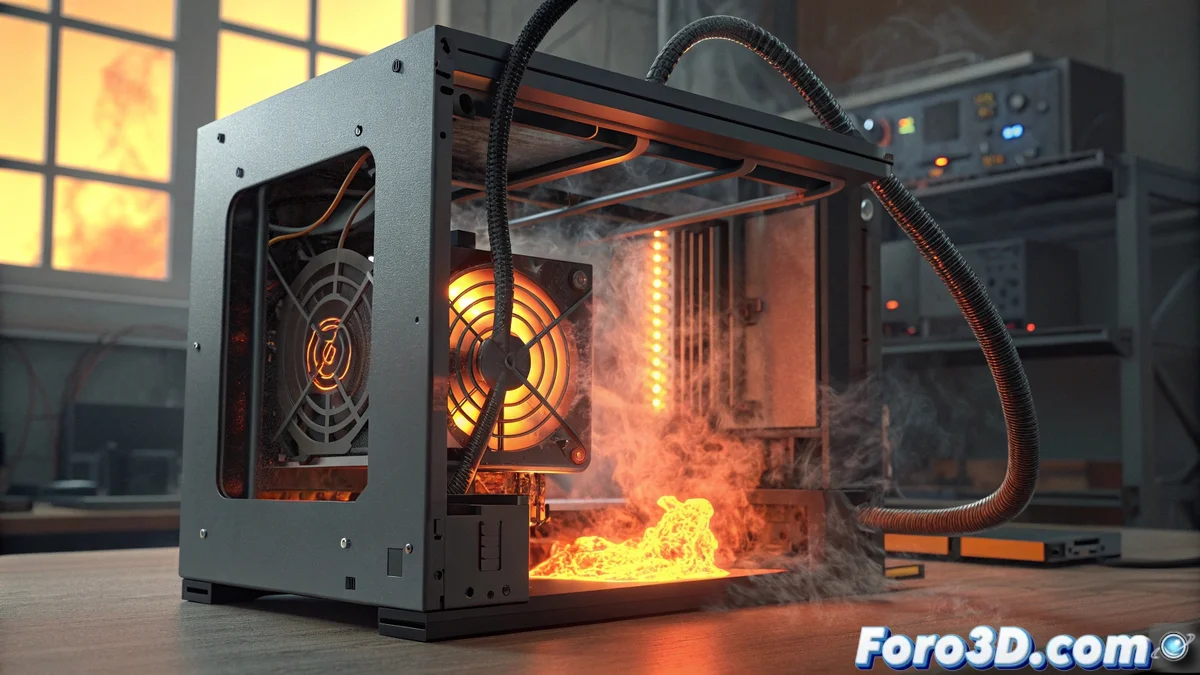
Solution to Error E24 in Bamboo Printers: Critical Overheating
When your Bamboo printer displays the dreaded E24 code, it is signaling a excessive temperature situation in its power supply system. This failure typically occurs after marathon printing sessions or in environments with insufficient ventilation that prevent proper heat dissipation 🔥.
Immediate Action Protocol
Upon this alarm signal, your first reaction should be to completely turn off the equipment and disconnect it from the power grid. Allow a cooling period of 30-45 minutes before any retry. During this time, thoroughly examine all ventilation grilles for obstructions due to dust accumulation or foreign objects 🧹.
Essential Cleaning Procedure:- Use compressed air to gently clear all ventilation holes
- Check that no accessory cable is blocking the necessary airflow for cooling
- Visually inspect the interior for dirt accumulations on critical components
Preventing overheating is always more effective than correcting its consequences
Long-Term Preventive Strategies
To avoid recurrences of the E24 error, the physical location of your printer is crucial. Select a well-ventilated space, distanced from walls and other devices that may interfere with natural air circulation. Maintain a minimum clear perimeter of 15-20 centimeters around the entire equipment 🌬️.
Proactive Cooling Measures:- Schedule regular breaks every 4-5 hours during extended continuous printing sessions
- In warm environments, consider adding auxiliary ventilation directed toward the printer area
- Establish a preventive maintenance calendar for periodic cleaning of the cooling system
Final Reflection on Thermal Management
Although your Bamboo printer may seem to have culinary ambitions during these episodes, the truth is that prolonged overheating seriously compromises the equipment's lifespan. The consistent implementation of these cooling practices will not only eliminate the annoying E24, but will also ensure optimal performance in all your three-dimensional creations 🎯.