Solution to Error E16 in Bamboo Printers: Diagnosis and Repair
The error code E16 in Bamboo printers represents a critical alert related to the filament detection system. This failure indicates that the sensor cannot properly verify the presence of the printing material, either due to recognition issues or because it does not detect that it is loaded correctly. The function of this component is fundamental for the automatic operation of the equipment, as it prevents the machine from operating without material, a situation that could cause irreparable damage to the print head or generate completely failed jobs. 🚨
Physical Diagnosis of the Sensor and Filament
The first step to resolve the error E16 involves a thorough verification of the physical state of both the filament and the sensor mechanism. It is crucial to ensure that the material is correctly inserted until it reaches the extruder, without obstructions in the feed guide. Additionally, we must check that the filament spool does not have tangles or pronounced bends before reaching the detection point.
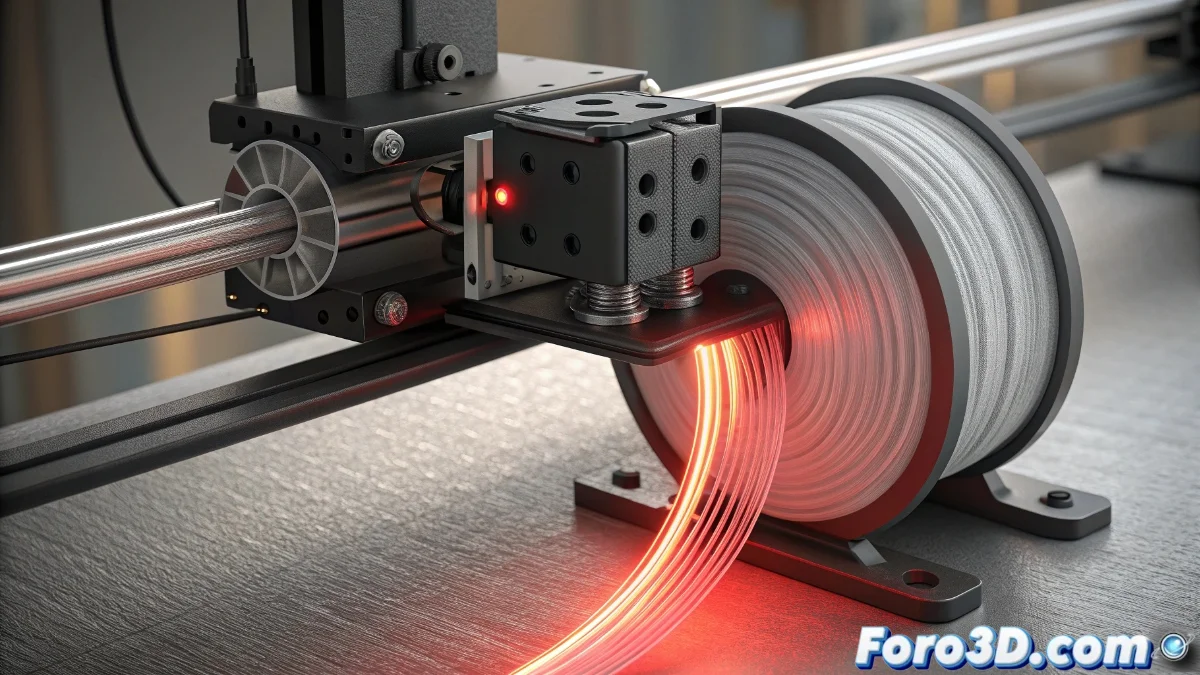
Physical Verification Procedure:- Visual inspection of the filament sensor, usually located near the spool, to detect dust accumulation or residues that may interfere with its normal operation
- For mechanical sensors, manually check the mechanism's movement by pressing with your finger to verify that it freely returns to its original position without resistance
- For optical sensors, perform careful cleaning using compressed air to remove particles or a soft, dry cloth that leaves no residues
Preventing problems through regular sensor maintenance can avoid numerous E16 error cases and extend the printer's lifespan.
Technical Adjustments and Software Configuration
When physical verification does not resolve the issue, it is time to address firmware adjustments and system configuration. Accessing the printer's settings menu allows searching for specific sensor calibration options or performing a reset of the filament detection values that may have become corrupted.
Steps for Software Adjustments:- Update the firmware to the latest available version, as sensor error fixes are often included in the most recent updates
- Consider the type of filament used: transparent materials or very light colors may not be correctly detected by optical sensors
- Verify in control software (for printers connected to a computer) that there are no settings that accidentally disable the detection function
Final Considerations on Materials
Sometimes, the detection problem does not reside in the printer itself, but in the choice of printing material. Translucent or transparent filaments, although attractive for their aesthetics or price, can generate false negatives in detection. The most practical solution is often to temporarily switch to an opaque filament to confirm the sensor's proper functioning, or adjust its sensitivity if the printer model allows it. 🎯