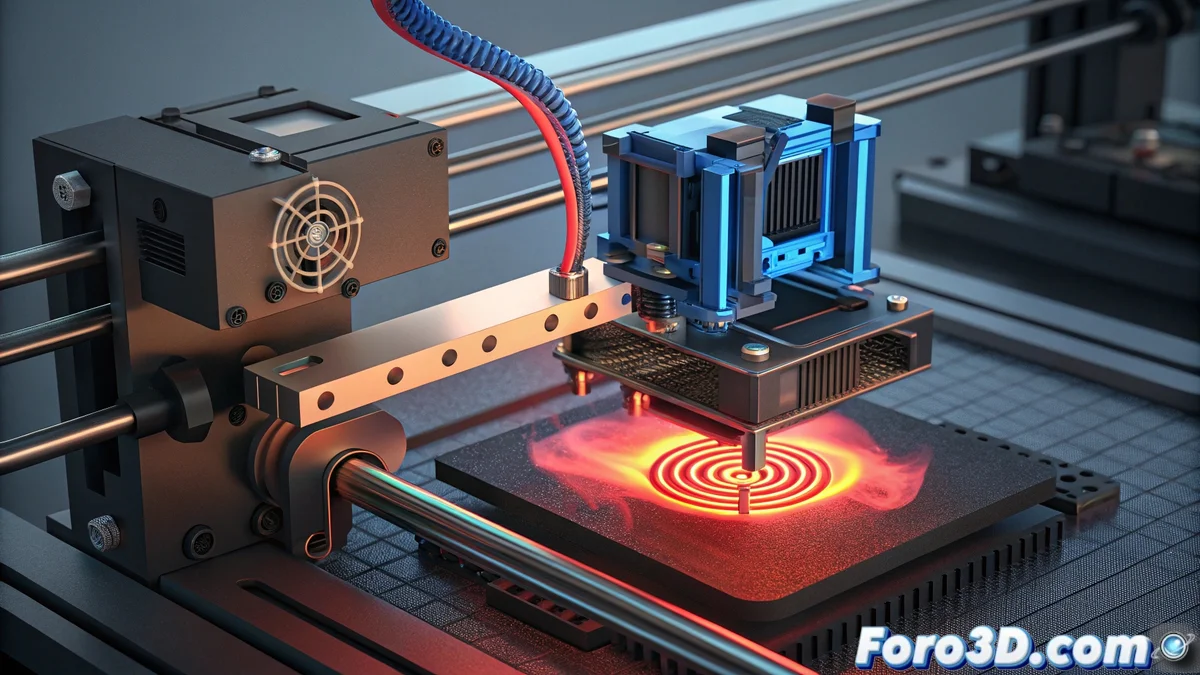
Solution to Error E29 on Bamboo Printer: Diagnosis and Repair
When your Bamboo printer displays the E29 code, it is indicating a critical deviation between the recorded temperature and the programmed value for the extruder. This failure automatically activates the safety protocol, halting the print to prevent major damage to the thermal system 🔥.
Initial Component Inspection
The diagnosis begins with a meticulous review of the hotend assembly. Examine every centimeter of the sensor wiring for cuts, burns, or loose connections that may alter thermal readings. Ensure all connectors are perfectly inserted into the main board.
Essential Technical Checks:- Use a digital multimeter to measure the thermal sensor resistance - normal values hover around 100k ohms at room temperature
- Infinite readings (open circuit) or near zero (short circuit) indicate irreversible sensor failure
- Check electrical continuity in all cables connected to the heating block
The most obvious solution is often hidden after multiple reviews - a simple disconnected cable can generate the same error as a damaged component
Advanced System Diagnosis
If the sensor is functioning correctly, the problem may lie in the controller board. Updating the firmware to the latest version usually corrects bugs in thermal signal interpretation. Verify that the power supply delivers stable voltage and that there is proper grounding in the electrical installation.
Advanced Repair Procedures:- Download and install the latest firmware version from the manufacturer's official site
- Test with a spare hotend to rule out failures in the complete assembly
- Isolate potential electromagnetic interference by reorganizing wiring away from motors and power sources
Final Considerations
Resolving the E29 error requires patience and method. Always start with the simplest (connections) before proceeding to replace expensive components. Keep a basic spare parts kit that includes thermal sensors and connection cables to minimize downtime 🛠️.