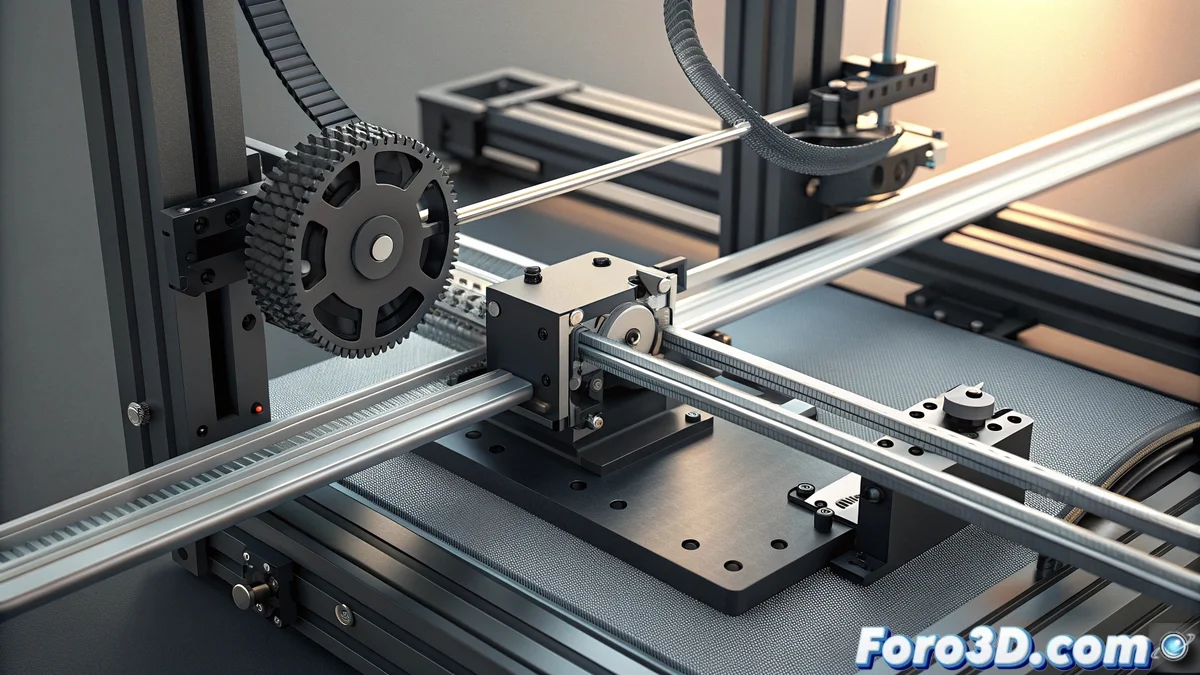
Solution to Error E26 in Bamboo Printers: Complete Diagnosis and Repair
When your Bamboo printer shows the dreaded E26 code, you're facing a serious issue in the main axes movement system. This error usually manifests with strange noises, irregular movements, or even the complete stop of the device during printing operations 🚨.
Identifying the Main Causes of Error E26
Precise diagnosis is essential to resolve this issue efficiently. The most common causes are grouped into three main categories that directly affect the operation of the X and Y axes. Each requires a specific verification and repair approach.
Critical areas to check:- Mechanical jams: Occur due to residue buildup, insufficient lubrication, or deformation in the linear guides that prevent smooth movement
- Belt misalignment: Incorrect tension or excessive wear causes irregularities in motion transmission
- Sensor failures: Endstops and position sensors may give erroneous readings due to poor connections or internal damage
A well-maintained 3D printer is like a musical instrument: it requires precise tuning and constant care to deliver its best performance.
Detailed Procedure for Mechanical Jams
Restricted movement issues in the axes demand meticulous intervention. Always start by completely disconnecting the printer from the power supply to ensure your safety during inspection.
Steps to release jams:- Perform a complete manual movement of the head along the X axis and the platform on the Y axis, detecting abnormal resistance points
- Thoroughly clean all linear guides using special lint-free cloths that leave no residue
- Apply specific lubricant for 3D printers to the rods, distributing evenly and avoiding excess that attracts contaminants
Belt and Sensor System Verification
Motion transmission and its precise detection are equally crucial to eliminate error E26. A well-adjusted system ensures smooth movements and exact positioning throughout the printing process.
Adjustment and verification procedures:- Examine the transmission belts for excessive slack or disproportionate tension that affects movement
- Adjust the belt tension to achieve moderate firmness that allows precise movements without straining the motors
- Check the sensor operation by activating them manually while verifying on the interface if they correctly detect state changes
Final Considerations for Prevention
Keeping your Bamboo printer free of error E26 requires regular preventive maintenance. Periodically inspect the condition of the guides, belt tension, and sensor connections. Remember that even minor issues in cables or connectors can trigger this error code, so meticulousness in reviews is your best ally 🔧.