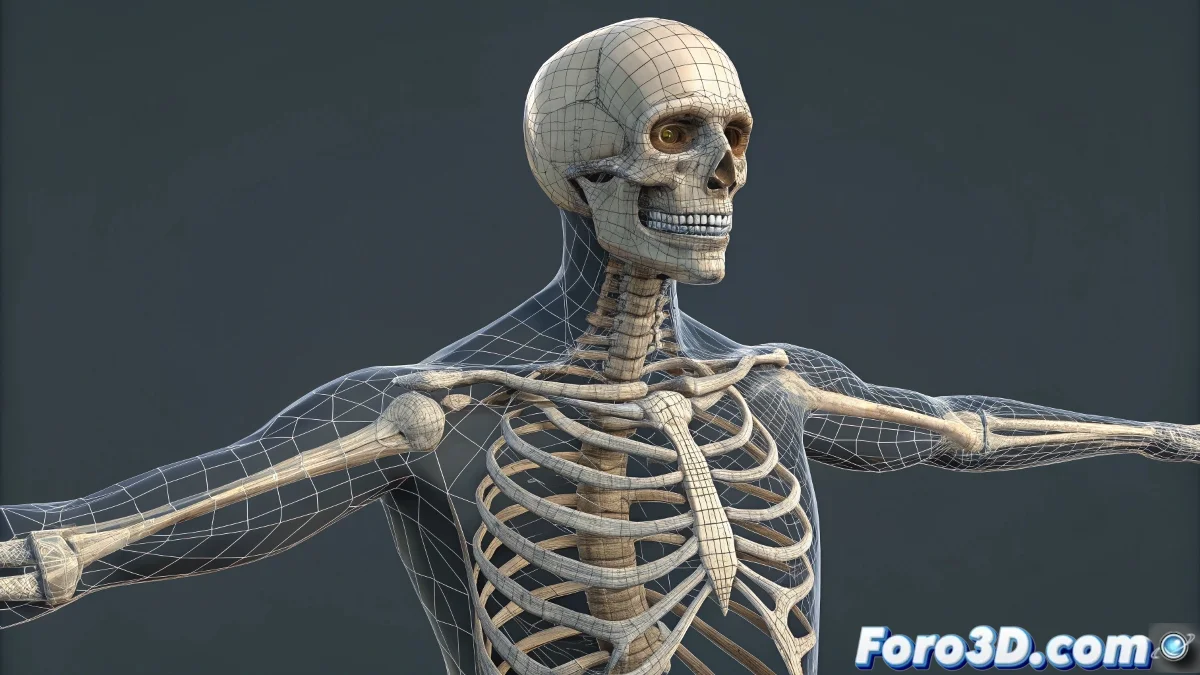
Solution to Deformations When Rotating New Bones in Piece-Based Rigs in Blender
When adding a new bone to an existing rig in Blender, especially in characters made up of separate pieces without a continuous mesh, it's common to encounter unexpected deformations when rotating it. Although the rest of the skeleton works correctly, the added bones can generate visual glitches that are quite confusing at first. Welcome to the 3D world, where even bones have personality! 😅
Why Original Bones Don't Fail and New Ones Do
Bones from the motion capture system usually have their vertex groups assigned cleanly and without errors. But when creating new bones, like for fingers, you must ensure that each vertex group is properly named, matches the bone's name exactly, and that the bone is correctly hierarchized in the skeleton. In Blender 4.1, you can check this in Pose mode and the Vertex Groups panel. Organization is everything!
Common Errors When Working with Independent Blocks
One of the most frequent errors is having the bone outside the hierarchy or with an incorrect roll orientation. There may also be remnants of unapplied transformations in the mesh. Since you're working without weight maps and only with direct assignments to groups, any small disconnection between bone and vertices causes deformations. Don't forget to apply transformations (Ctrl+A) before making the associations. A small error can cause a big headache! 🤯
- Bone outside the hierarchy: Ensure the bone is correctly hierarchized.
- Incorrect roll orientation: Verify the bone's orientation.
- Unapplied transformations: Apply all transformations before making the associations.
Recommendations for Modular Rigs in Blender
Ensure that each mesh block is strictly associated with a single vertex group named after the corresponding bone. Use tools like Bone Groups or Data Properties to verify matches. In recent versions of Blender, like 4.1, it's easier to detect structural errors in complex rigs. If working in Maya or 3ds Max, the logic is similar: cross-influence errors also occur if you don't take care of the structure. Precision is key! 🔍
- Strict association: Each mesh block must be associated with a single vertex group.
- Verification tools: Use Bone Groups or Data Properties to verify matches.
- Error detection: Recent Blender versions make error detection easier.
All this happens when trying to make a piece-based rig behave like a continuous mesh one. And of course, the poor thumb ends up spinning as if it wanted to do yoga in the middle of a polygon rave. Things in 3D: you create a finger, and it decides to have a personality of its own. 🕺