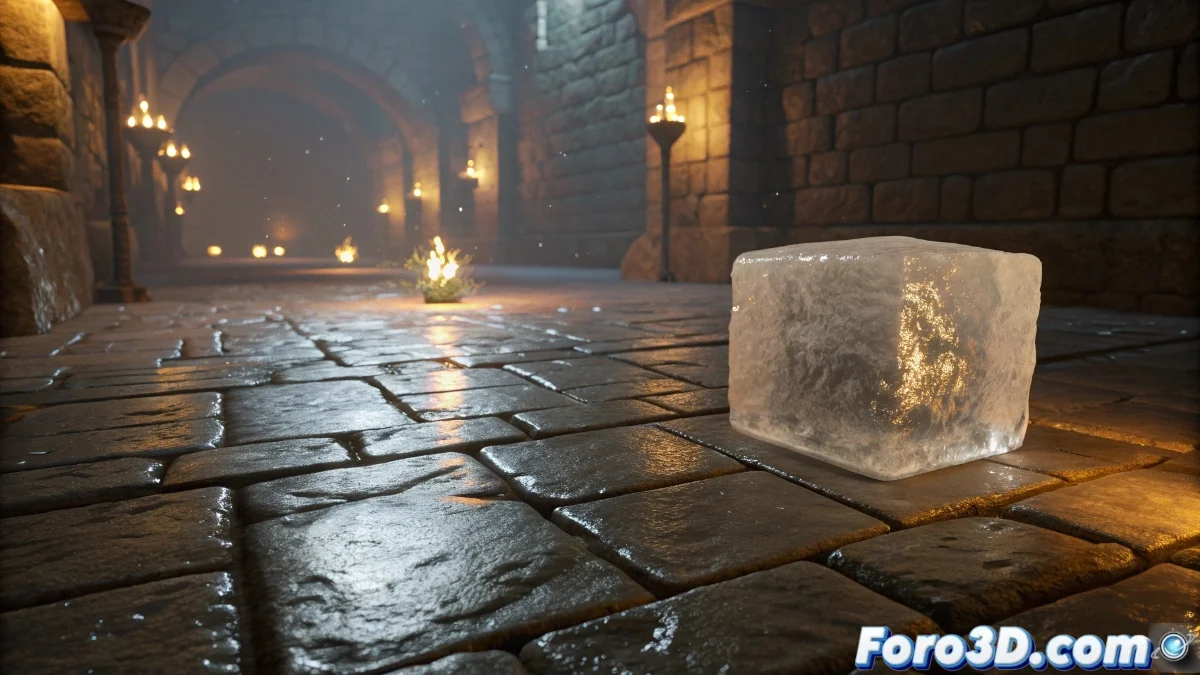
Soft Body Simulation in Unreal Engine 5: Complete Guide
The Unreal Engine 5 engine has integrated revolutionary capabilities for soft body simulation, allowing the creation of deformable objects with an unprecedented level of physical realism. These systems use particle-based solvers and spring models that process deformations both in real-time and through precomputation techniques. Developers can implement these simulations on characters, fantastical creatures, flexible vehicles, and various environmental elements that require organic and dynamic behaviors, integrating seamlessly with the engine's collision system and rendering pipeline. 🎮
Initial Soft Body Setup
To get started with soft body simulation, it is essential to begin with a mesh that has sufficient topology density to allow for convincing deformations. In Unreal Engine 5's physics panel, the soft body simulation option is activated, and essential parameters such as stiffness, damping, and tensile strength are adjusted. It is crucial to properly define collision interactions with other scene elements and configure the influence of external forces such as wind, gravity, or impulses to achieve the desired behavior. ⚙️
Key Elements in the Setup:- Create or import meshes with appropriate topology for realistic deformations
- Adjust stiffness, damping, and strength in the physics panel
- Properly define collisions with other environmental objects
Soft body simulation transforms static objects into dynamic elements with organic and believable physical behaviors.
Optimization and Performance Strategies
Soft body simulations can represent a significant computational load, so it is essential to implement optimization strategies. Unreal Engine 5 offers controls to manage simulation precision and update frequency, allowing for a balance between visual quality and performance. For distant or secondary objects, it is recommended to use simplified versions of the simulation or rely on precalculated animations that maintain visual coherence without compromising overall performance. 🚀
Recommended Optimization Techniques:- Use appropriate levels of detail (LOD) for different distances
- Limit the number of vertices in meshes subjected to simulation
- Employ simplified simulations or precalculated animations for secondary objects
Practical Considerations and Warnings
It is important to remember that a soft body character can acquire unexpected behaviors if deformation parameters are exaggerated, especially during interactions with complex physics or multiple simultaneous collisions. Excessive tuning can result in unnatural movements reminiscent of a "drunken flan," compromising the immersion and realism of the experience. The key lies in finding the perfect balance between flexibility and control to achieve convincing and efficient simulations. 🎯