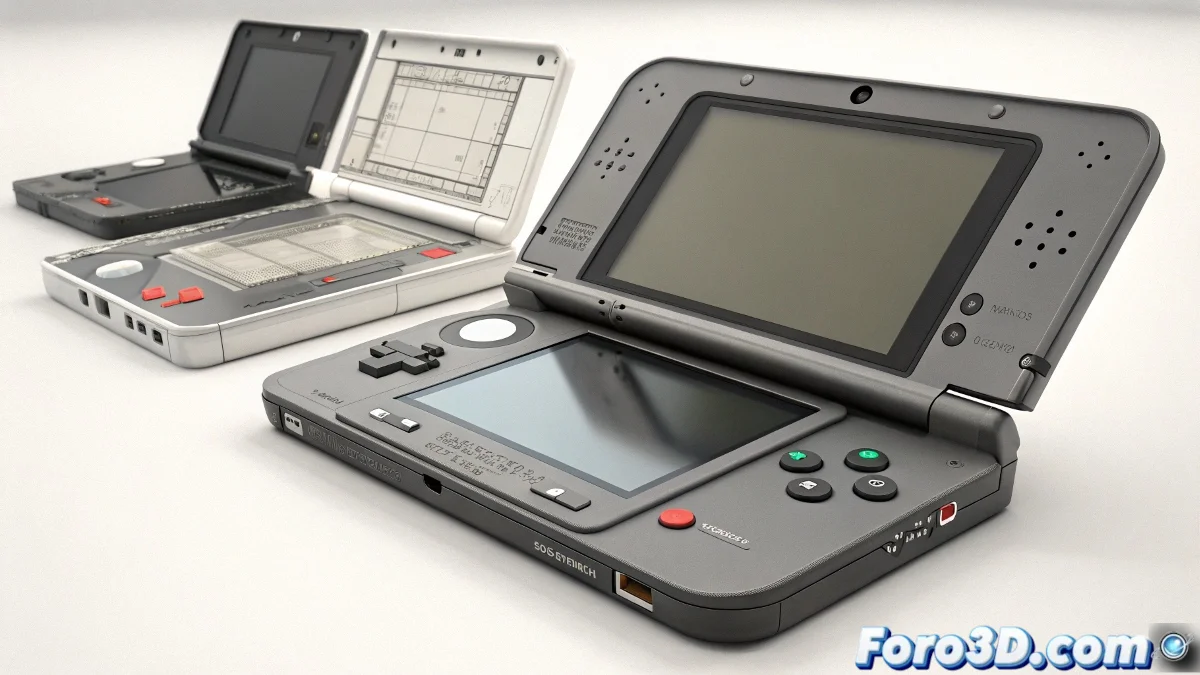
The Remote Control of 3D: Professional Sliders for Inorganic Models
Animating a console can be as delicate as operating a spaceship's controls 🚀🎮. But with these smart control systems, you'll transform that static model into an interactive device worthy of a professional commercial.
Creating Magic Sliders in Blender
To bring your 3DS to life with a slider:
- Empty + Custom Property as the master control
- Drivers connecting values to transformations
- Shape Keys for details like pressed buttons
- Clean interface in the 3D viewport
Advanced Techniques in Maya/3ds Max
For more complex animations:
- Set Driven Keys for mechanical relationships
- Node Editor for interconnected systems
- Animation Layers for non-destructive versioning
- Limit Constraints for realistic movements
"A good control system is like a console controller: it must respond immediately but with the precision of a Swiss watch. When it fails, it's like playing with the broken buttons of an arcade machine." - Technical Animator
Professional Production Pipeline
Optimize your pipeline:
- USD workflows for software interchange
- Real-time preview with Eevee/Viewport 2.0
- Optimized rendering for Arnold/V-Ray
- Export to engines like Unreal for interactivity
Checklist for Perfect Controllers
Before presenting your animation:
- Do all sliders respond as they should?
- Are the movement ranges realistic?
- Is the interface clear and intuitive?
- Did you test all possible states?
Remember: if your sliders seem to control an alternate universe instead of your model, it's not black magic... you probably just need to review the drivers. And when it works, enjoy the power of animating like a conductor of a technological symphony. 🎻✨