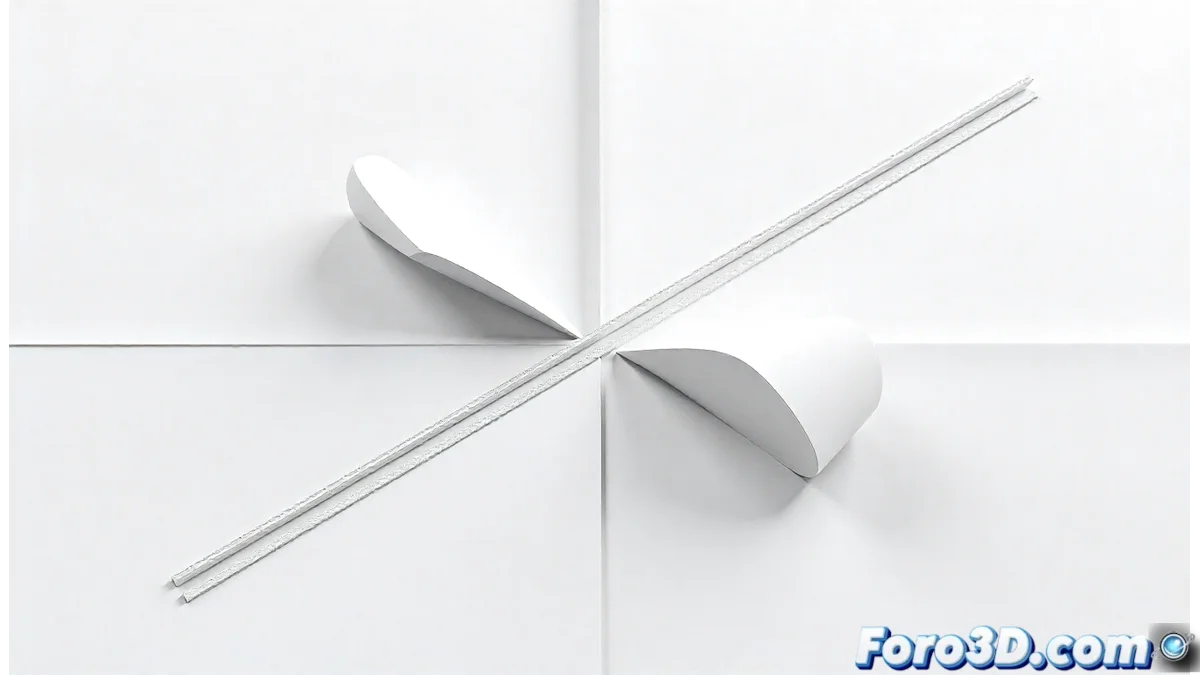
SketchUp has taken a significant step in the evolution of its LayOut module with the introduction of the Join and Split tools. These new features radically transform how professionals handle line editing in their technical documentation and project presentations. 🛠️
What previously required improvised solutions and tedious processes is now resolved with just a few simple clicks. The Join tool intelligently connects line segments, while Split facilitates precise division of strokes at specific points, eliminating hours of meticulous manual work.
The simplicity users always wanted finally arrives
Join: When Lines Find Their Destiny
The Join tool represents a fundamental advance in LayOut's usability. It doesn't just connect endpoints; it automatically detects intersections and nearby ends, offering intelligent contextual options that adapt to the type of geometry being edited.
Key features of Join:
- automatic connection point detection
- joining options with different corner types
- preservation of original line properties
- compatibility with complex strokes and curves
Split: The Art of Precise Division
For its part, the Split tool offers a level of control that was previously absent in LayOut. Users can select exact points where to split lines, either by direct clicking or by entering precise numerical values for specific technical applications.
Advanced functionalities of Split:
- automatic splitting at intersection points
- splitting option by distance or percentage
- preservation of layers and line styles
- ability to split multiple segments simultaneously
Impact on Professional Workflow
For architects, engineers, and designers, these tools are not mere additions but fundamental productivity transformers. The time previously spent on manual corrections can now be invested in the creative aspects of the project.
And so, while design software competes with complex features, SketchUp demonstrates that sometimes the most valued improvements are those that elegantly solve basic problems. The irony that seemingly simple tools can have the deepest impact on daily professional life. 📐