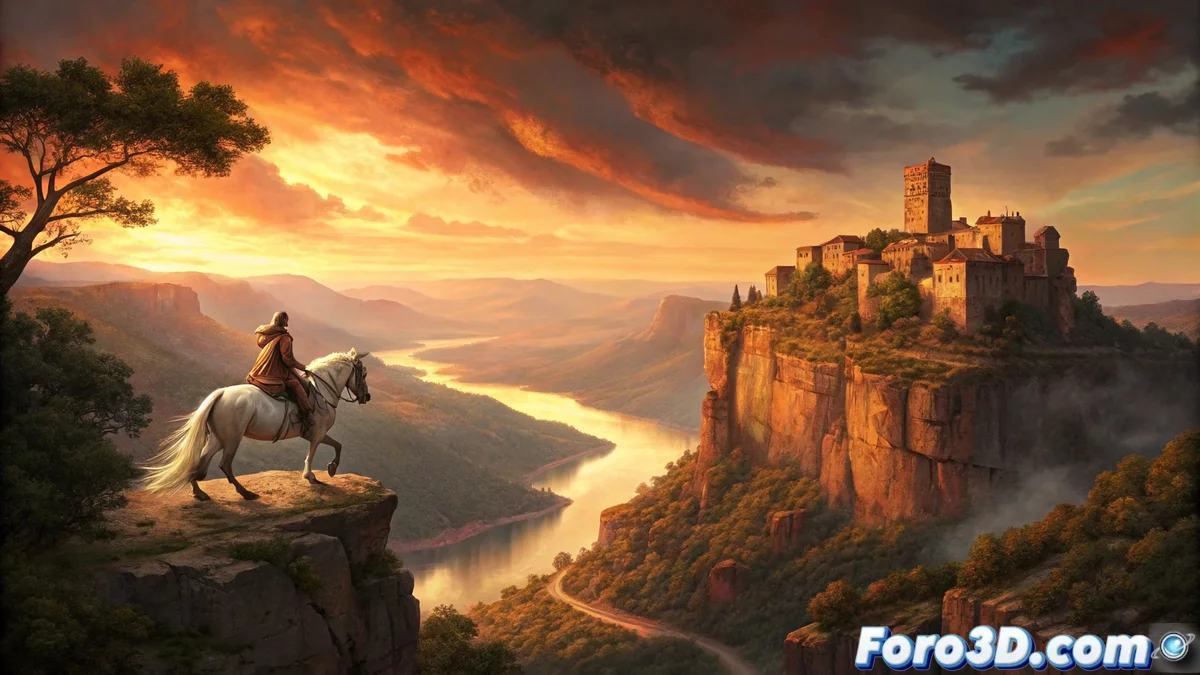
Siurana: The Last Breath of Al-Andalus
At the top of an imposing cliff in the Prades mountains in Tarragona, stands Siurana, considered the last bastion of Muslim resistance in Catalonia. According to legend, when Christian troops were about to conquer the village in 1153, the Moorish queen Abdelazia preferred death to capture. Mounting her white horse, she leaped from the highest cliff, forever marking the imprint of the horse's hooves on the rock. This moment of dramatic beauty and sacrifice has become one of the region's most enduring legends, perfect for capture through digital sculpture. 🏔️
The Geology of the Drama
What makes Siurana unique is not only its history, but the spectacular geology that frames it. The limestone cliff rises abruptly over the reservoir, creating panoramic views that seem designed for drama. The rock formations eroded over millennia present cracks, caves, and strata that tell the geological story of the area. This combination of monumental scale and intricate details makes the landscape an ideal subject for ZBrush, where both the immensity of the cliff and the texture of each rock can be sculpted.
Sculpting the Legend in ZBrush
Recreating the dramatic moment of the Moorish Queen's leap requires an approach that combines large-scale landscape modeling with detailed action figure sculpture. ZBrush offers the perfect tools to capture both human emotion and the brute force of nature.
Blocking the Cliff and Composition
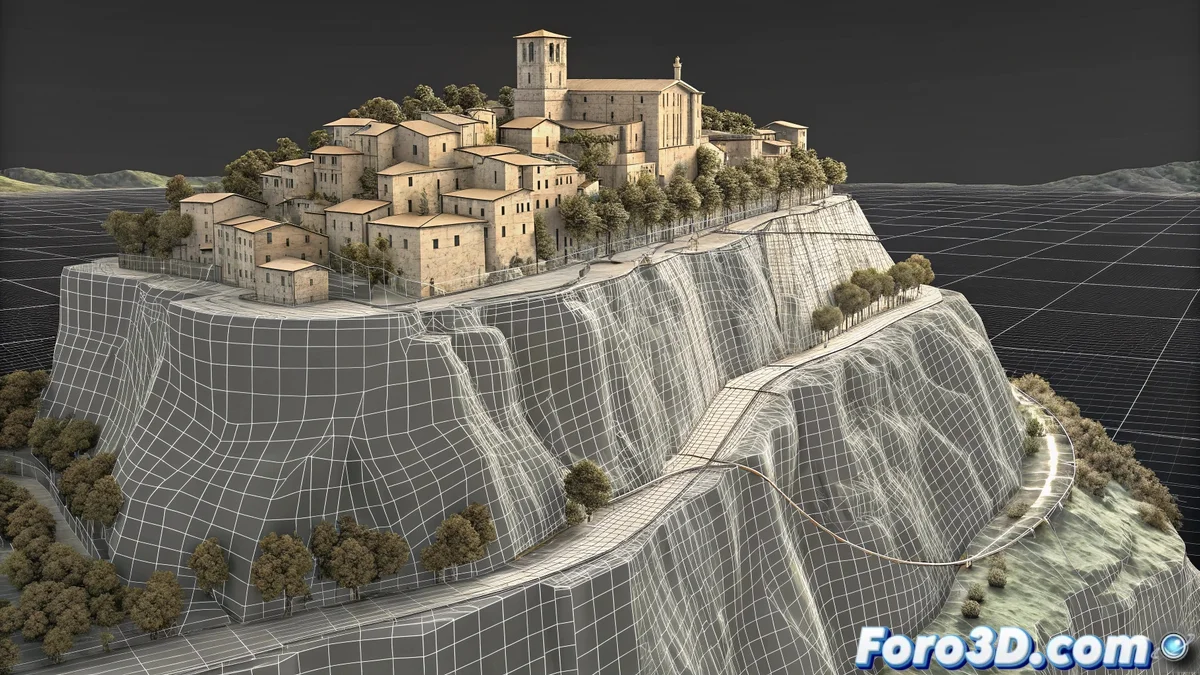
Start with a base sphere and use the Move brush with a large size to create the general shape of the cliff. Establish the composition using Transpose Master to position the main cliff at a dramatic angle. Create separate subtools for the different rock formations and the village at the top. Use Dynamesh with medium resolution to keep the mesh flexible during this blocking phase. The scale must convey the dizzying height of the real cliff.
Initial Brushes for Terrain:- move for large shapes
- clay buildup for volume
- hpolish for flat surfaces
- trim adaptive for clean cuts
Detailing Rock Formations
Once the main block is established, divide the mesh and begin adding geological details. Use Slash3 and Rake brushes to create the characteristic vertical striations of limestone erosion. For cracks and fractures, employ Dam Standard with variable intensity. Areas of greater detail, like the famous rock with the horseshoe print, require additional subdivision and more precise brushes like Planar to define sharp edges.
In ZBrush, patience when sculpting layers of detail translates into geological authenticity.
Sculpting Action Figures
For the Moorish Queen and her horse, start with appropriate basemeshes from ZBrush or import from other software. Use ZSphere to establish the dramatic leaping pose, with the horse in a falling position and the queen with arms outstretched. Develop the horse's anatomy using Clay Buildup for muscles and Standard for surface details. The queen's clothing must flow with the movement, using Cloth brushes to simulate fabric billowing in the wind.
Brushes for Figures:- clay tubes for anatomy
- dam standard for folds
- cloth for moving clothing
- move topological for fine adjustments
Texturing and Final Details
Use PolyPaint to apply base colors directly onto the mesh, starting with earth tones for the rock and more vibrant colors for the figures. For stone textures, combine custom Alpha maps with procedural noise brushes. Final details like the horse's hair, the queen's jewelry, and vegetation in the cracks are added with specialized brushes. Employ FiberMesh for the horse's mane and tail, adjusting the direction according to the falling movement. 🎨
Atmospheric Details:- polypaint for base color
- custom alphas for textures
- fibermesh for organic elements
- noise maker for surface variation
Upon finishing, you'll have a sculpture that freezes the most dramatic moment of the legend, although you've probably made more jumps between subtools than the queen did in her lifetime. 🐎