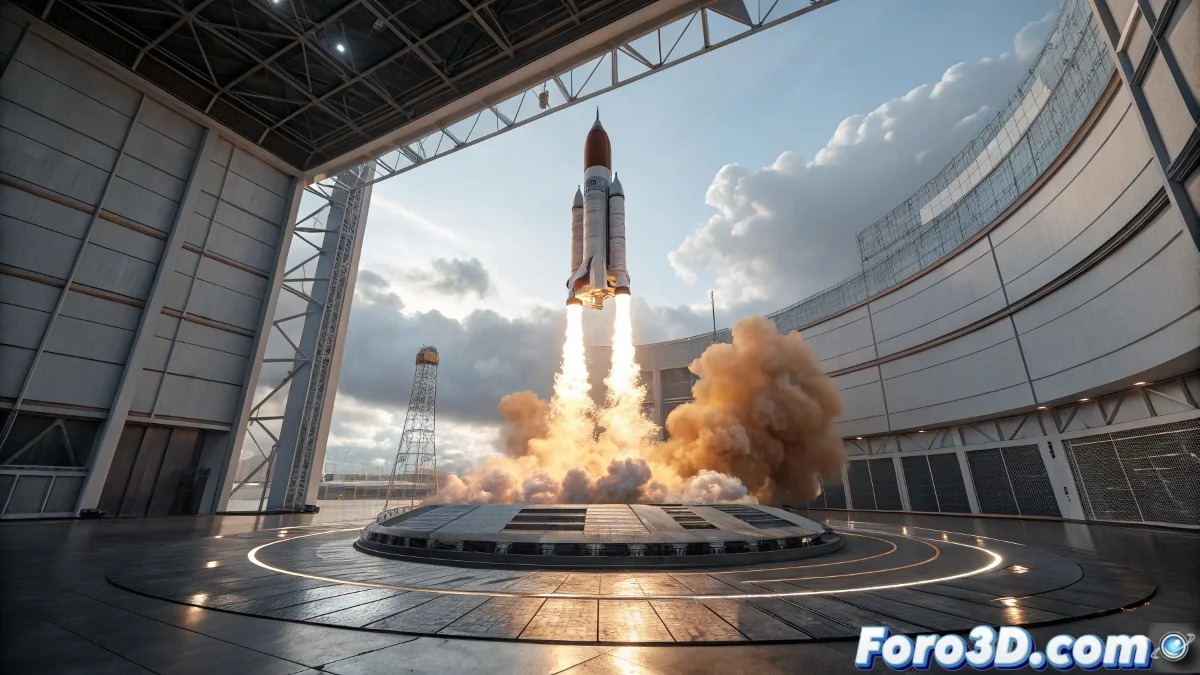
Simulation of SpaceX Starship Rocket Launch in Autodesk Maya
SpaceX's recent success with its Starship rocket has marked a milestone in private space exploration 🚀. While Elon Musk's company celebrates this achievement, artists and animation students can recreate this historic moment in Autodesk Maya, simulating every phase of the launch from takeoff to satellite deployment in orbit. This recreation not only offers invaluable educational experience on space flight physics, but also allows practicing advanced visual effects techniques without needing access to real rockets. The process combines precise modeling, complex animation, and dynamic simulations to capture the spectacularity of the launch.
When your virtual rocket has more successes than real attempts... and doesn't cost millions per explosion.
Project Preparation and Rocket Modeling
We start by creating a new project in Maya with metric units and carefully organizing the folders: Scene, Rocket, Satellites, Effects, Cameras, and Lights. We model the Starship rocket using cylinders and cones for the main fuselage and aerodynamic tip, adjusting subdivisions to smooth the curves and achieve the characteristic shape. The separable stages are duplicated from parts of the main fuselage, adding strategic pivots that will allow animating the separation during flight. The satellites are created as simple cubes and prisms with minimal details suggesting solar panels and antennas, keeping the geometry lightweight to optimize performance during simulations. 🛰️
Rigging and Hierarchy Systems
We establish an organized hierarchy for all rocket elements: Main body, Separable stages, and Engines. We create locators at strategic points to control stage separation and satellite deployment. For the satellites, we set up individual groups with their own control systems, preparing them for orbital animation. This hierarchical structure is crucial for efficiently managing the complex animations and simulations that will recreate the full launch, from initial takeoff to stabilization in orbit.
Trajectory Animation and Critical Events
The launch choreography is programmed using Bezier curves that define the ascent trajectory, utilizing the Motion Path node to link the rocket to this path. We animate stage separation with keyframes on predefined pivots, creating the characteristic downward displacement of the lower stages. For the satellites, we set up circular curves that simulate realistic orbits, adding rotation keyframes to simulate their orientation in space. We carefully adjust acceleration and speed to replicate space flight physics, creating a visually believable and technically informative simulation.
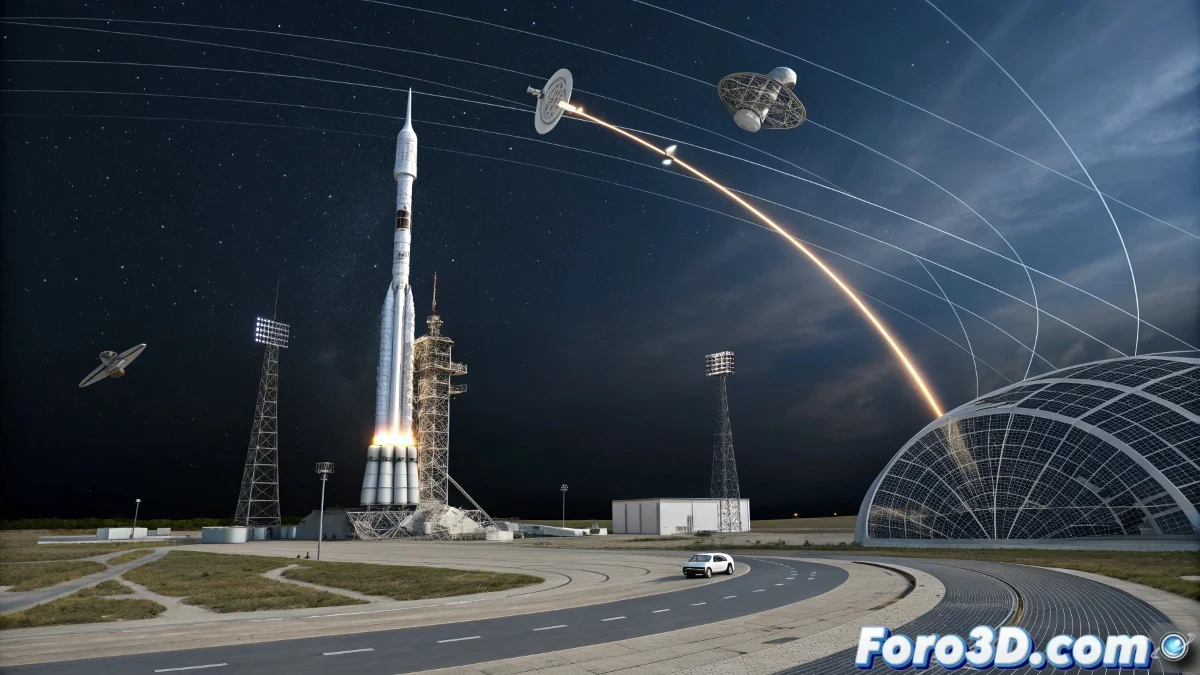
Effects Systems and Dynamic Simulations
To recreate the spectacular visual effects of the launch, we implement nParticles or Bifrost systems that simulate engine smoke and propulsion. We configure emitters at the rocket's base that generate particles controlled by turbulence and wind fields, creating those characteristic dynamic trails of takeoff. We add glow and light emission to the engines during the ascent phase, intensifying these effects during maximum atmospheric dynamism. For the orbital phase, we implement subtle floating particles around the satellites that suggest the space microenvironment.
Realistic Lighting and Materials
We set up a lighting system that replicates space conditions. A main directional light simulates sunlight with moderate intensity, while soft point lights and area lights fill in details on the rocket and satellites. We add rim lights behind the rocket to separate its silhouette from the space background. Materials use Principled or Blinn shaders with metallic gray colors for the fuselage and red or blue details, applying controlled reflectivity to capture how sunlight interacts with metallic surfaces in the space vacuum.
Arnold Rendering and Final Postproduction
We use the Arnold engine to render the simulation with maximum realism. We configure samples between 16-32 for the final render in 1920x1080 resolutions or higher, activating linear workflow for precise color management. In postproduction, we add glow effects, color correction, and motion blur to increase the drama and realism of the sequence. The final result is a visually impactful recreation of the Starship launch that demonstrates Maya's power for simulating complex space events.
The fun part is that while NASA and SpaceX need millions to launch a real rocket, in Maya you can destroy and explode dozens of Starships without spending a penny and without risk of anyone scolding you if something fails. In the end, failures only cost render time, not rockets or satellites... though sometimes render time can feel just as eternal as a trip to Mars. 😉